80 MAX Operation & Service Manual80 Section4:UnderstandingTheTabletInterface MAX Operation & Service Manual
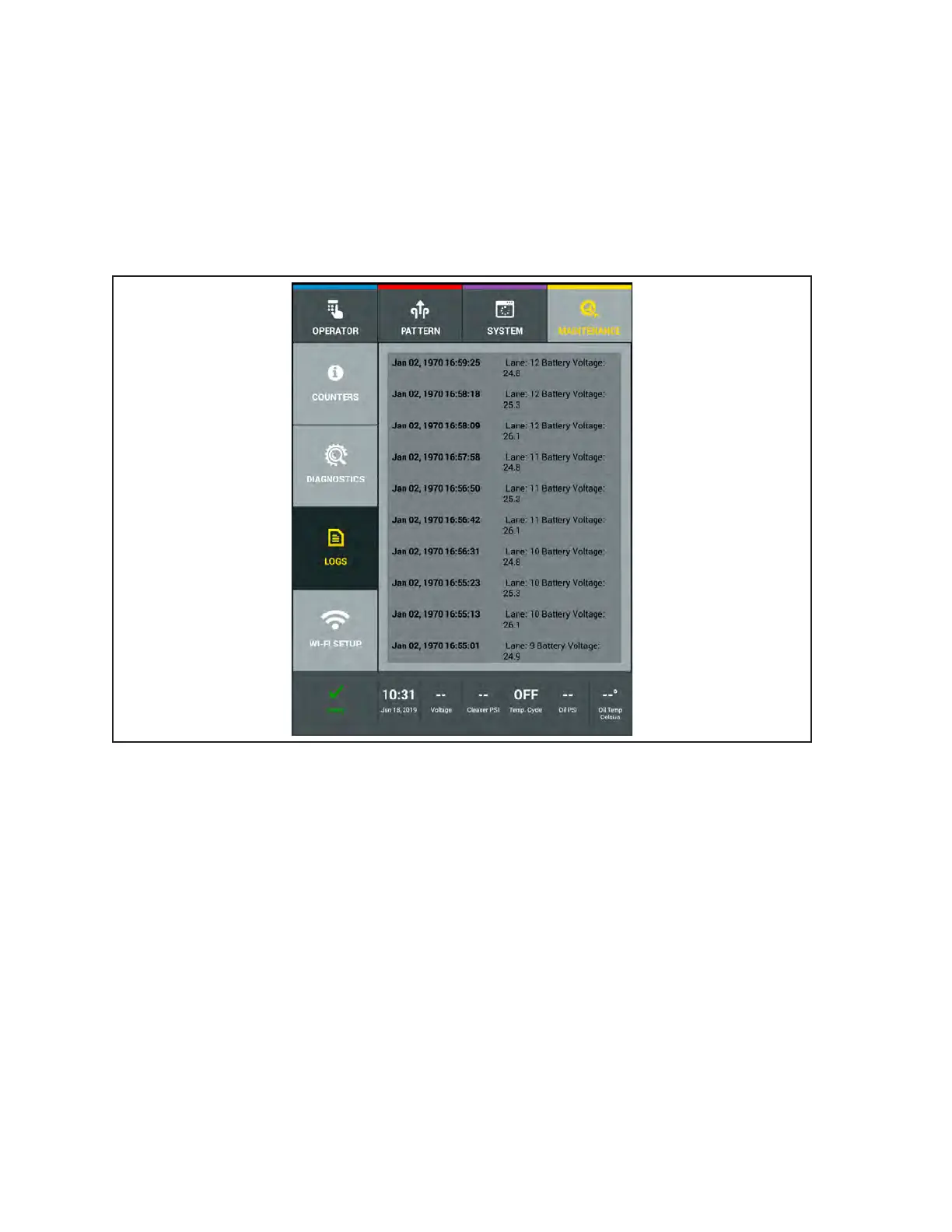
Voltage Run Log
The voltage log records the voltage of the battery while the machine is in use. The tablet records the
voltage data at three different times for each lane that is maintained. This information can be useful as
a tracking tool to monitor voltage drop trends. This could also be used to troubleshoot potential voltage
issues with the batteries. Refer to
Figure4-48.
1. Go to the Maintenance screen and select Logs, then select the Voltage Run Log.
2. Swipe your nger up or down on the screen to view log le.
Figure4-48VoltageRunLogs



 To Next Page