82 MAX Operation & Service Manual82 Section4:UnderstandingTheTabletInterface MAX Operation & Service Manual
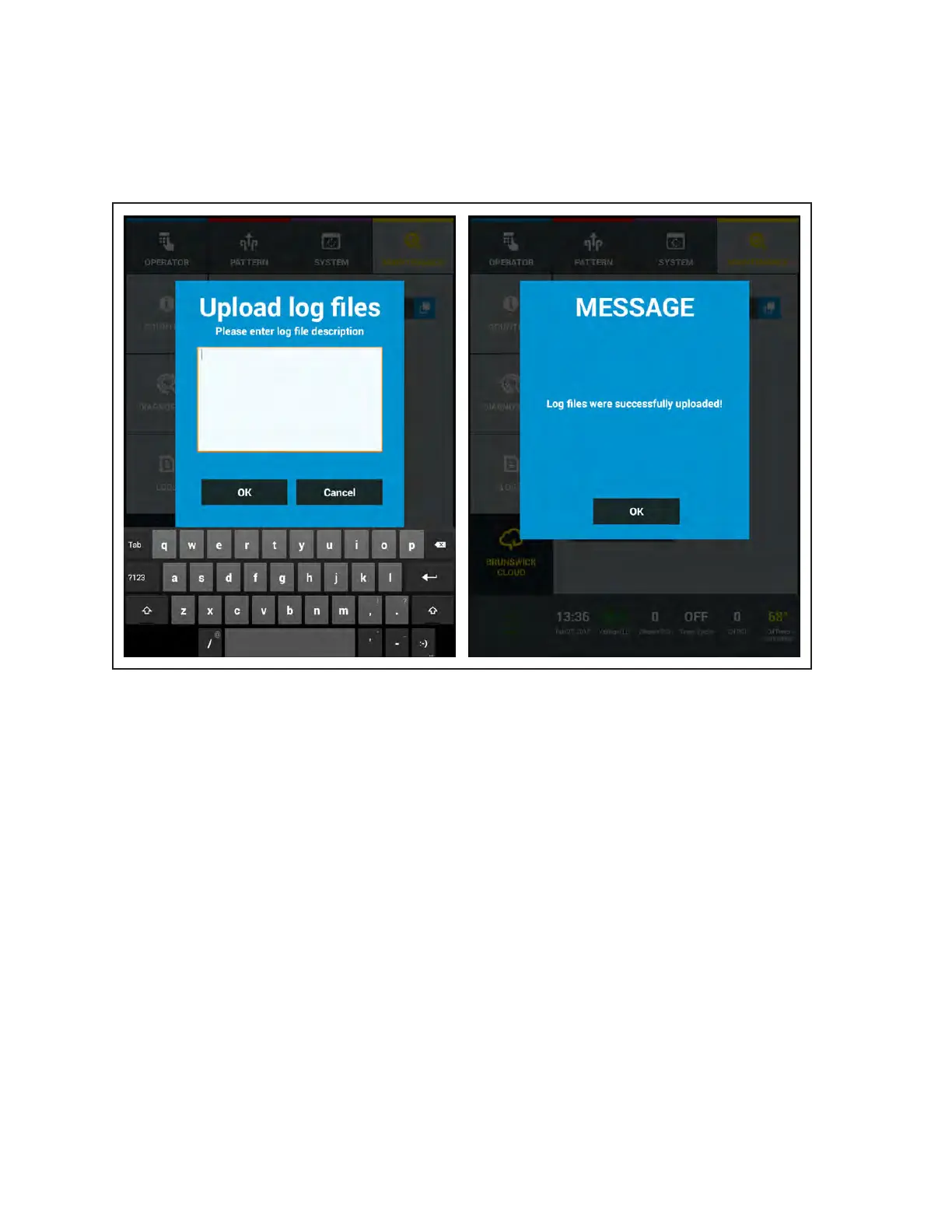
Upload Log Files
Log les can be loaded up to the Brunswick Cloud in the event you have issues that require technical
support. This feature makes it faster and easier for our technical staff to help resolve potential issues. A
Message box allows you to write a short explanation for the upload. You must activate WIFI to share the
log les and you will be receive a message if the upload is successful. Refer to
Figure4-50.
Figure4-50UploadLogFilesandSuccessfullyUploadedMessage



 To Next Page