MAX Operation & Service Manual 83MAX Operation & Service Manual Section4:UnderstandingTheTabletInterface83
Maintenance WIFI Setup
The tablet is WIFI compatible allowing you to connect to the Brunswick Cloud to upload and download
log les, machine data and patterns. The WIFI should be turned on to upload and download, but may
be turned off if the tablet or machine is out of range. It is preferred that the WIFI connection is secured
and requires a security password. Public WIFI networks are usually slower speed and high in trafc. To
ensure the best option for sharing with the Brunswick Cloud, use a secured WIFI connection. Refer to
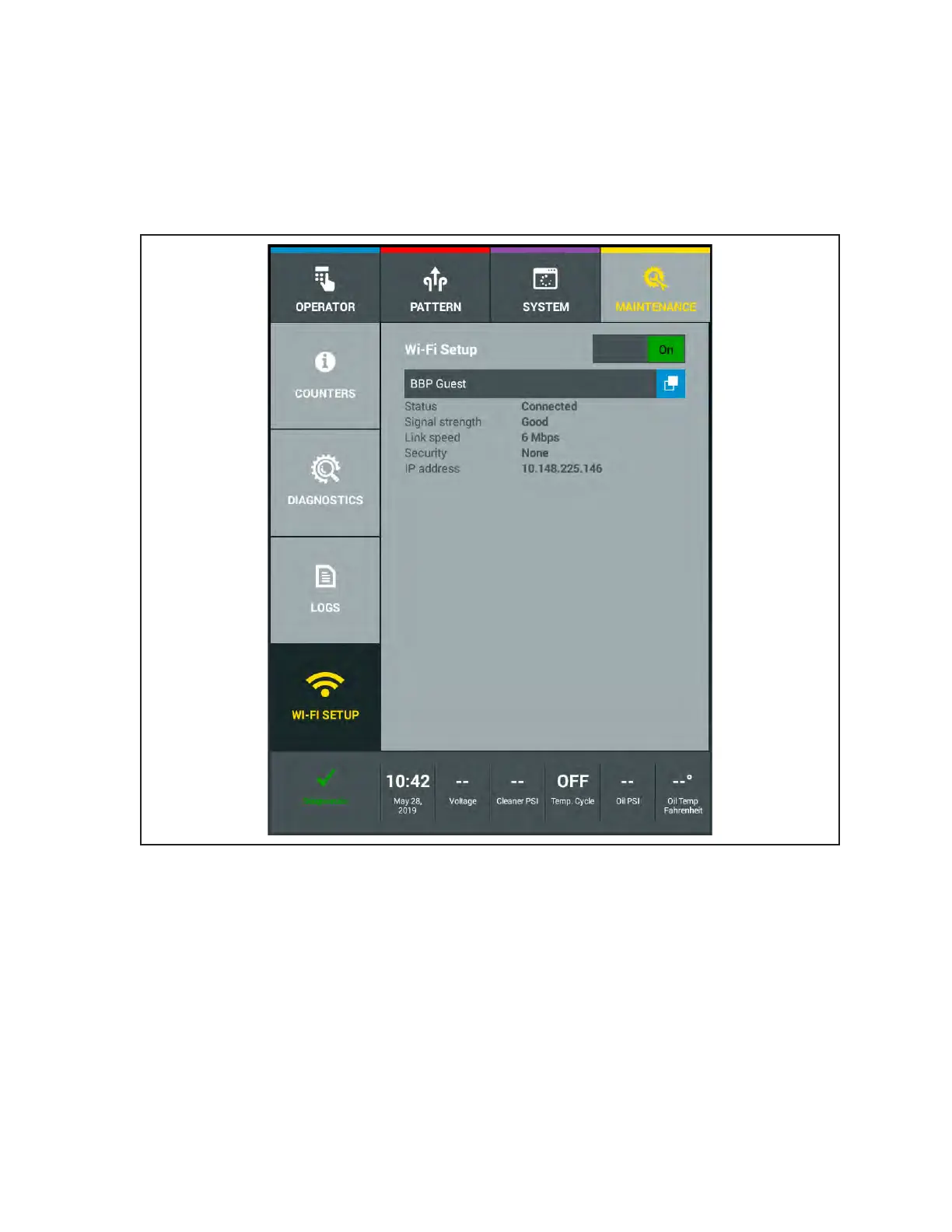
Figure4-51.
Figure 4-51 WIFI Setup
How to Setup the WIFI Network
1. Go to the Maintenance menu and select WIFI Setup.
2. Turn ON the WIFI by taping the WIFI switch until it reads “ON”.
3. Press the ***NO NETWORK*** button to see the list of available WIFI networks.
a. Select the appropriate network
b. Enter in a security password (if necessary)
4. The information for the status, signal strength, link speed, security, and IP address will
populate.



 To Next Page