MVX250i E, MVX200i E, MVX200 E
DISASSEMBLING
3
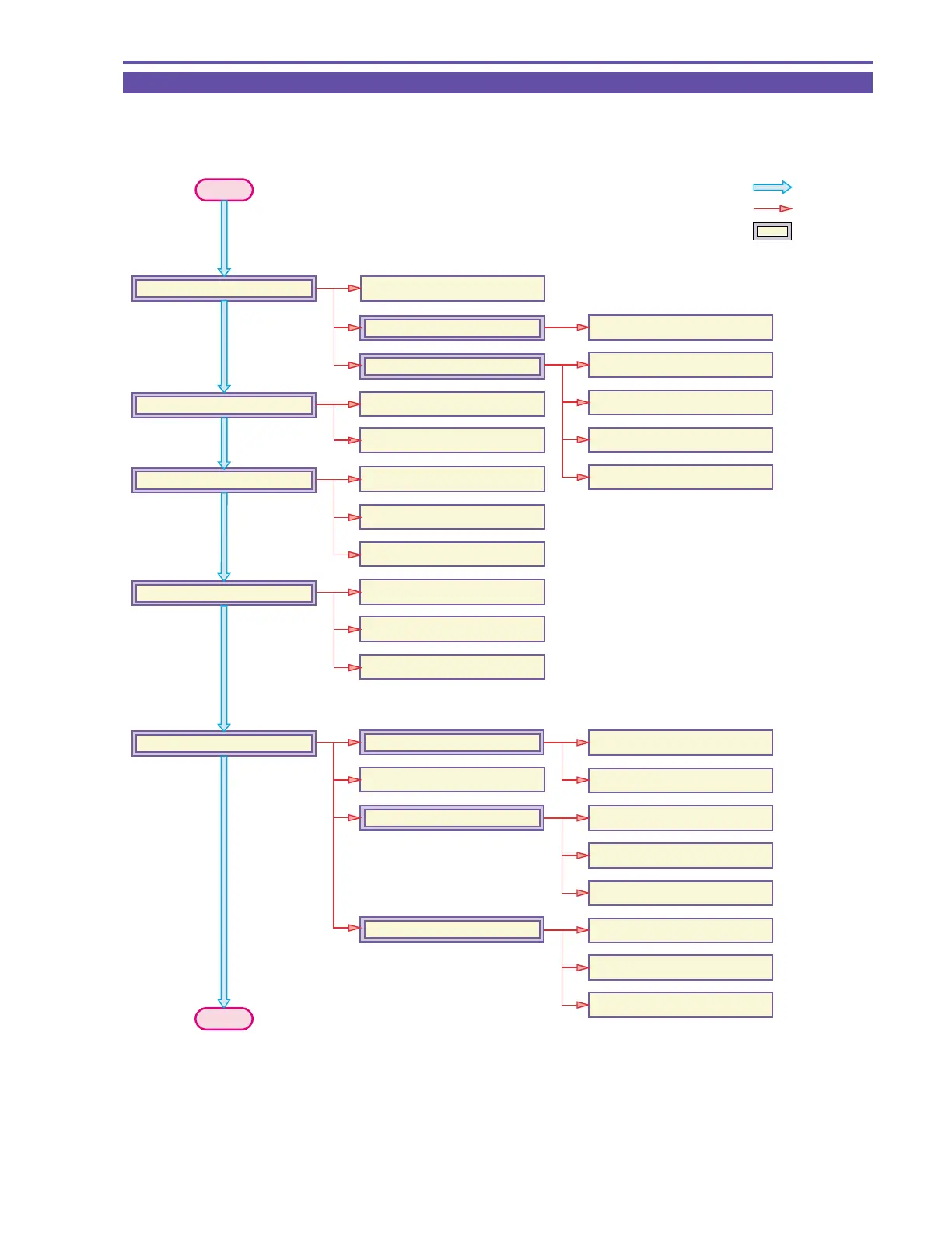
1-1 Disassembling / Reassembling Flowchart
(1) Find the replacement part on the chart, and disassemble it following the instruction on chart.
(2) Reassembling can be made by reversing the disassembling procedures.
START
: MAIN FLOW
: SUB FLOW
: MAIN UNIT
1-22 KEY P.C.B.
1-29 Power Switch Ass'y
1-29 Rear Cover
1-4 R-LCD Unit
1-6 Front Cover Unit
1-7 Left Cover Unit
1-15 Jack1 P.C.B.
1-17 Front Cover Ass'y
1-16 Mic Ass'y
1-18 Zoom Photo Key Ass'y
1-19 Speaker
1-10 Jack2 P.C.B.
1-20 Cassette Arm Ass'y
1-5 Rear Cover Unit
1-8 Camera Recorder CVF Unit
1-23 LCD Unit
1-11 Recorder Unit
1-9 CVF Unit
1-11 Camera Unit
1-23 Right Cover Unit
1-25 LCD Hinge Unit
1-24 Right Cover Ass'y
1-26 Backlight Ass'y
1-26 LCD P.C.B.
1-26 LCD Ass'y
1-35 CCD Ass'y
1-35 Lens Ass'y
1-35 CCD P.C.B.
1-12 CAV P.C.B.
1-13 Main P.C.B.
1-14 DMC lll
1-33 CVF Ass'y
1-33 CVF P.C.B.
END



 To Next Page