MVX250i E, MVX200i E, MVX200 E
SERVICE MODE · ADJUSTMENT
24
5-4-5 WB Adjustment (3)
CHART Light box (5600°K)
SPEC. Automatic adjustment
Procedure)
(1) Referring to the table shown below, carry out WB adjustment (3).
5-4-6 Virtual EEPROM and Flash Memory Writing
SPEC. Automatic writing
Procedure)
(1) According to the table shown below, write adjustment data (5-4-1 to 5-4-5) into the virtual EEPROM and flash memory.
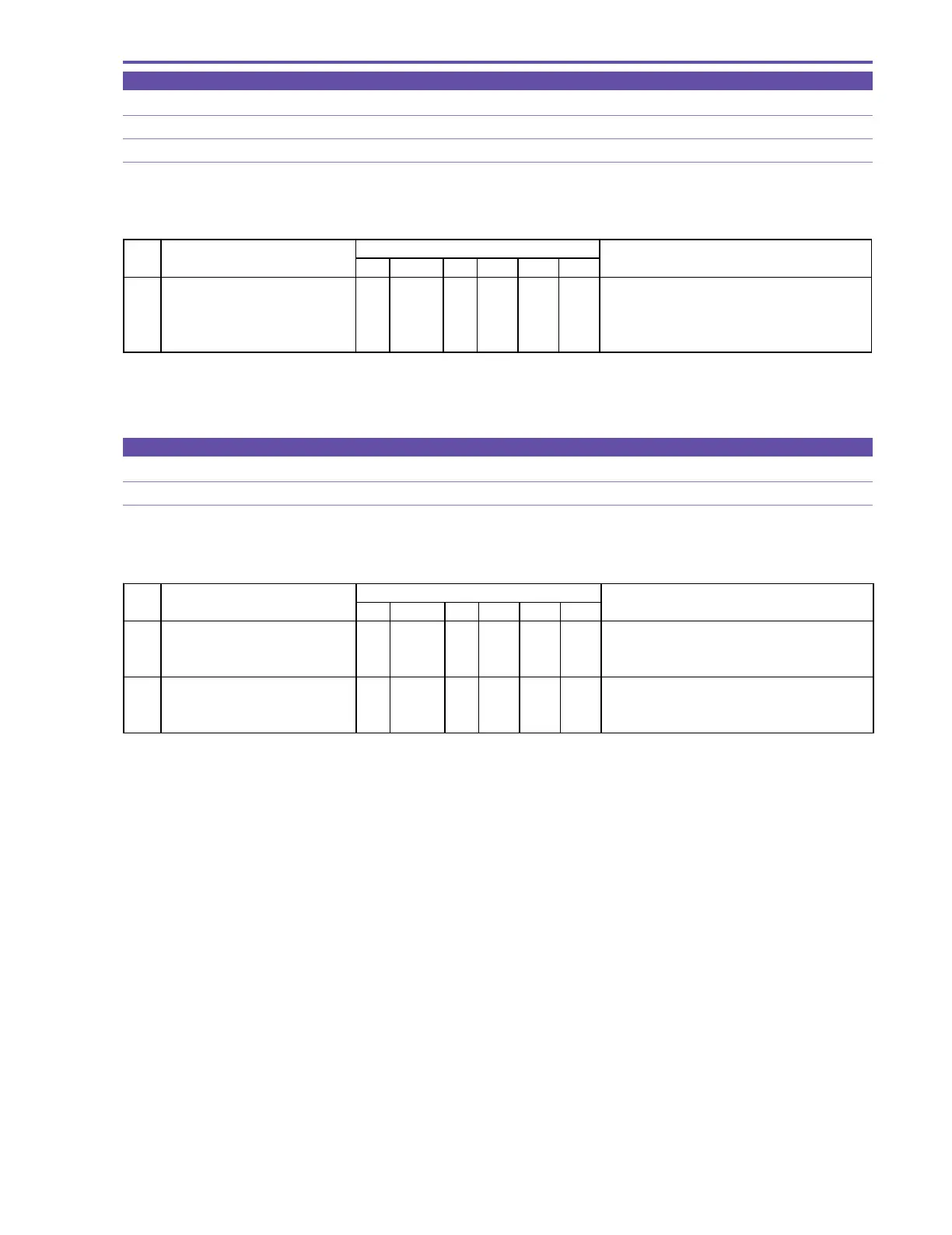
STEP PROCEDURE Microcomputer operation
WB (3) CS Function MD ADDR DT ST
1 1) Make the setting shown at right. 2 08 ST 3005 00
2) Perform storing.
↑↑
WR
↑↑
Adjustment is in progress.
(press the PAUSE button.)
↑↑
RD
↑
05 Adjustment is completed.
Completion with ST:05 (ST:09 NG)
MONITOR
STEP PROCEDURE Microcomputer operation
EEPROM & FLASH WRITING CS Function MD ADDR DT ST
1 1) Make the setting shown at right. 2 08 ST 3006 00
2) Perform storing.
↑↑
RD
↑
05 Completion of virtual EEPROM writing.
(press the PAUSE button.) Completion with ST:05, ST:09 NG
2 1) Make the setting shown at right. 0 08 ST 0081 -- Preparation for flash memory updating.
2) Perform storing.
↑↑
RD
↑↑
Execut ion of flash memory updat ing.
(press the PAUSE button.)
MONITOR



 To Next Page