MVX250i E, MVX200i E, MVX200 E
DISASSEMBLING
21
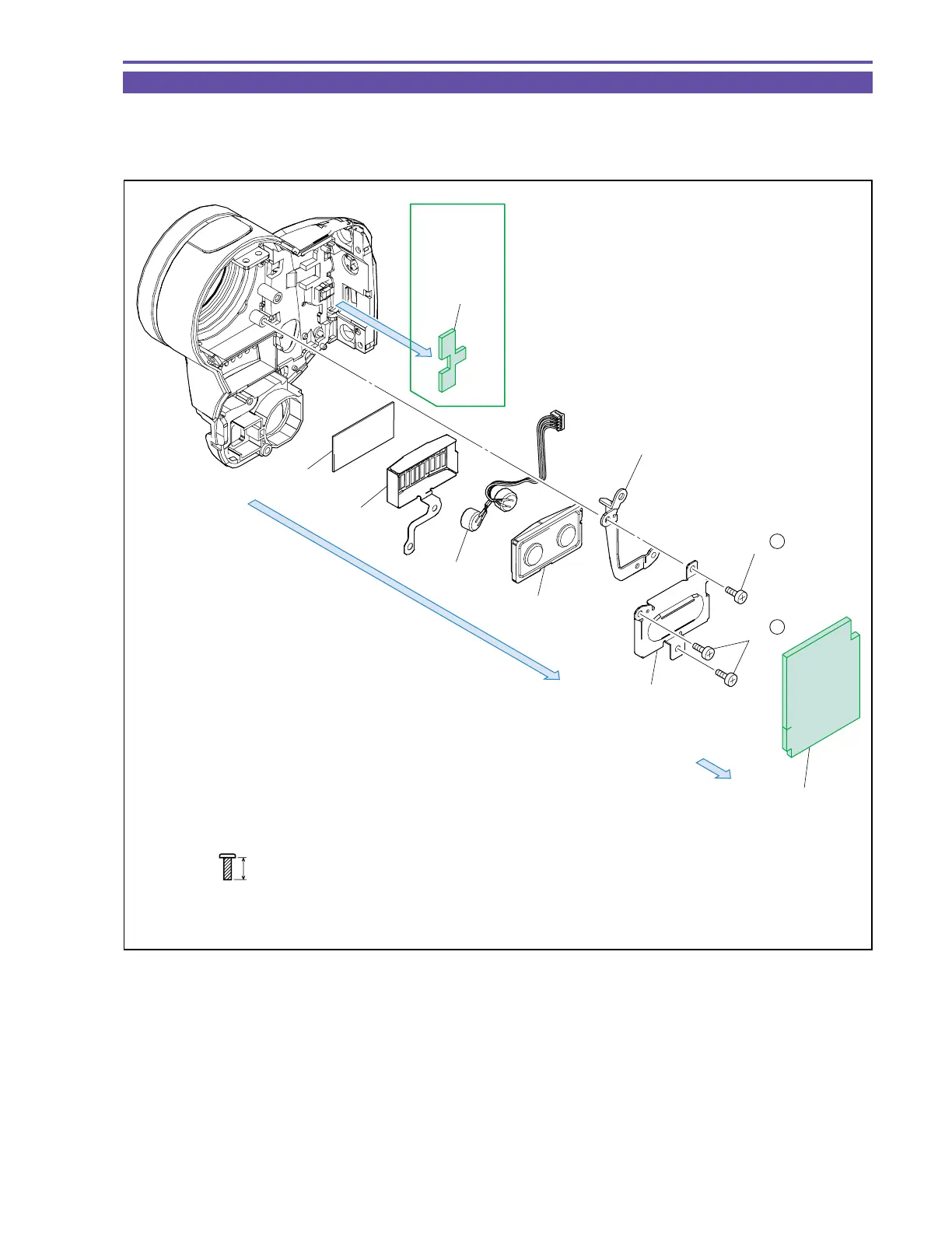
1-16 Disassembly of Front Cover Unit - 2
(1) Detach the Front Cushion
(2) Remove three screws (f × 3), and detach the MIC Plate, F Base Plate, MIC Rubber, MIC Ass’y, MIC Shield, and MIC Sheet.
(3) Detach the Cushion. (MVX250i E only)
Fig. 18
f
5mm
Metal
M1.7
(self tap)
F Base Plate
MIC Plate
MIC Rubber
MIC Ass'y
MIC Shield
MIC Sheet
(2)
(1)
(2) - f
(2) - f
Front Cushion
Cushion
(3)
MVX250i E
only



 To Next Page