MVX250i E, MVX200i E, MVX200 E
GENERAL DESCRIPTION OF PRODUCT
71
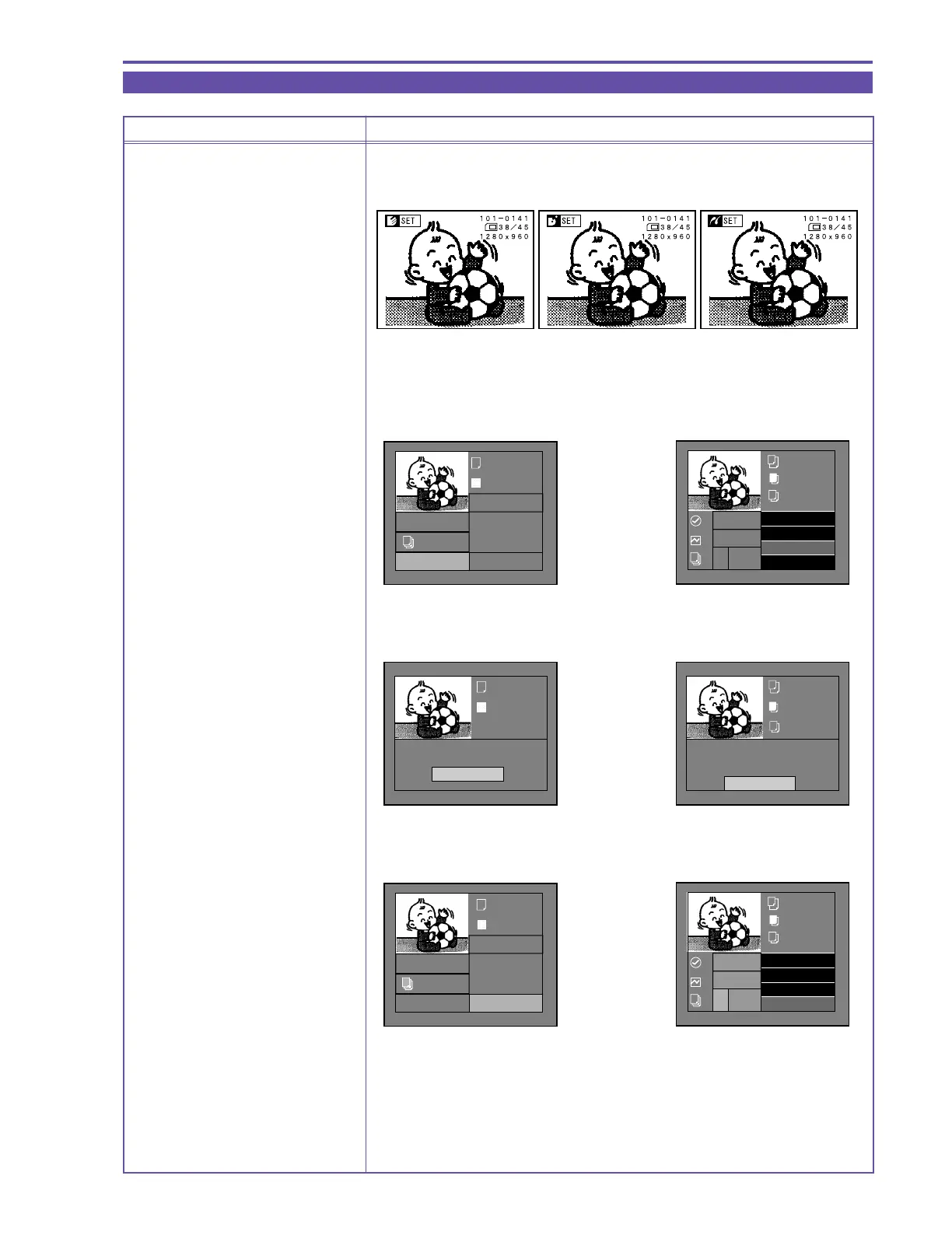
MENU INDICATION PAL MODEL
Direct print setting screen
Direct print setting initial screen
Print selection screen PC Direct (CP-10/100) and PictBridge compatible printer
BJ Direct (Pixus 50i) compatible printers (CP-200/300, Pixus 990i)
BORDERED
CARD#1
STYLE
PRINT CANCEL
DEFAULT
DEFAULT
DEFAULT
TRIMMING
1
COPIES
CANCEL
PAPER
OFF
OFF
1
COPIES
TRIMMING
PRINT
Cancel print screen
STOP
STOP
NOW PRINTING (1/3)
NOW PRINTING (1/3)
CARD#1
BORDERED
DEFAULT
DEFAULT
DEFAULT
Cancel selection screen
BORDERED
CARD#1
STYLE
PRINT CANCEL
DEFAULT
DEFAULT
DEFAULT
CANCEL
PAPER
OFF
OFF
1
COPIES
TRIMMING
PRINT
TRIMMING
1
COPIES
5-7 Direct print setting screen



 To Next Page