MVX250i E, MVX200i E, MVX200 E
SERVICE MODE · ADJUSTMENT
11
4-5 Checking the Lens Resetting
<Generals>
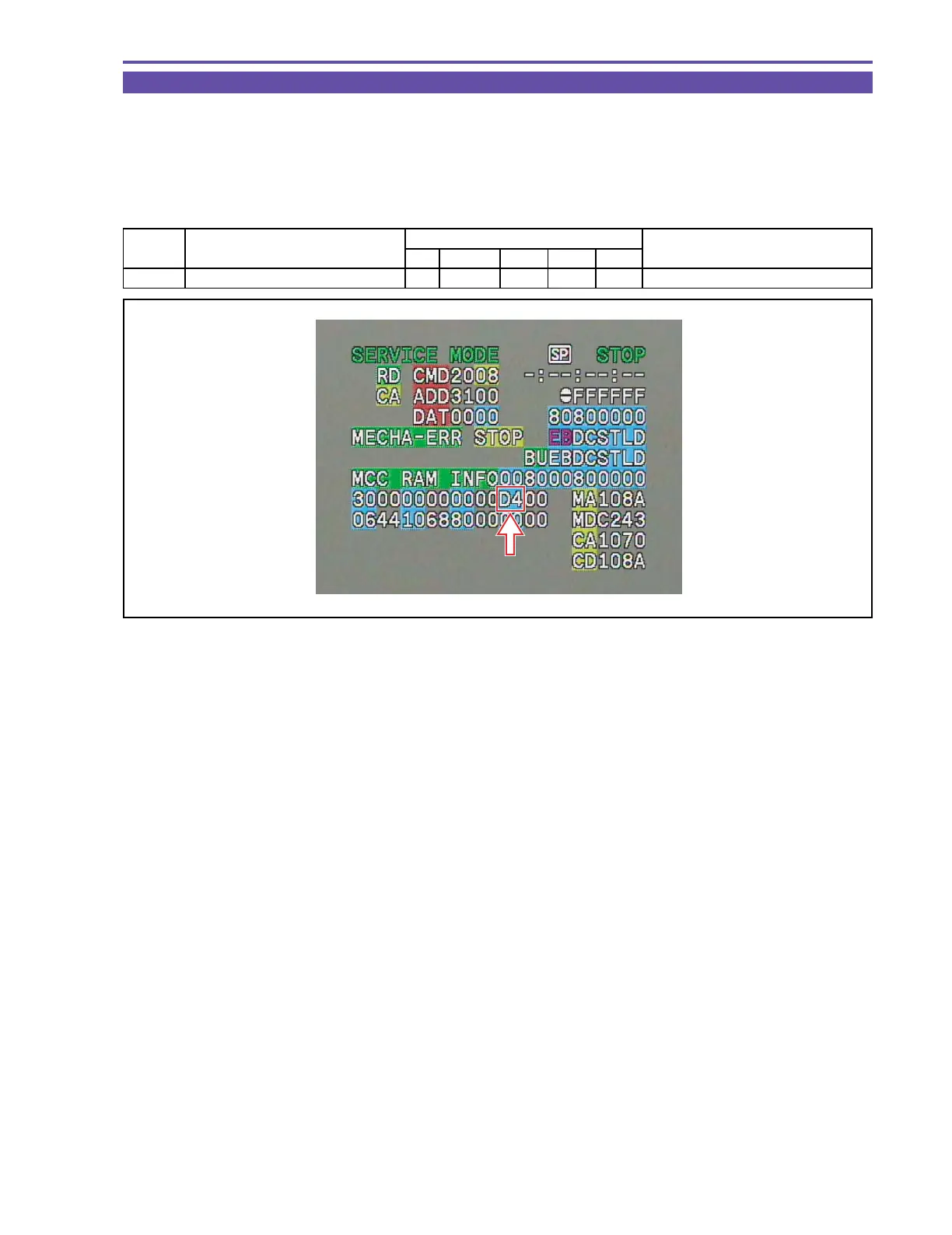
(1) Set up addresses according to the table shown below. Thus, using data marked with the arrows in the figure below, you can check
whether lens resetting has been completed or not.
* In case of 40 or 44, the zoom lens has not yet been reset.
* In case of 80 or 84, the focus lens has not yet been reset.
STEP PROCEDURE Microcomputer operation
CS Function ADDR MODE DT
1 1) Make setting shown at right. 2 00 8300 RD -- RAM data indication
MONITOR
Fig. 14



 To Next Page