MVX250i E, MVX200i E, MVX200 E
SERVICE MODE · ADJUSTMENT
25
5-5 CCD Pixel Missing Compensation
Notes)
(1) Before starting this adjustment, turn power on for 30 minutes.
(2) In this adjustment, NG is indicated if there are twelve or more pixel defects on the entire screen. (In the case of NG, no compensa-
tion is made.)
(3) The picture element loss correction which is validated by this adjustment is also validated automatically every time power is turned
ON.
5-5-1 CCD Pixel Missing Compensation (AUTO)
Preparation)
(1) Carry out this correction in the product state.
(2) Adjustment Conditions
Program AE : AUTO
AF : OFF
Image stabilizer : OFF
Digital zoom : OFF
Procedure)
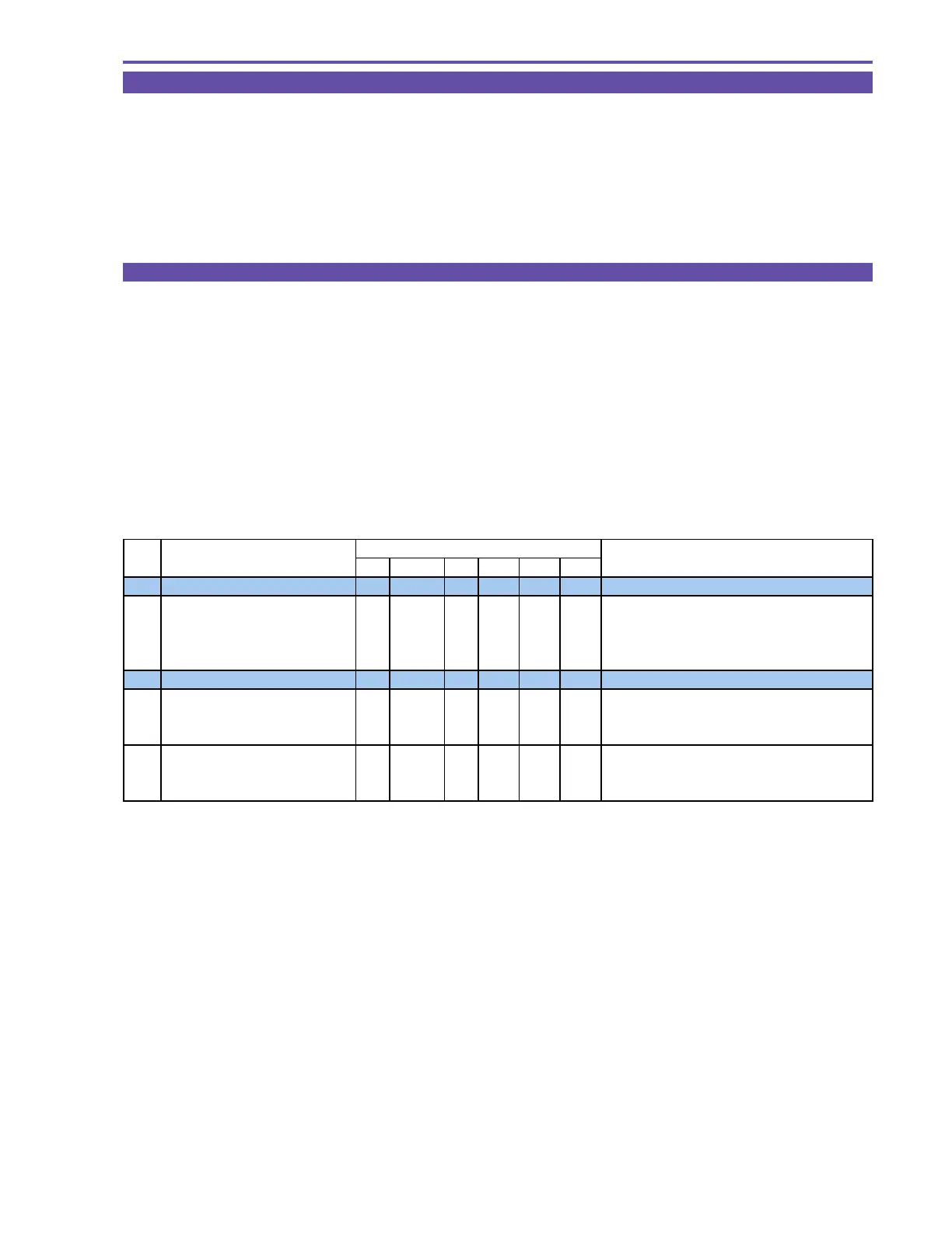
(1) Perform the CCD void pixel correction (automatic mode) according to the table shown below.
STEP PROCEDURE Microcomputer operation
CS Function MD ADDR DT ST
1 CCD void pixel correction
1-1 1) Make the setting shown at right. 2 08 ST 300E 00
2) Perform storing.
↑↑
WR
↑↑
Adjust ment is in progress.
(press the PAUSE button.)
↑↑
RD
↑
05 Adjustment is completed.
Completion with DT:00 to 0C, NG with DT:8*
2 Virtual EEPROM writing
2-1 1) Make the setting shown at right. 2 08 ST 300F 00
2) Perform storing.
↑↑
RD
↑
05 Completion of virtual EEPROM writing.
(press the PAUSE button.) Completion with DT:02, NG with DT:03
3 1) Make the setting shown at right. 0 08 ST 0081 -- Preparation for flash memory updating.
2) Perform storing.
↑↑
RD
↑↑
Execution of flash memory updating.
(press the PAUSE button.)
MONITOR



 To Next Page