MVX250i E, MVX200i E, MVX200 E
SERVICE MODE · ADJUSTMENT
14
5. Adjustment Procedures
5-1 Adjustment Items in Part Replacement
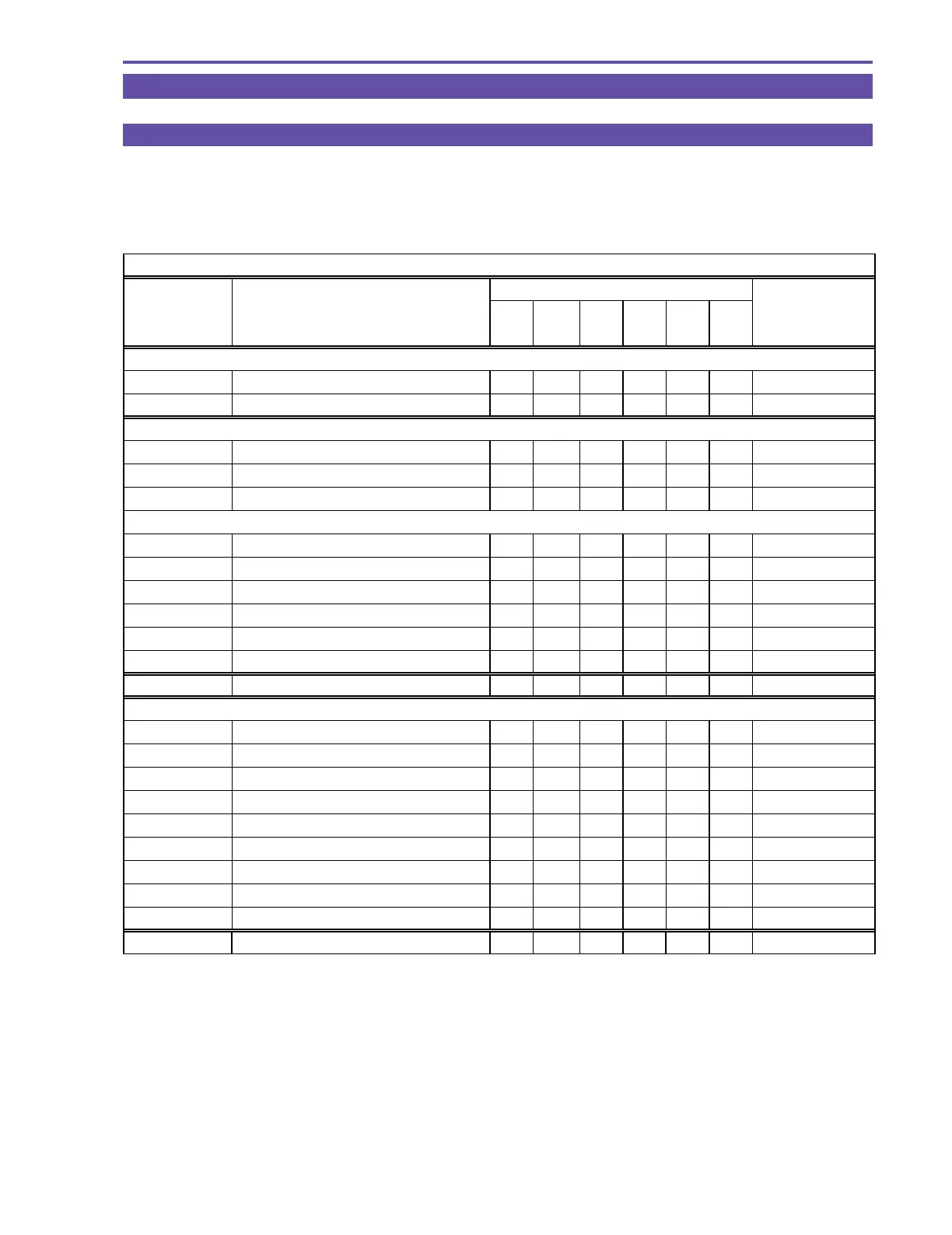
After replacement of major parts, carry out adjustment referring to the table shown below. Note that the following table shows minimum
required adjustments to be performed after replacing any major part. In case that two or more parts have been replaced or any faulty
condition has occurred, take a proper adjustment procedure accordingly.
○
: Adjustment
Camera system
Part name
No. Adjustment item
Lens
JACK1
PCB
CCD CVF
MAIN
PCB
CAV
PCB
Adjustment sett ing
5-2 AF section
5-2-1 CZ Automatic Adjustment
○○○
P roduct condit ion
5-2-2 Cam Correction (AUTO)
○○○
P roduct condit ion
5-3 IS section
5-3-1 Gyro Offset Adjustment
○○
P roduct condit ion
5-3-2 Gyro Gain Check
○○
P roduct condit ion
5-3-3 Virtual EEPROM and Flash Memory Writing
○○
P roduct condit ion
5-4 Camera section
5-4-1 Iris Adjustment
○○○○
P roduct condit ion
5-4-2 WB Adjustment (1)
○○○○
P roduct condit ion
5-4-3 Color Balance Adjustment
○○○○
P roduct condit ion
5-4-4 WB Adjustment (2)
○○○○
P roduct condit ion
5-4-5 WB Adjustment (3)
○○○○
P roduct condit ion
5-4-6 Virtual EEPROM and Flash Memory Writing
○○○○
P roduct condit ion
5-5 CCD Pixel Missing Compensation
○○
P roduct condit ion
5-6-1 Forced CVF ON
○○○
P roduct condit ion
5-6-2 CVF Frequency Adjustment
○○○
P roduct condit ion
5-6-3 Contrast Adjustment
○○○
P roduct condit ion
5-6-4 Brightness Adjustment
○○○
P roduct condit ion
5-6-5 Black Limiter Level Adjustment
○○○
P roduct condit ion
5-6-6 COM Amplitude Adjustment
○○○
P roduct condit ion
5-6-7 COM-DC Level Adjustment
○○○
P roduct condit ion
5-6-8 Flash Memory Writing
○○○
P roduct condit ion
5-6-9 Release of Forced CVF ON
○○○
P roduct condit ion
5-7 Color Balance Check
○○○○
P roduct condit ion
5-6 CVF Adjustment



 To Next Page