MVX250i E, MVX200i E, MVX200 E
GENERAL DESCRIPTION OF PRODUCT
47
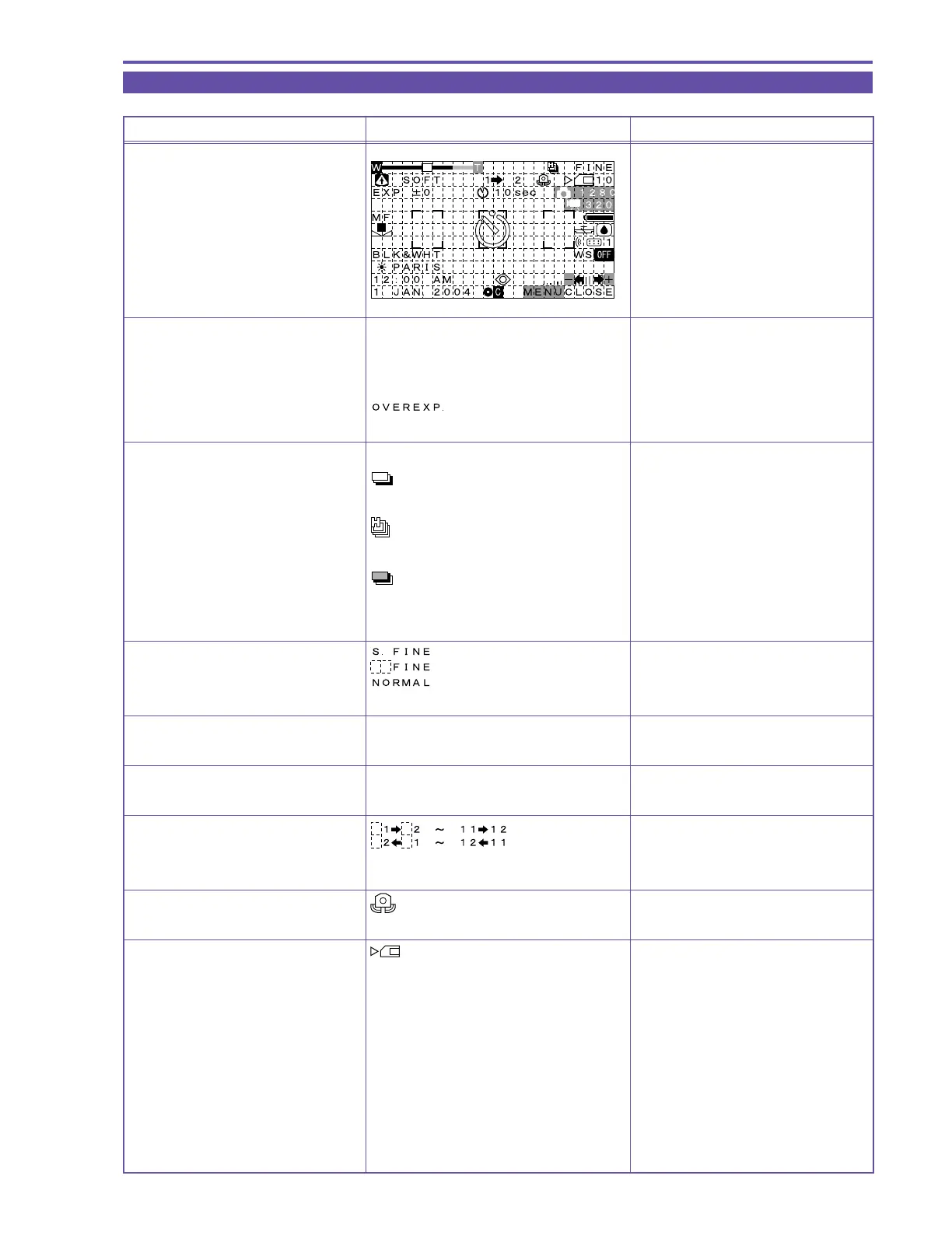
5-3 Card / Camera mode
MENU INDICATION PAL MODEL REMARKS
Card/Camera mode
Zoom/Exposure correction display
Zoom/Exposure correction display Same as Camera mode
(except that Digital zoom is 72/64/56× only)
Over exposure warning (flashes)
Caution is indicated when F11 or higher
Continuous shot / AEB mode display
When Continuous Shooting mode
is selected
When fast continuous shot mode
is selected
When AEB mode is selected
When Single Shot mode is selected No display
Card recording quality display
Program AE mode display Same as during Camera mode
Skin detail mode display Same as during Camera mode
Stitch Assist quantity display Clockwise
Counter-clockwise
Image stabilizer warning display Displayed when the shutter speed is
1/60 second or less
Card access display
Writing and reading



 To Next Page