MVX250i E, MVX200i E, MVX200 E
SERVICE MODE · ADJUSTMENT
30
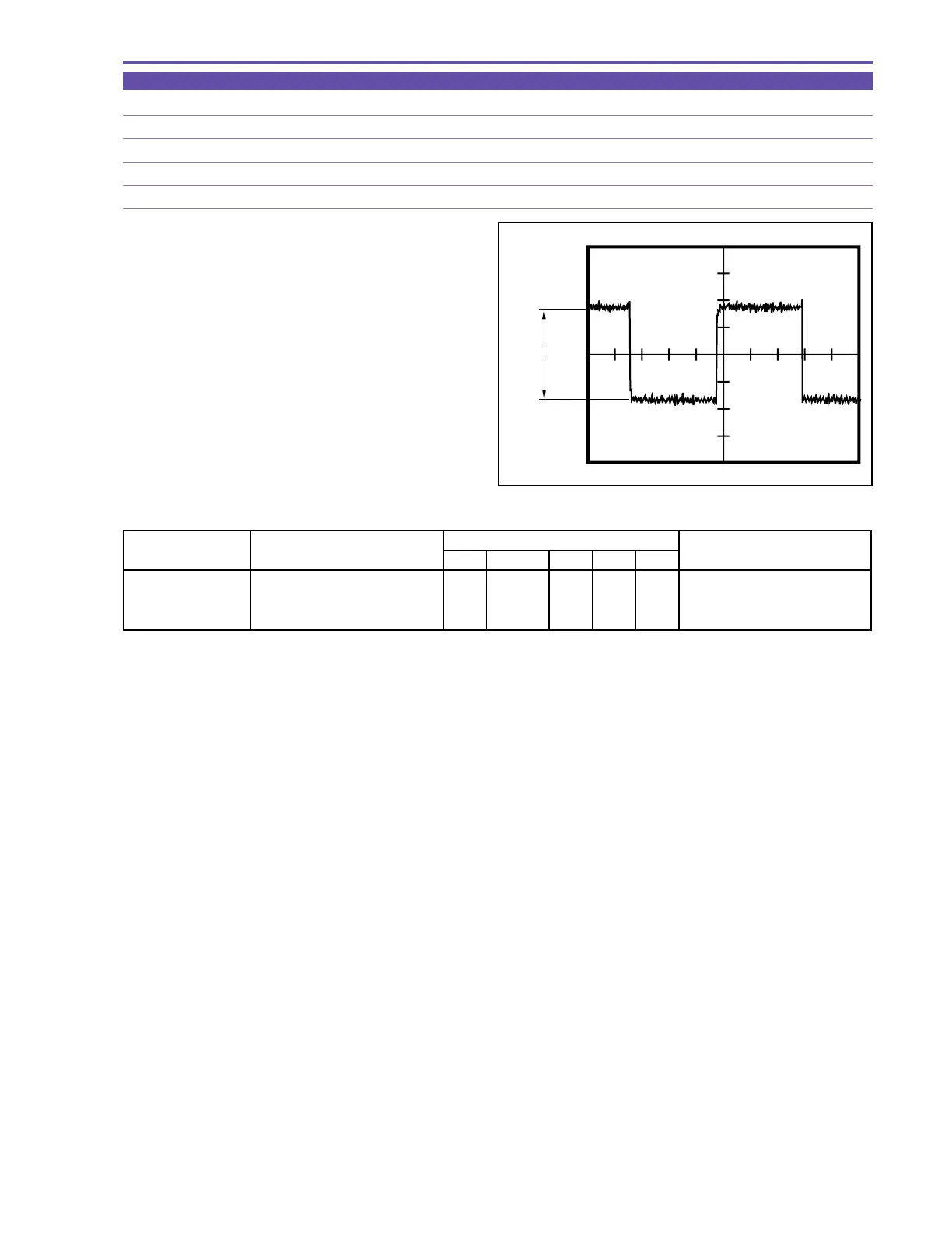
5-6-6 COM Amplitude Adjustment
MODE Card playback of monochrome master (still picture)
M. EQ. Oscilloscope
TP/TRIG. Extension connector - pin 22 (EVF COM) / VIDEO OUT
SPEC. 3.50 ± 0.05 [V]
Procedure)
(1) According to the table shown below, carry out adjustment in
the card playback mode of the monochrome master.
CS Function MD ADDR DT
COM Amplitude 1) Make the setting shown at right
4 11 ST 000B "ADJ" Start of setting
Adjustment 2) Perform storing.
↑↑
RD
↑
ADJ Completion of setting
(press the PAUSE button.)
STEP PROCEDURE
MONITOR
Microcomputer operation
Fig. 22



 To Next Page