MVX250i E, MVX200i E, MVX200 E
GENERAL DESCRIPTION OF PRODUCT
41
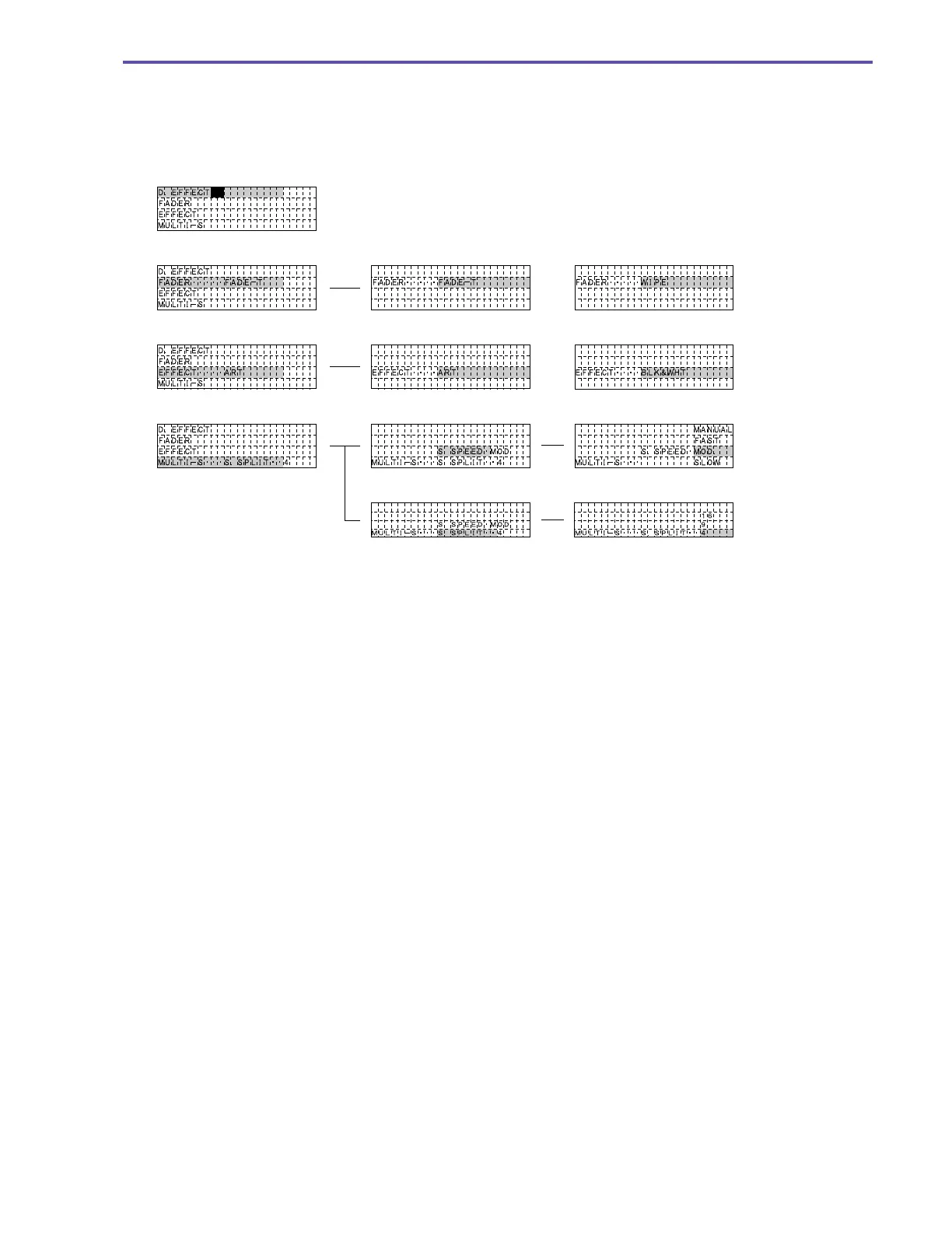
Digital feature selection
Press the DIGITAL EFFECT button.
The line where the cursor is located in the menu is displayed with a turquoise background.
The previously selected items and the corresponding settings are shown in yellow.
OFF
In Fader Selection
In Effect Selection
In Multi Screen Selection
In Multi Screen Speed Selection
In Multi Screen Count Selection



 To Next Page