MVX250i E, MVX200i E, MVX200 E
GENERAL DESCRIPTION OF PRODUCT
45
MENU INDICATION PAL MODEL REMARKS
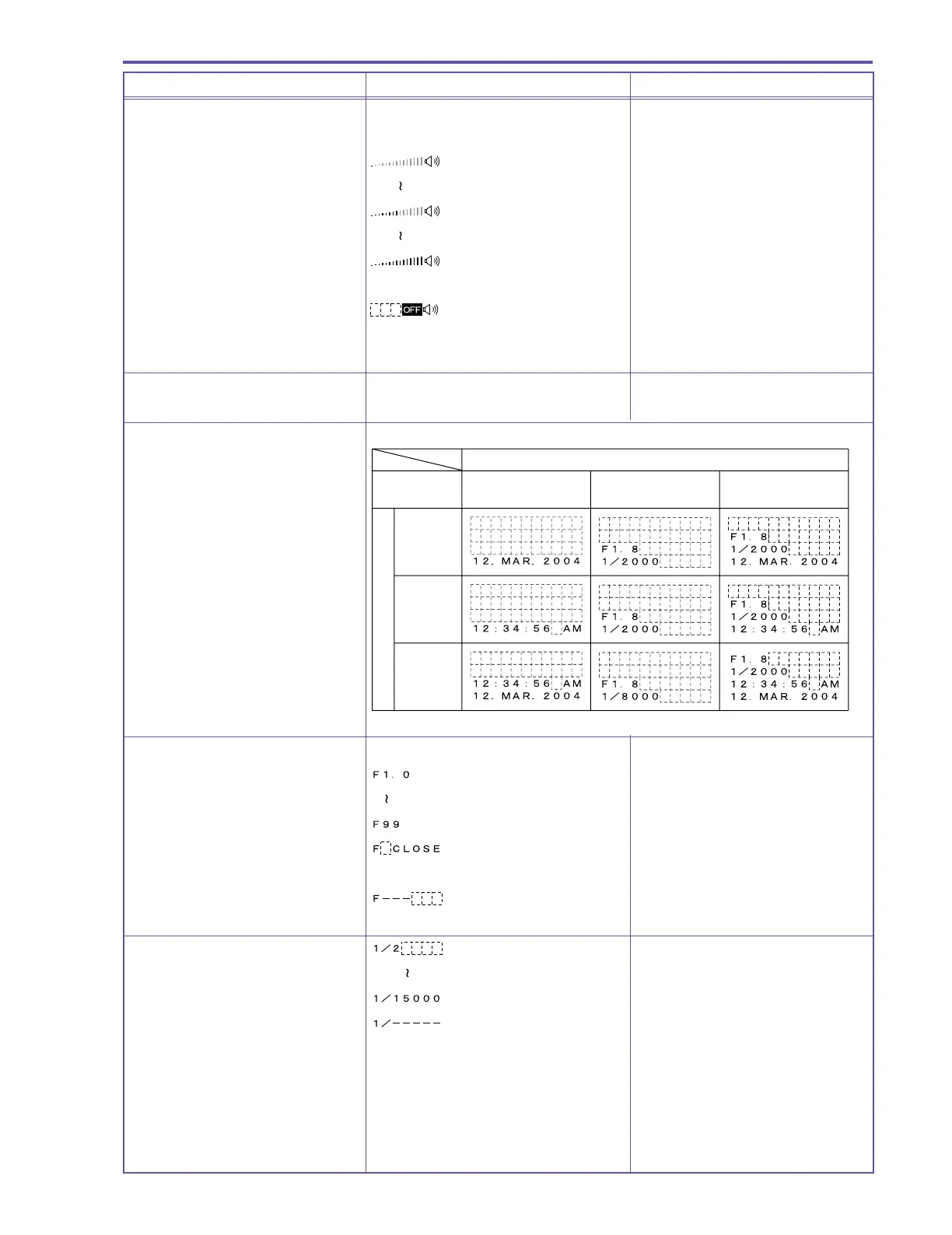
Speaker / Headphone volume
adjustment display
When Speaker is selected
When volume is at OFF
When Headphone is selected Same as during camera mode
Wind screen display Same as during camera mode
Data code display
Data code settings
Time and date Camera data
Date and time &
camera data
Time
setting
Date
setting
Date &
time
settings
Date and time selection
Camera data
Aperture value display
This product’s aperture value is
from F1.8
Aperture fully close There is no Aperture Fully
Close function in this product
Not entered
Shutter speed display This product’s shutter speed is
1/2 sec to 1/2000 sec
Not entered



 To Next Page