Configuration Chapter 7
FA4800 User Manual Release 1.9.40 7-3
Configuration
Since configuration functionality is included in the installation, we will briefly review the main
steps and for most part offer references to the corresponding installation step.
Step 1, Start the Wizard
In the tool bar of the FibeAir2000 Manager main window, click the Link Configuration but-
ton. The Link Configuration button is only accessible on a fully installed link as set out in
Chapter 5.
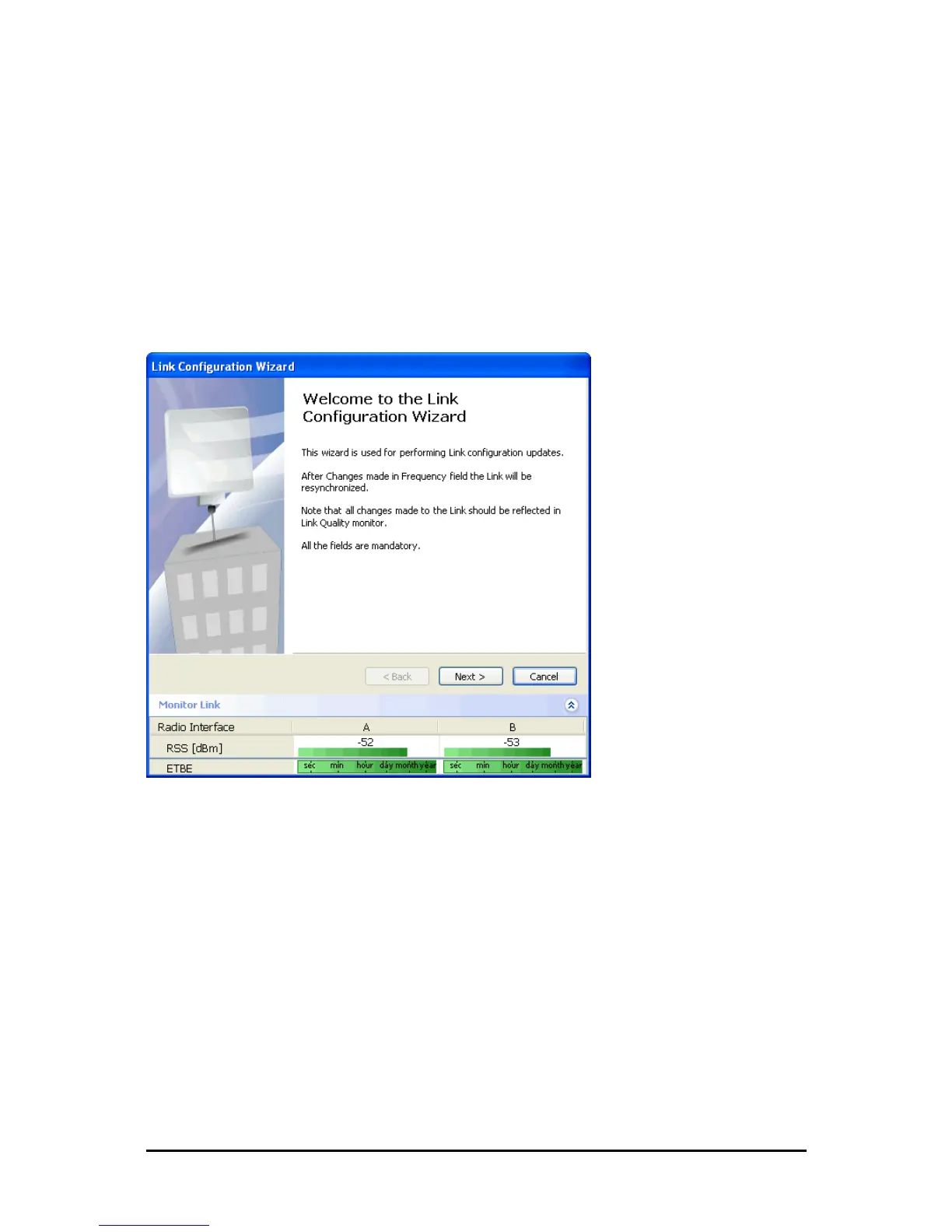
The Configuration Wizard opens:
Figure 7-1: Link Configuration Wizard
Click Next to proceed with the configuration procedure.
Step 2, System Parameters
The System dialog box opens:



 To Next Page