Installation Chapter 5
FA4800 User Manual Release 1.9.40 5-3
Installation
Step 1, Start the Wizard
In the tool bar of the FibeAir2000 Manager main window, click the Link Installation button.
The Link Installation button is only accessible if the antennas are properly aligned. If this box
is “grayed out”, you should align the antennas as set out in Chapter 3 on page 3-16.
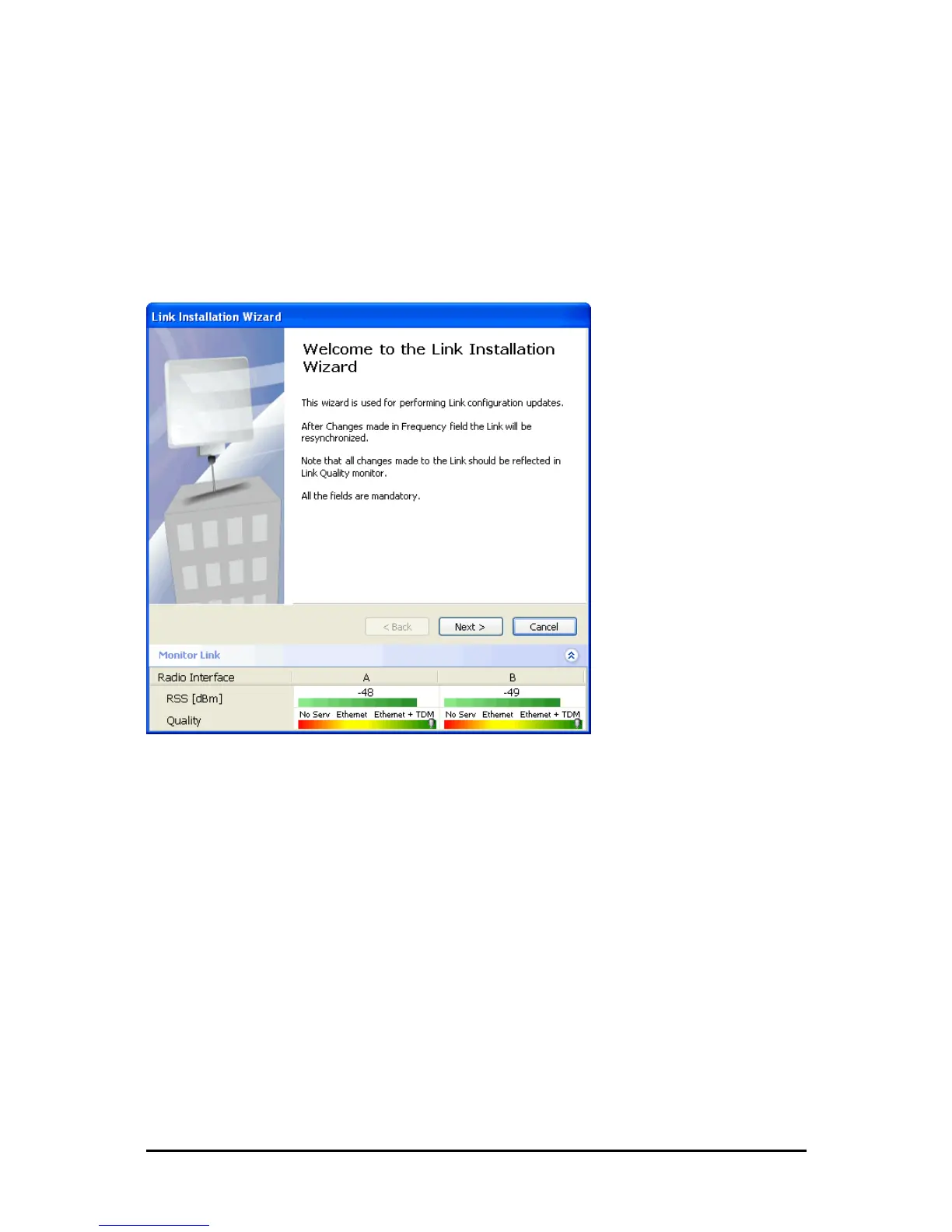
The Installation Wizard opens:
Figure 5-1: Link Installation Wizard
The bottom data area reproduces the corresponding data from the main window - which the
above panel obscures. See Chapter 6 for a field by field description of this data area.
Click Next to proceed with the installation procedure.
Step 2, System Parameters
The system dialog box opens:



 To Next Page