Installation Chapter 5
FA4800 User Manual Release 1.9.40 5-13
To choose a modulation rate:
1. Choose Adaptive or one of the available rates.
2. Click Evaluate to continue or click the TDM Jitter Buffer tab to set the TDM Jitter
Buffer (see next section).
The service is activated as show below:
You are returned to the Services and rates dialog of Figure 5-14.
Setting Monitored Hot Standby Mode
If you are not using Hot Standby Mode, you may skip this section.
To install and use the Hot Standby feature, see Chapter 12. The following procedure can be
used to switch links between primary and secondary or to disable the mode.
To set the Hot Standby Mode:
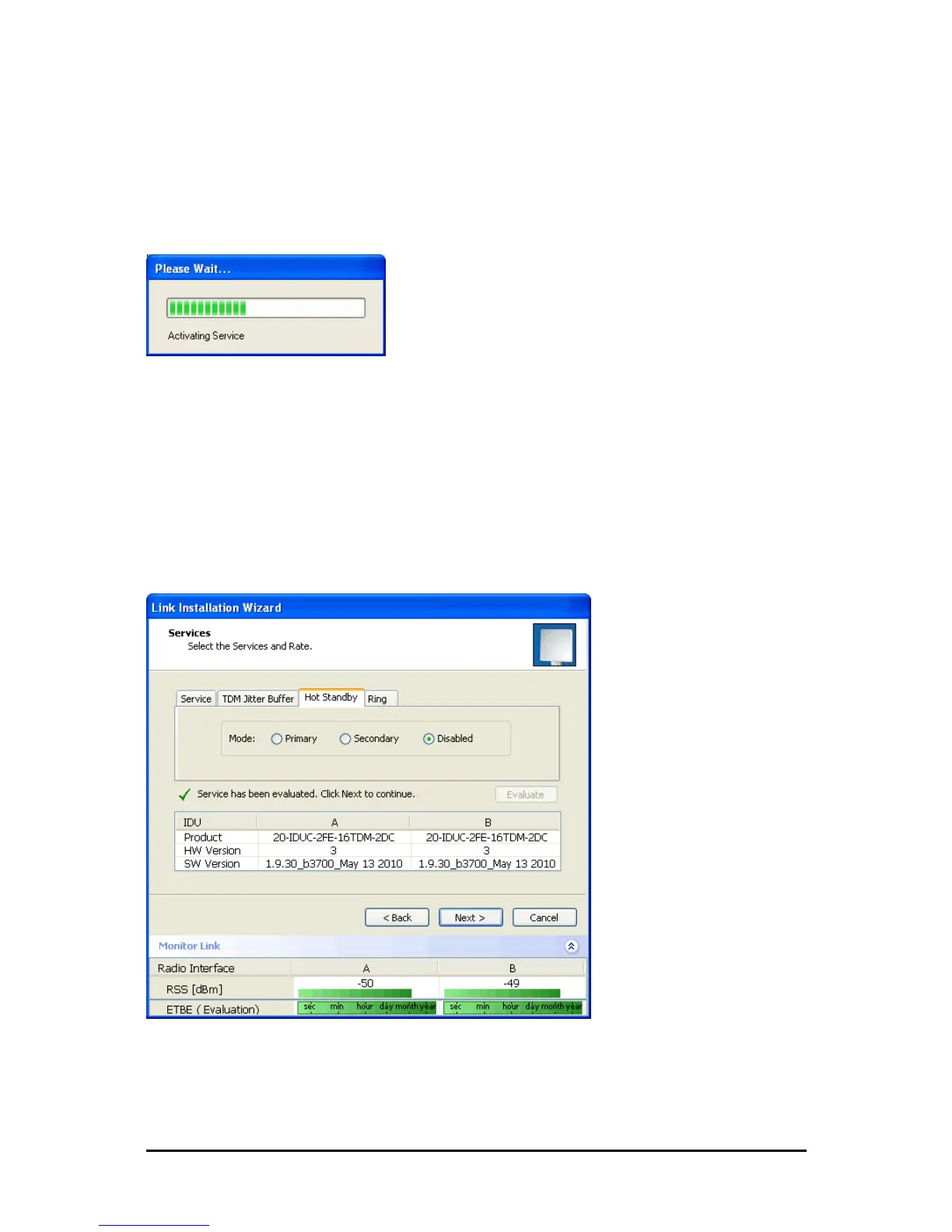
1. Click the Hot Standby tab. The following dialog appears:
Figure 5-15: Choosing Hot Standby Mode
2. Click the radio button to make this link primary or secondary.



 To Next Page