The procedure Chapter 20
FA4800 User Manual Release 1.9.40 20-3
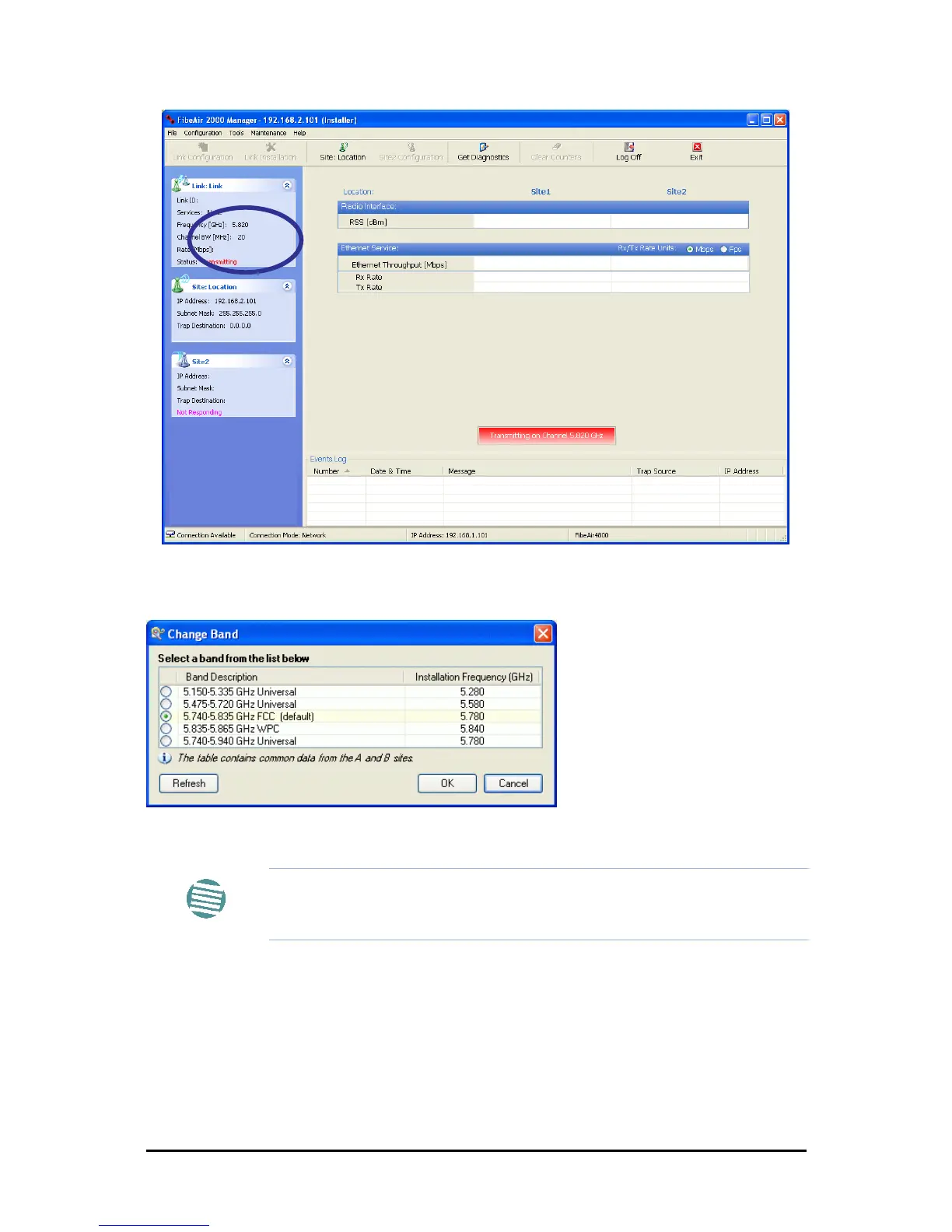
Figure 20-2: Opening FibeAir2000 Manager window prior to band change (default circled)
7. Click Tools | Change Band. The following window appears:
Figure 20-3: Change Band dialog
8. Click the band required:
Note
The bands appearing in Figure 20-3 are product dependent. To see which
bands are available for your product, check your product Inventory (see
Figure 8-8) and then consult Ceragon Customer Support.



 To Next Page