Viewing System Details Chapter 8
FA4800 User Manual Release 1.9.40 8-3
To edit the Configuration Parameters:
1. Click the required site button on the main tool bar of the FibeAir2000 Manager
OR
Click Configuration from the main menu and choose a site to configure.
The Configuration dialog box opens (see Figure 8-1 above).
2. Choose the appropriate item in the left hand list to open a dialog box.
3. Click Apply to save changes.
In subsequent instructions, we will simply say “Choose a site to configure” on the under-
standing that the foregoing procedure is implied.
Viewing System Details
This is the first window displayed - as depicted above. You can edit the contact details and
site names.
Viewing Air Interface Details
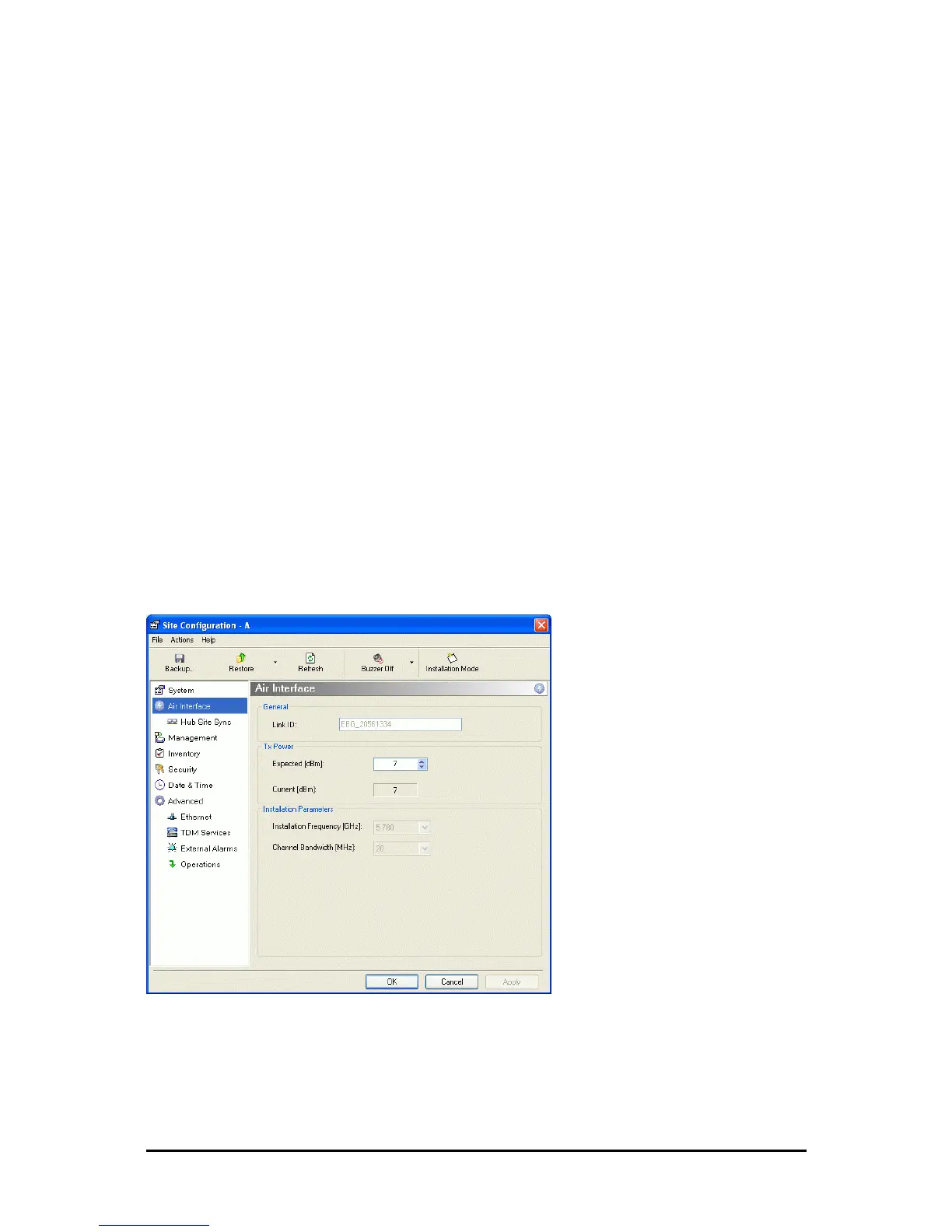
Click the Air Interface item in the left hand list. A window similar to the following appears:
Figure 8-2: Air interface details
The only thing you may change here is the expected Tx power. If for example you reduce it to
22, you are first offered a notification window like this:
Buzzer
Mutes the alignment tone in installation mode. Reactivate the
beeper during alignment.



 To Next Page