Special Products or Features: Entering a License Key Chapter 20
FA4800 User Manual Release 1.9.40 20-6
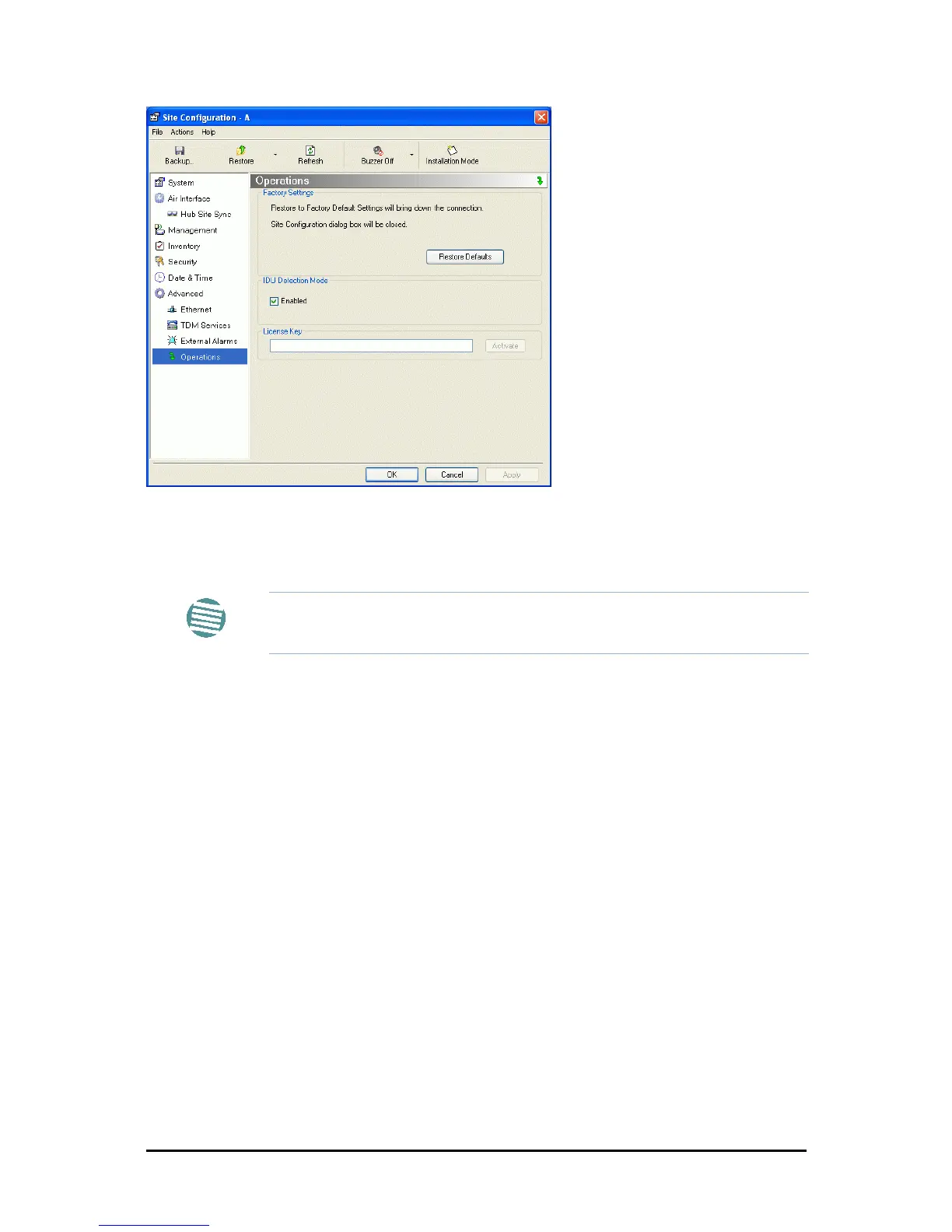
Figure 20-7: Using the Operations window to enter a license key
3. Enter your license key and click Activate.
4. When it is accepted, click Cancel.
Note
License keys, where appropriate, are obtainable from Ceragon Customer
Support.



 To Next Page