Using Quick Install Chapter 22
FA4800 User Manual Release 1.9.40 22-2
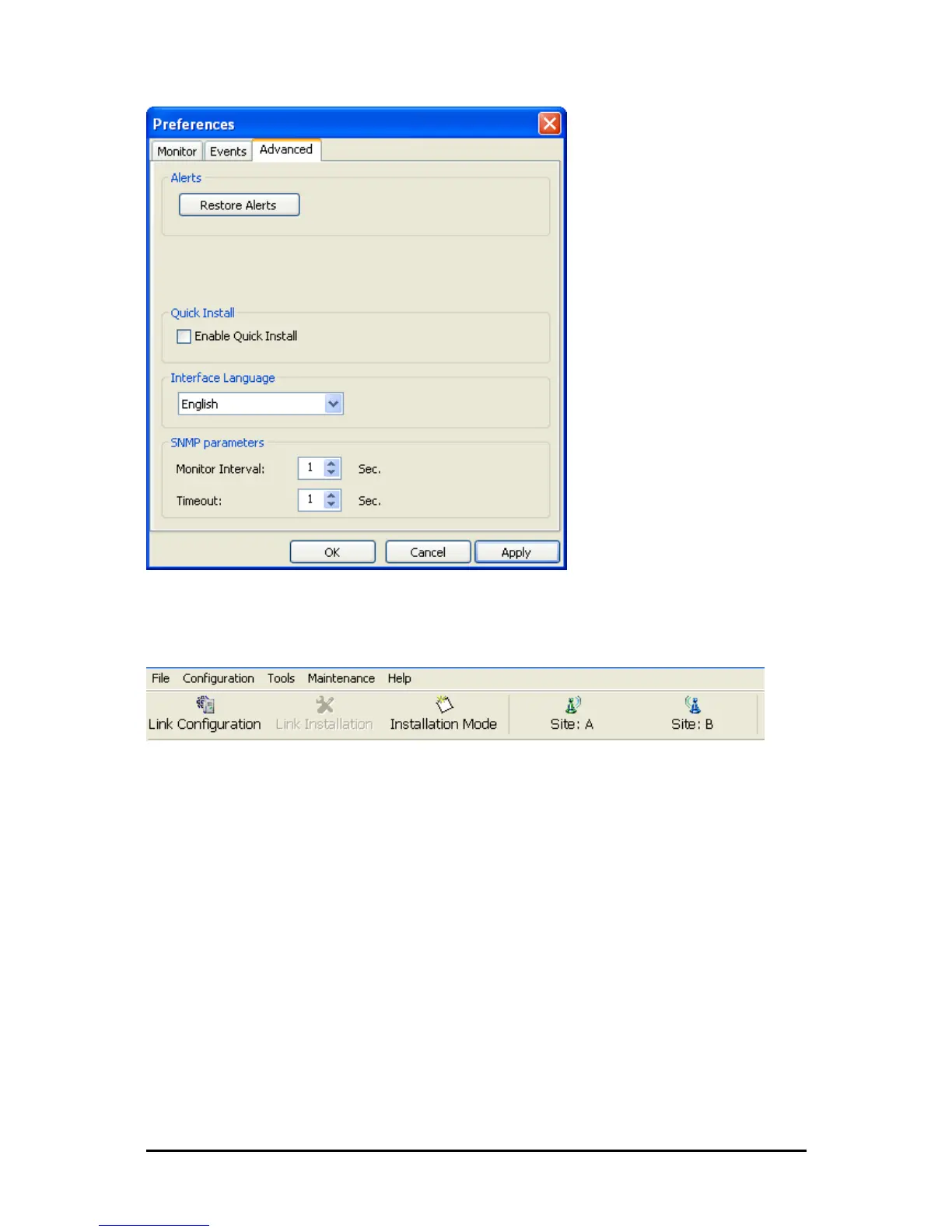
Figure 22-1: Preferences: Quick Install
2. Check the Enable Quick Install box and then OK. A new button is added to the
main window toolbar:
Figure 22-2: New Install Mode button for Quick Install mode
Quick Install mode may be disabled by unchecking the Enable Quick Install box.
Using Quick Install
To suspend service traffic and enter Installation mode:
1. Click the Install mode button. You are offered a confirmatory message:



 To Next Page