The Monitor Log Chapter 9
FA4800 User Manual Release 1.9.40 9-9
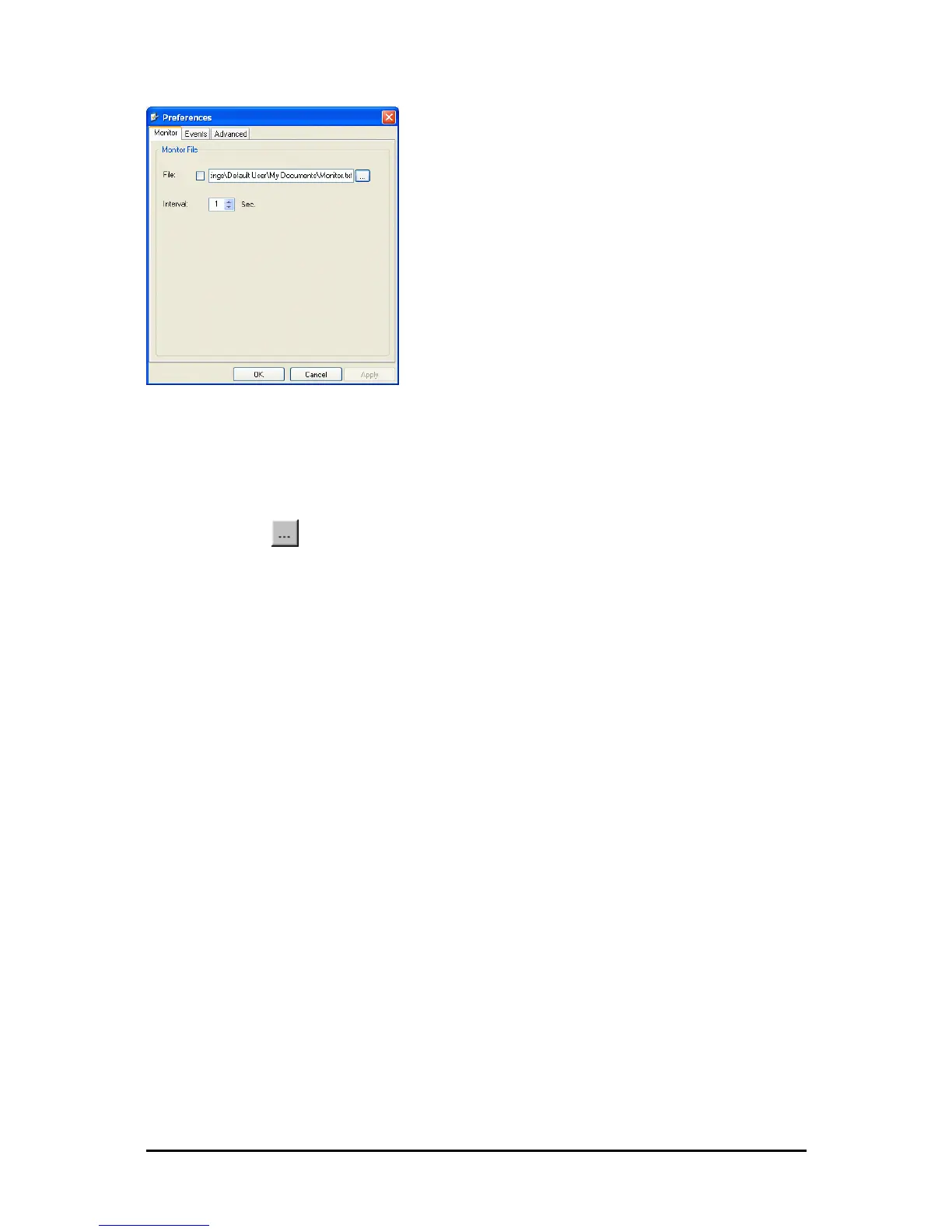
Figure 9-11: Preferences dialog box
2. Click the Monitor Tab.
3. Select the file to save.
4. Click the check box to open the file for saving.
5. Click the button and in the Select File dialog box indicate in which folder and
under what name the monitor log file is to be saved.
6. Set the time interval for adding data to the file.
7. Click OK to save the file.
Viewing Performance Reports
The Performance Monitor Report displays performance views of each of the interfaces.
To obtain performance monitoring reports:
1. From the main menu, choose Tools | Performance Monitoring Report ...
You are presented with the following window:



 To Next Page