TDM MHS Status Chapter 8
FA4800 User Manual Release 1.9.40 8-21
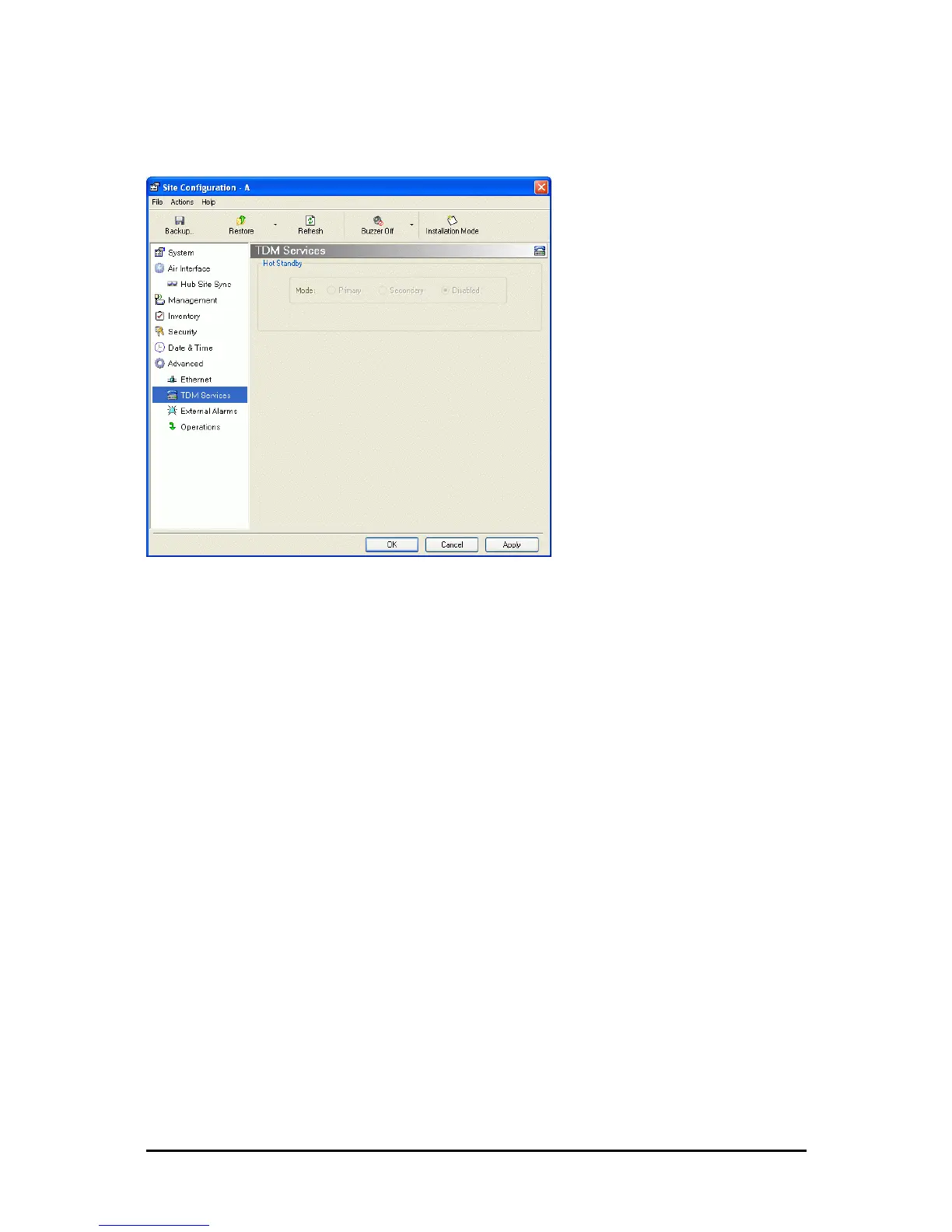
TDM MHS Status
Here you can see the TDM MHS status. There is nothing to set.
Figure 8-18: TDM MHS status
Setting External Alarm Inputs
The IDU-C, IDU-R, IDU-E-AL and the new style IDU-E have four external alarm inputs and
four external alarm outputs in the form of dry-contact relays. The Alarm interface is located
on the front panel of the IDU-C and is a 25-pin D-type female connector. See Appendix B,
for wiring specifications and pinout. You may enable or disable each of the alarms and config-
ure the alarm description text appearing in the alarm trap message. The ODU sends the
alarm within less than a second from actual alarm trigger.
To set the external alarm inputs:
1. Choose External Alarms from the Site Configuration window.



 To Next Page