Incorrect Password Chapter 4
FA4800 User Manual Release 1.9.40 4-7
Incorrect Password
If you type an incorrect password in the Login window, you will see a warning graphic
alongside the password field.
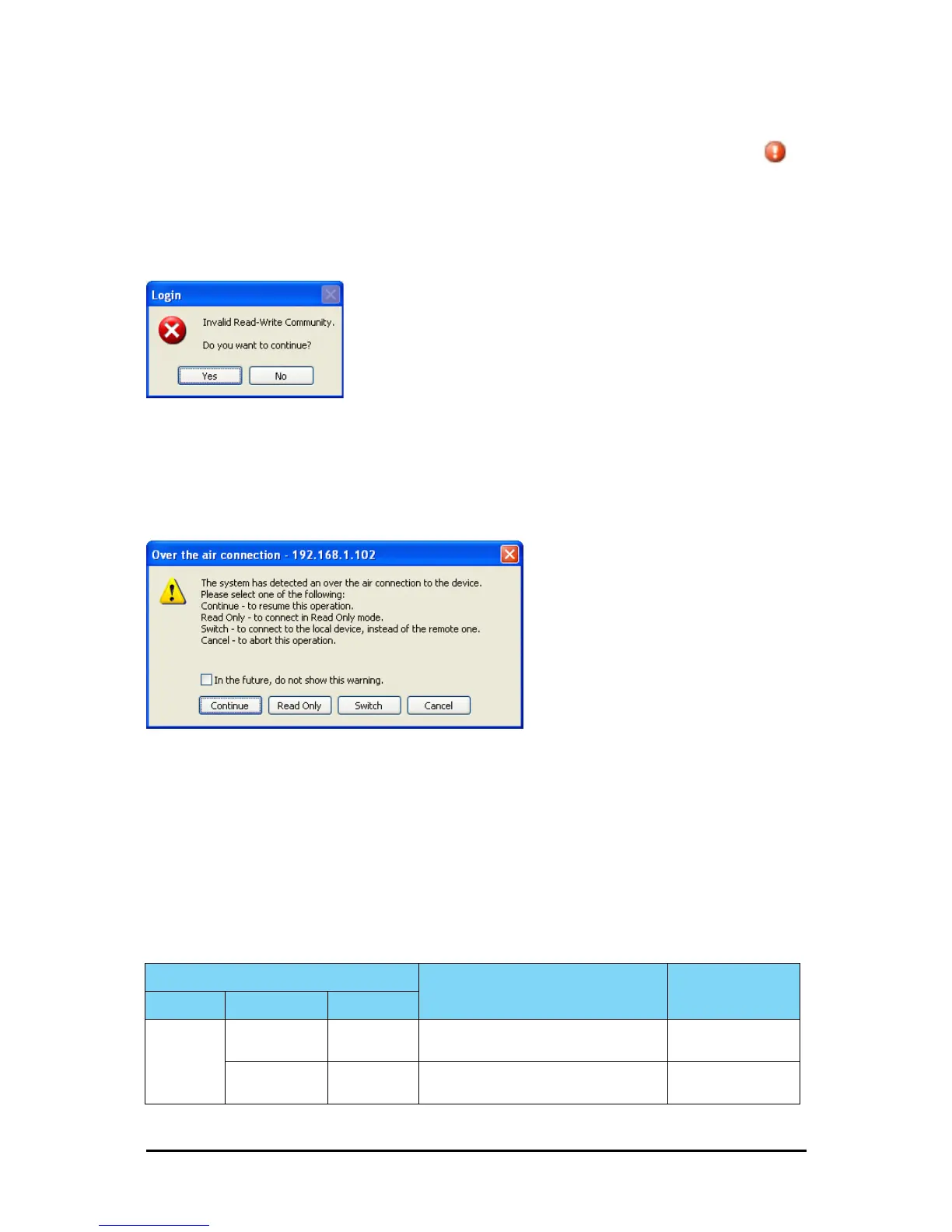
Invalid Read/Write Community String
This will result in the following message:
Figure 4-7: Invalid Community String message
Logging in to the Over-the-Air Site
You can log on to the over-the-air site of an established link (Site B in our example). However,
you will be first offered the following caution:
Figure 4-8: Logging on to an over-the-air site
Continuing without an IP Address
The FibeAir2000 Manager provides limited “offline” functionality when there is no accessible
IDU/ODU. It is primarily for setting managing computer related parameters, running the Link
Budget Calculator or viewing online Help. The offline functionality is shown in Table 4-3
below. The table does not show menu items grayed out.
Table 4-3: FibeAir2000 Manager: Offline Functionality
Menu level
Function Reference
Top +1 +2
File
Log Off
Return to log-on dialog. Same as Log Off
button
Exit
Exit the FibeAir2000 Manager. Same as Exit
button



 To Next Page