Installing a Ceragon MHS Chapter 12
FA4800 User Manual Release 1.9.40 12-7
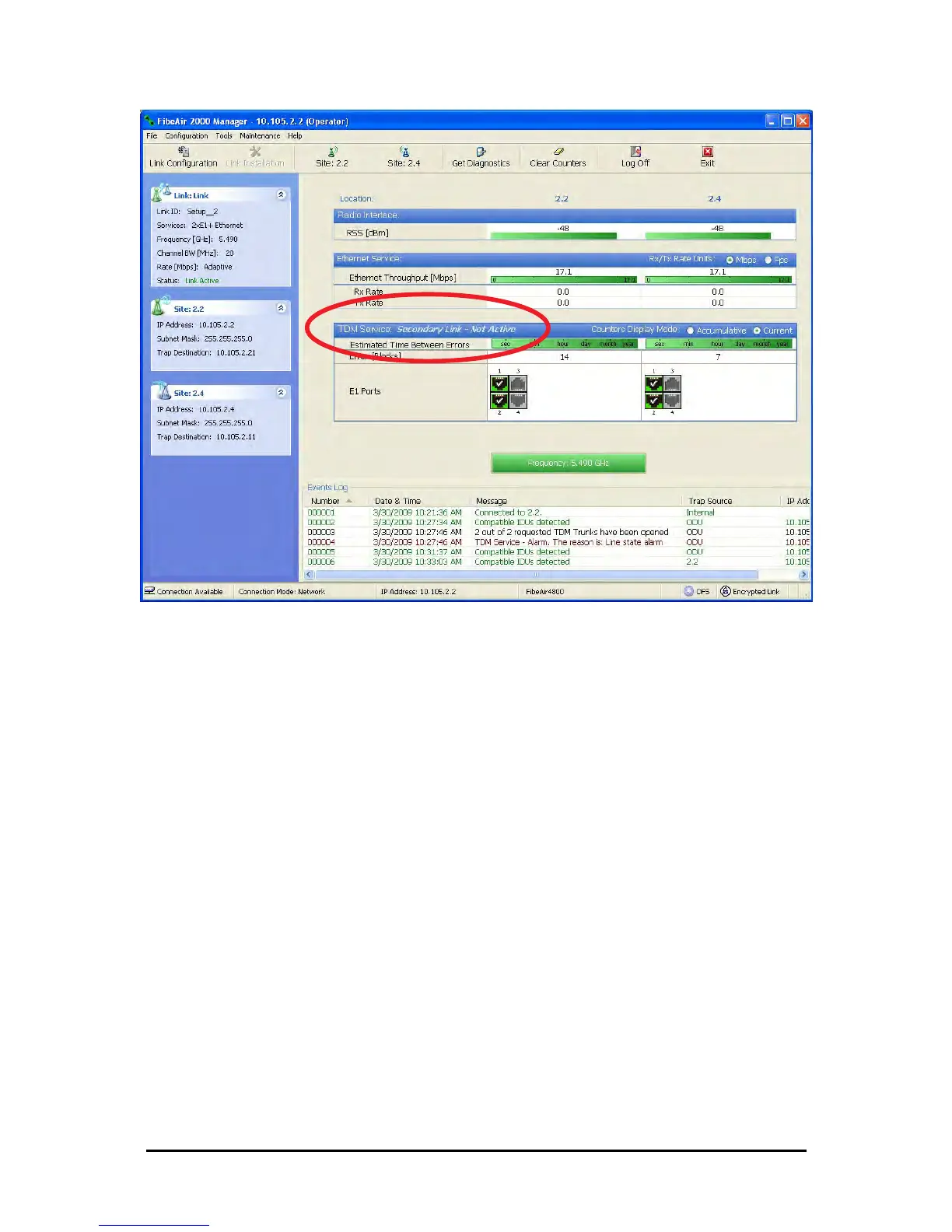
Figure 12-6: The secondary link under normal operation
To see what happens following a cut-over from the primary link to the secondary link, you
need to have running two copies of the FibeAir2000 Manager – one logged into the primary
link, and one logged into the secondary link.
Here then, is the situation after a cut-over to the secondary link:
For the primary link, the following window will appear for a few seconds:



 To Next Page