The FibeAir2000 Manager log-on Concept Chapter 4
FA4800 User Manual Release 1.9.40 4-5
• An Installer can, in addition to functioning as an Operator, also change the operating
band. The latter function has legal ramifications, requiring familiarity with local regula-
tions.
The following table summarizes these options:
The Network Manager should change the default passwords as soon as possible.
Continuing the log-on procedure:
5. Type an IP address for the ODU (if you connect through a LAN), or click Local Con-
nection (if you are connected directly to the IDU port).
6. If your User Type is not Operator, then choose it now.
7. Enter the password.
Table 4-2: User types, default passwords and function
User Type
Default
Password
Function Community
Community
String
Observer admin Monitoring Read-Only public
Operator admin
Installation,
configuration
Read-Write netman
Installer wireless
Operator plus
set band
Read-Write netman
Warning
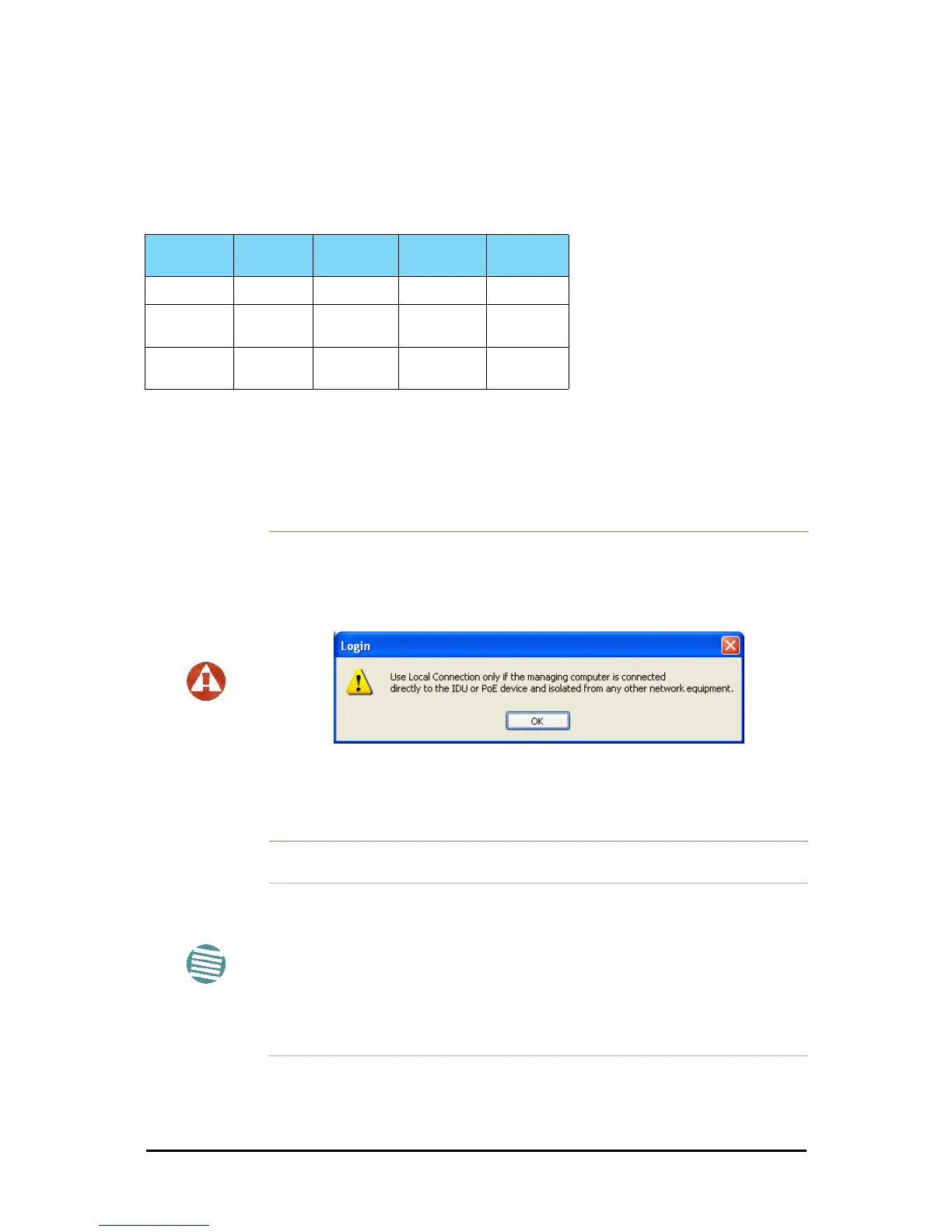
• If you log on using Local Connection, but your physical connection
is not local (i.e. anything other than a direct connection between the
managing computer and the IDU), then any configuration you carry
out may affect other links in the network. Do not do this!
• Network log on (IP address to the ODU) is recommended.
• If you log on via an over-the-air IP address, you will receive a warn-
ing. If you reset the site to which you are connected to factory set-
tings, you can lock yourself out of the link.
Note
• If you log on using Local Connection through a PoE device, you will
need to connect it to the managing computer using a crossed Ether-
net cable.
• The default IP address for the ODU is 10.0.0.120. The subnet mask is
255.0.0.0.
• The actual IP address is defined during link configuration (see Site
Management: IP Address, VLAN and Protocol on page 8-7. See
also, Chapter 19).



 To Next Page