Installation Chapter 5
FA4800 User Manual Release 1.9.40 5-7
Step 3, Channel Settings
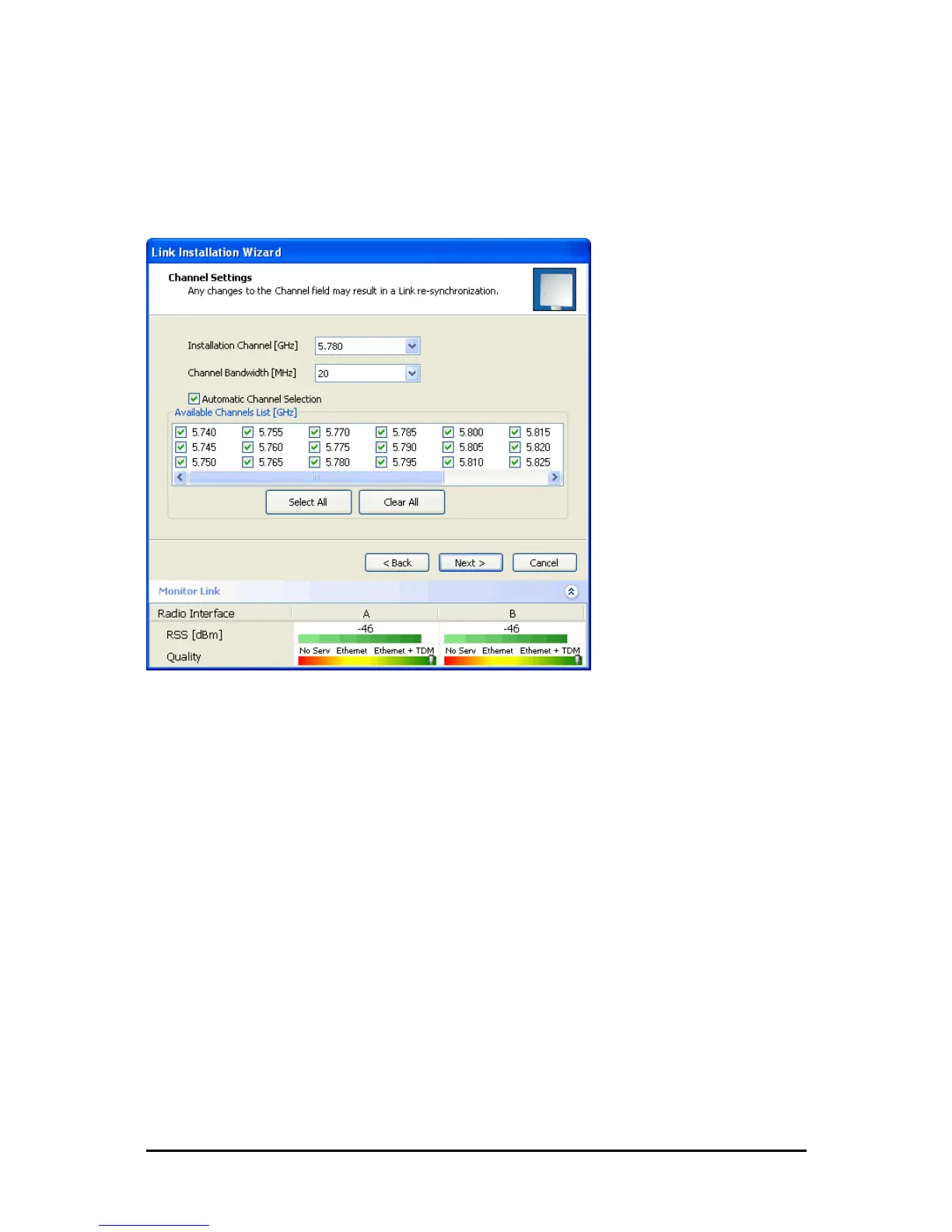
FA4800 systems have a feature called Automatic Channel Selection (ACS). In the event of
sync loss, ACS chooses the first available channel in a list of monitored channels nominated in
the Channel settings window of Figure 5-6 below. A channel switch takes place sufficiently
fast as to ensure no loss of service.
Figure 5-6: Channel Settings - Automatic Channel Selection
The default frequency for the product is shown.
To select channels to be used by the link:
1. Select the installation frequency from the Installation Channel box.



 To Next Page