Viewing Recent Events Chapter 9
FA4800 User Manual Release 1.9.40 9-18
Viewing Recent Events
Each ODU stores the last 256 events:
To view the last 256 events:
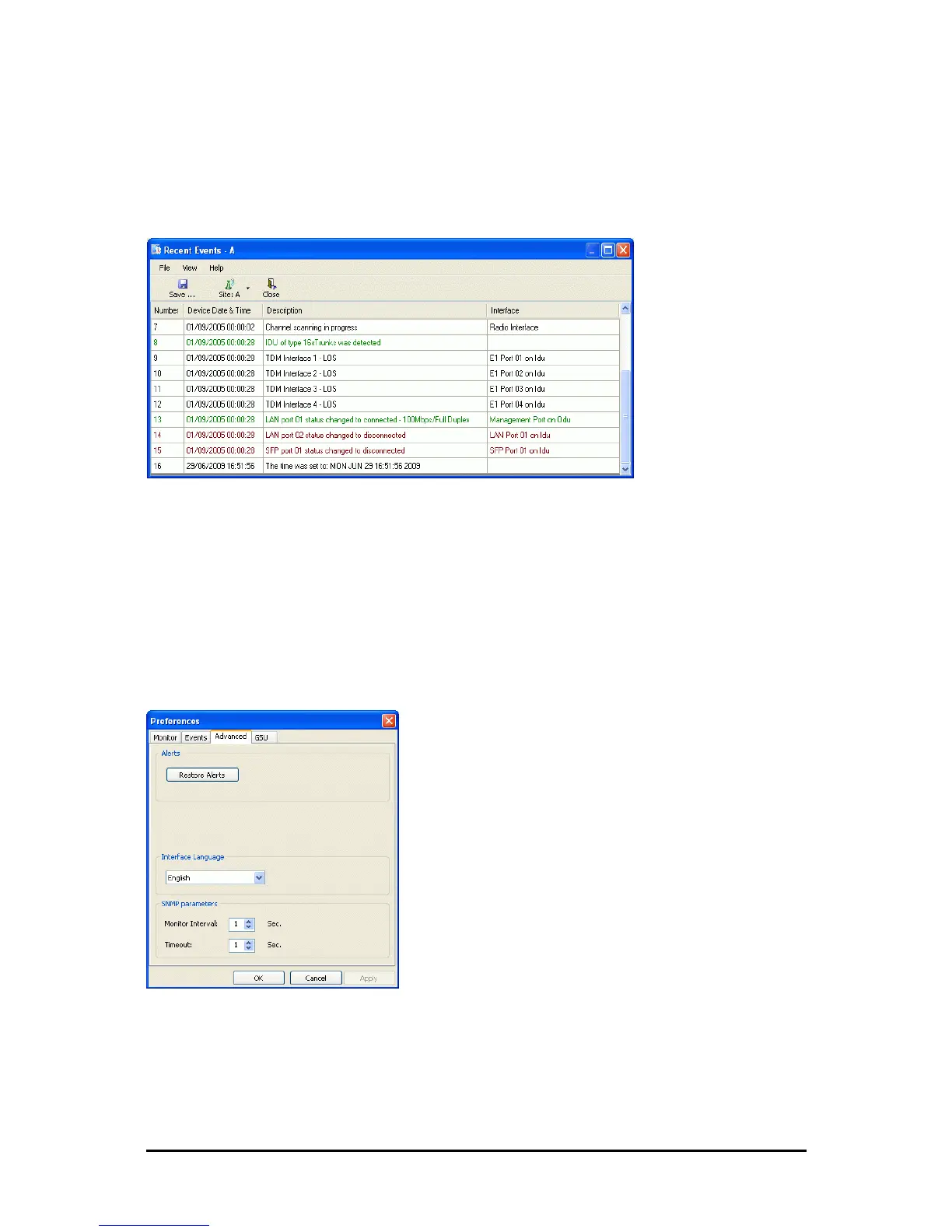
1. Click Tools | Recent Events ... A window like the following is displayed:
Figure 9-19: Recent Events - Up to last 256 events at Site A
2. Use the Site button to choose Site B
3. Use the Save button to store the events in a tab-delimited list.
Reverting Alert Messages
Many alert messages in the FibeAir2000 Manager have an option of the form “Do not show
this message again”. These alert messages can be reverted to their default state (shown) by
choosing the Advanced tab from the Preferences dialog:
Figure 9-20: Advanced Preferences
Just click the Restore Defaults button, followed by OK.



 To Next Page