Connecting and Aligning ODUs / Antennas Chapter 3
FA4800 User Manual Release 1.9.40 3-14
To connect user equipment to a PoE device:
• Connect a user switch, router or any other compatible device to the PoE device RJ-45
port designated LAN-IN. Refer to Appendix B for connector pinouts.
Connecting and Aligning ODUs / Antennas
You perform antenna alignment using the ODU's audible tone.
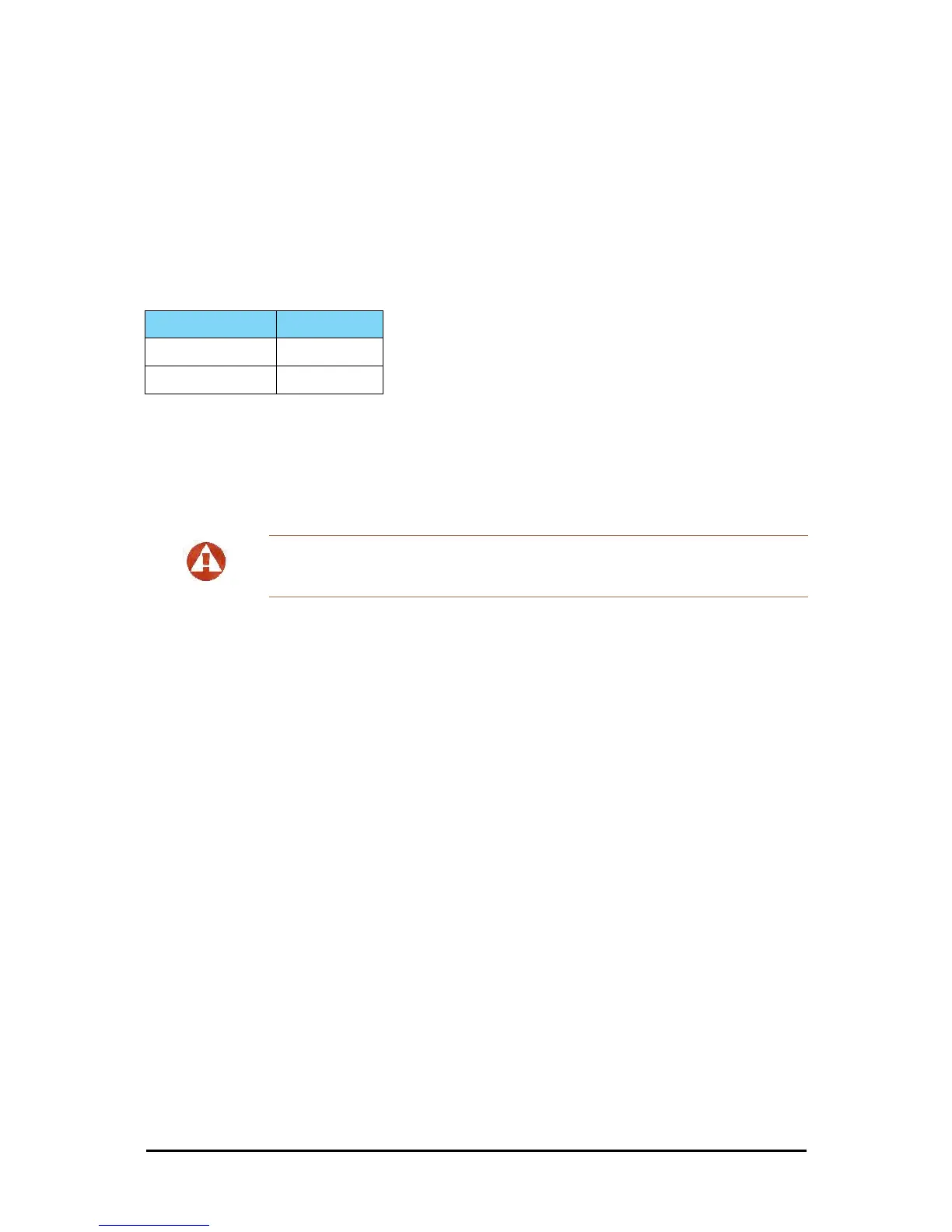
The method is not suitable for the following models:
To speed up the installation time, alignment of a FA4800 system should be performed by two
teams simultaneously, at site A and at site B.
To align the ODUs using the alignment tone:
1. Verify that power is connected to the IDUs at both sites.
Provided that Site A detects the signal from Site B, the ODU starts beeping 20 sec-
onds after power up, and continues beeping until the ODUs are aligned, and the
installation is complete.
2. Verify normal operation of the IDU by the LED indications on the front panel (see
Table 3-2).
3. Direct the antenna of site B in the direction of the site A. This is simplified if a previ-
ous site survey has been completed and azimuths are known.
4. Make an azimuth sweep of 180 degrees with the site A ODU so that the strongest
signal from site B can be detected.
5. Slowly turning the site A ODU back towards the position of Site B, listen to the tone
until the best signal is reached. See the following figure for audible signal variations.
Model See Reference
BRS Chapter 25
FCC/IC 5.4 / 5.3 GHz Chapter 16
Warning
When aligning the antennas, do not stand in front of a live antenna.



 To Next Page