TDM Loopbacks Chapter 9
FA4800 User Manual Release 1.9.40 9-3
window. Trap messages (can be viewed in the Events Log) indicate the problems or limita-
tions and suggest upgrades when appropriate.
The following Link Status messages are given:
fullCompatibility - different software versions were detected that are fully compatible. The
message indicates that an upgrade is available.
restrictedCompatibility - different software versions were detected that operate correctly.
However, new features are not supported.
softwareUpgradeRequired - different software versions were detected allowing limited opera-
tion. The message is, that a software upgrade is required.
versionsIncompatibility - different software versions were detected that are incompatible. You
need to perform local upgrades.
TDM Loopbacks
Internal and external loopbacks on both sites of a link are used to test the TDM
connections
To activate a loopback:
1. From the Maintenance menu, choose Loopbacks... or right-click the TDM
display in the main window.
The Loopbacks dialog box appears:
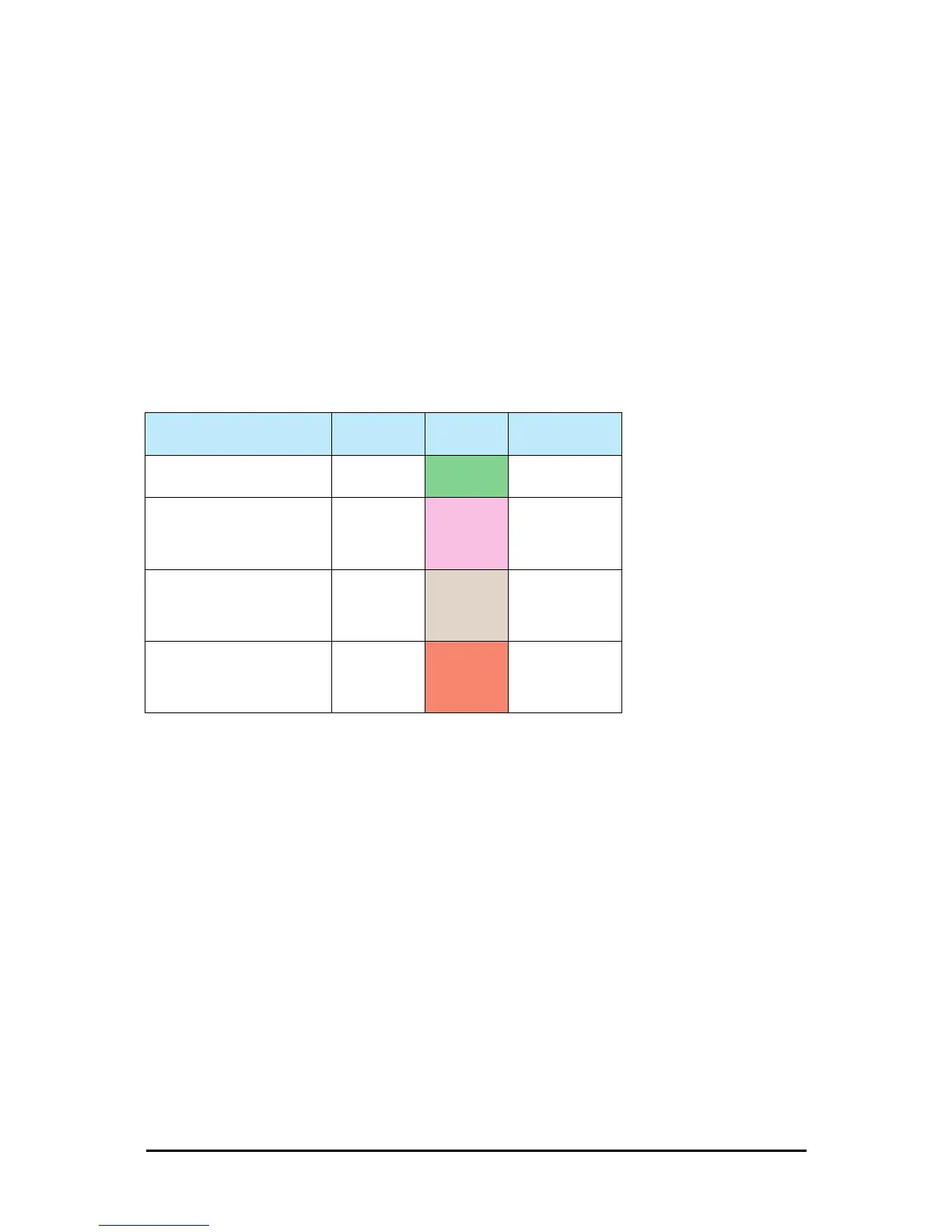
Table 9-2: Link Compatibility Trap Messages
Link State
Link State
text
Link Status
Color
Site Description
fullCompatibility Active Green
Software Upgrade
Available
restrictedCompatibility
Active -
Software
Version
mismatch
Magenta
(Same as
authenticatio
n error)
Software Upgrade
Recommended
softwareUpgradeRequired
Active –
Software
Upgrade
Required
Brown
(Major)
Software Upgrade
Required
versionsIncompatibility
Not Active -
Software
Upgrade
Required
Red
Local Software
Upgrade Required



 To Next Page