A Little Terminology Chapter 1
FA4800 User Manual Release 1.9.40 1-18
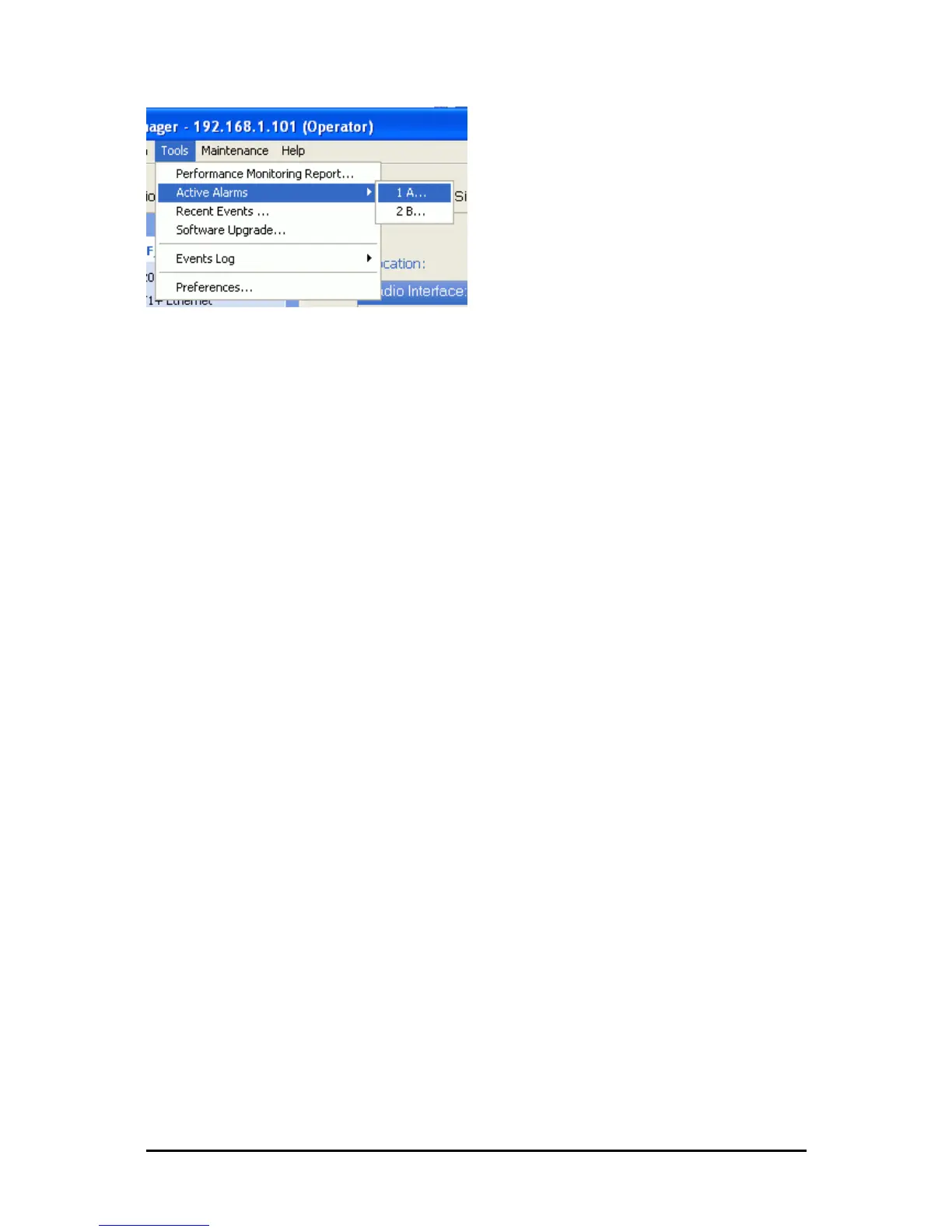
Menu navigation in the FibeAir2000 Manager
Similarly, mouse click items will be referred to like this:
“Click Next to continue.”
(A mouse click always uses the left mouse button unless stated otherwise.)
Windows Terminology
Look at Figure 1-1 above. The main application display which you see consists of a frame-
window with a menu bar, system icons and content. It will be referred to as a window, the
main window or the Manager window depending on context.
The top line of icons is the tool bar, and provides part of the menu bar functionality with a
mouse click.
At the bottom of the window is the status bar, a line of icons and text boxes.
The central part of the main window consists of several panes: On the right, there are Radio
Interference, Ethernet Service and the Frequency panes. The left hand pane (with the blue
background) is split into three sub-panes.
If you click Site A or Site B in the tool bar, you will be offered another window, which in turn
displays on of several panels depending on which function you choose.



 To Next Page