Setting the Maximum Information Rate (MIR) Chapter 8
FA4800 User Manual Release 1.9.40 8-20
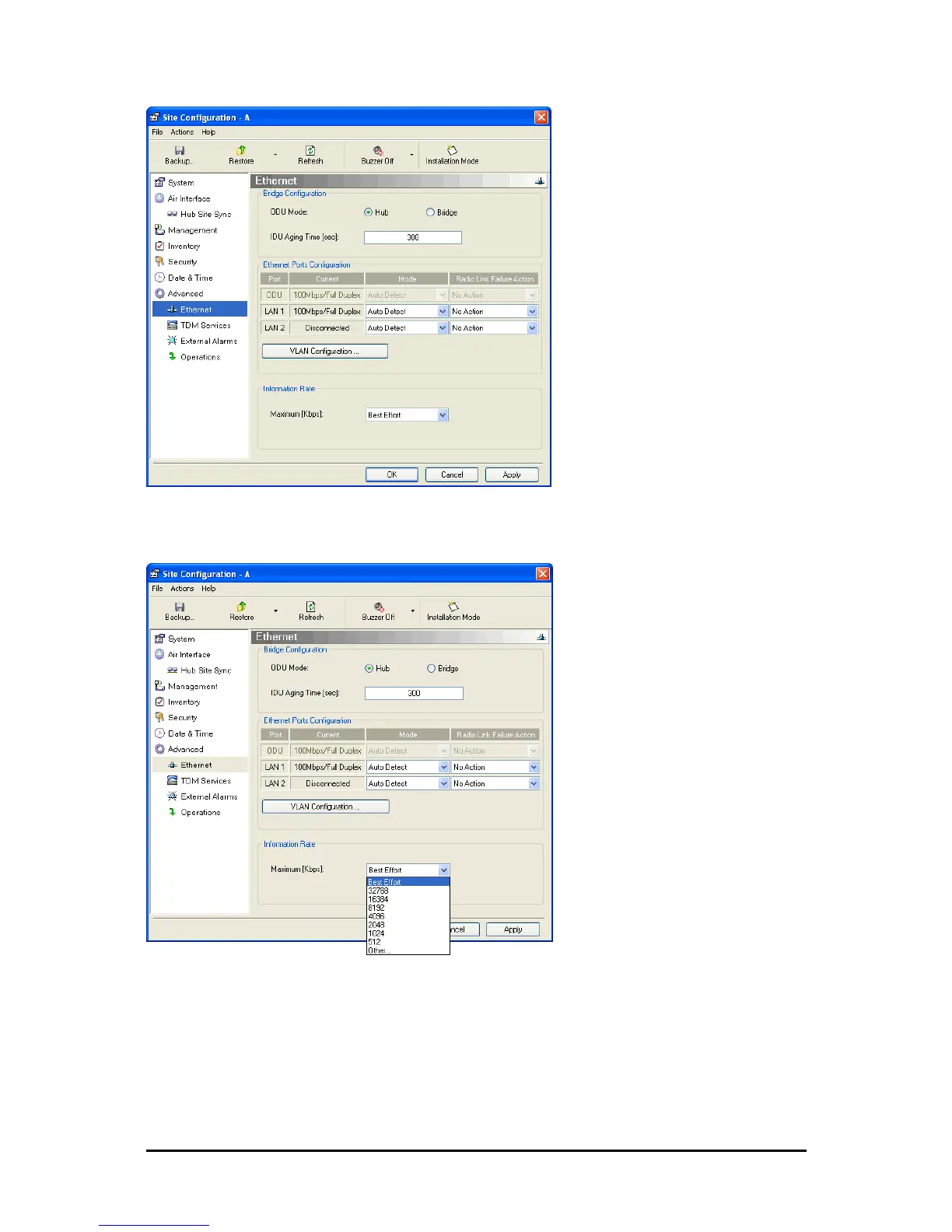
Figure 8-16: Bridge Configuration - Site Configuration dialog box
3. In the Information Rate pane, use the drop-down menu to choose the MIR.
Figure 8-17: Ethernet MIR - Throughput selection
4. Choose Other to define the throughput with 1 Kbps resolution
5. Choose Best Effort for the highest information rate possible for the link conditions
and settings
6. Click Apply to save the changes.



 To Next Page