Using FibeAir2000 Manager to Set up a Ring Chapter 13
FA4800 User Manual Release 1.9.40 13-9
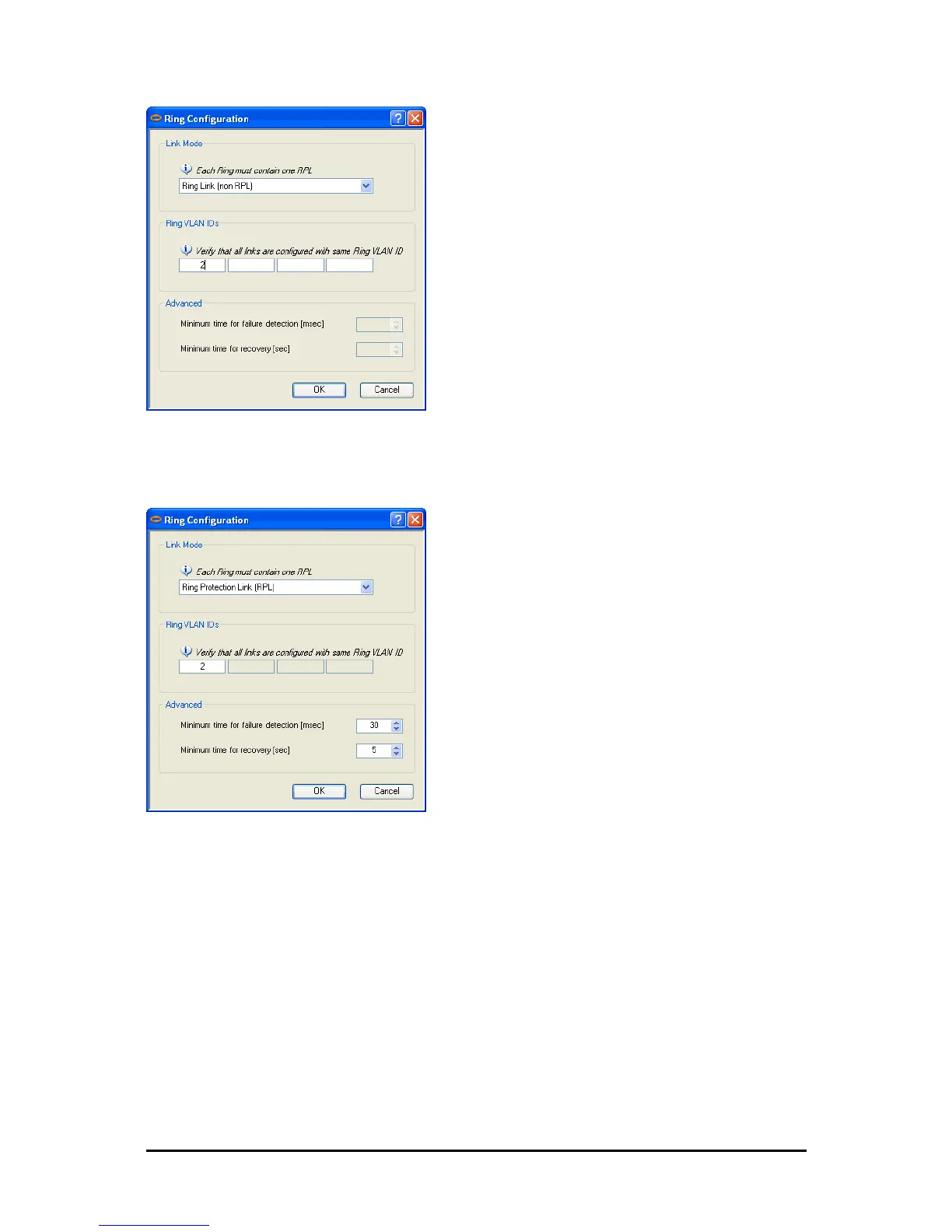
Figure 13-7: Configuring Ring LAN VIDs
4. To configure the link as RPL, click Ring Protection Link (RPL) and enter its Ring
VID.
Figure 13-8: Configuring RPL VIDs
5. Enter the minimum times for failure detection and recovery.
For dual-homed configurations, where part of the ring goes through the core, if a
core segment fails, the core should be allowed to recover before the RPL enters Pro-
tection State. Otherwise, it could happen that both the core and the Ceragon ring
will switch in parallel. You should therefore, configure a Minimum time for failure
detection high enough to take this possibility into account.
The Minimum time for recovery is a delay switch to prevent rapid “on-off” fluctu-
ations. It functions like a delay switch use to protect electrical devices from rapid
“on-off” power fluctuations, which in this context, may lead to potential short term
loops.
6. Click OK to accept your settings.



 To Next Page