Installation Chapter 5
FA4800 User Manual Release 1.9.40 5-19
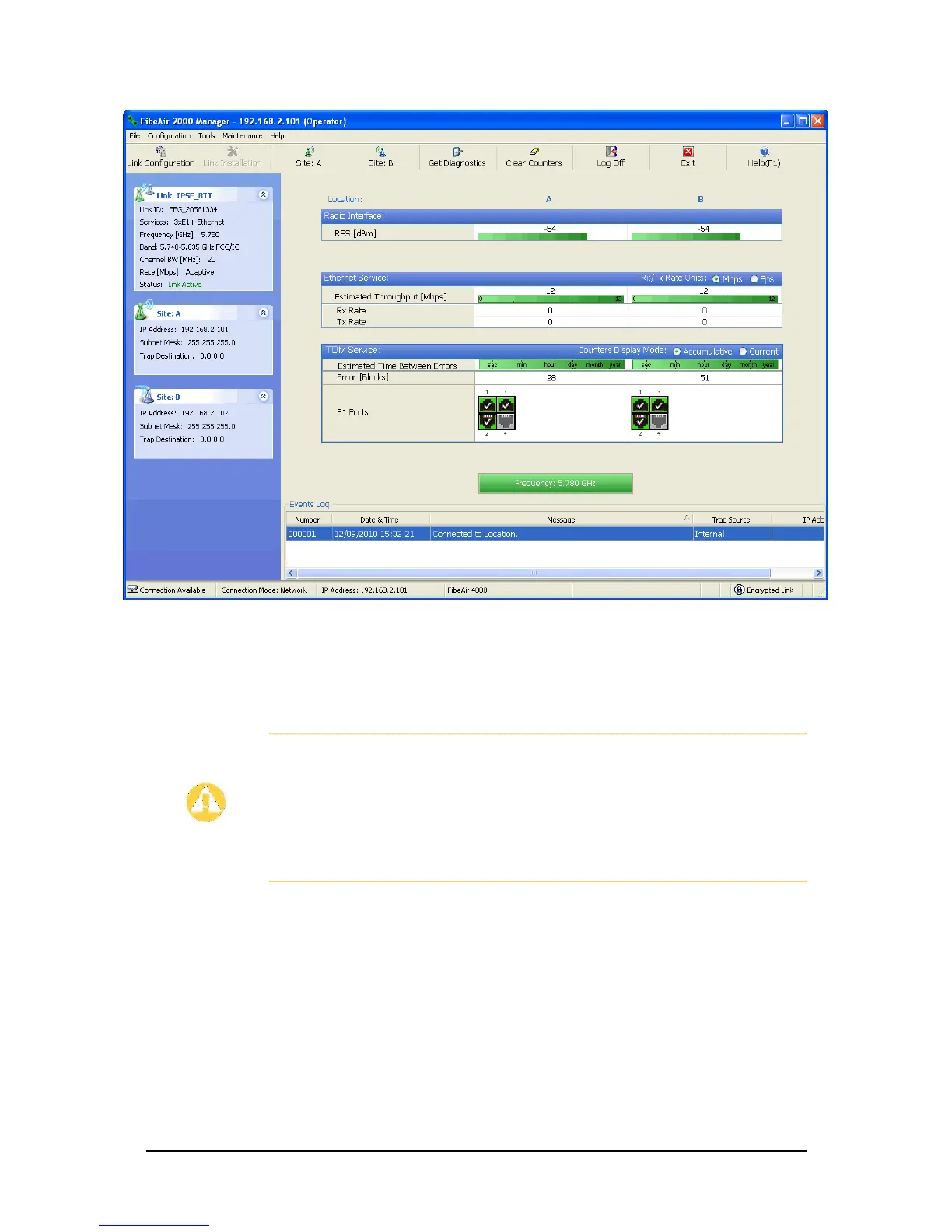
Figure 5-22: Main window of the Manager after installation with loaded trunks
To verify the installation:
• Verify that the Received Signal Strength (RSS) is according to expected results as
determined by the Link Budget Calculator.
Caution
Installation mode, as described above, may be re-entered using Site:A or
Site:B and Installation Mode in the Site Configuration dialog. Some
Installation mode functionality may cause a break in, or degrade link
service.
If you can accomplish link changes without affecting the service, always
prefer to use Configuration mode, described in Chapter 7.



 To Next Page