Documentation supplied with FA4800 Chapter 1
FA4800 User Manual Release 1.9.40 1-15
Documentation supplied with FA4800
The technical documentation supplied with a FA4800, is located on the product CD. It
includes the following items:
• A Quick Installation Guide for experienced installers (also hardcopy)
• A full User Manual - the document which you are reading
• A Help file accessible from the FibeAir2000 Manager
• Link Budget Calculator
How to Use this Manual
This User Manual is divided into three functionally distinct sections reflecting the activities
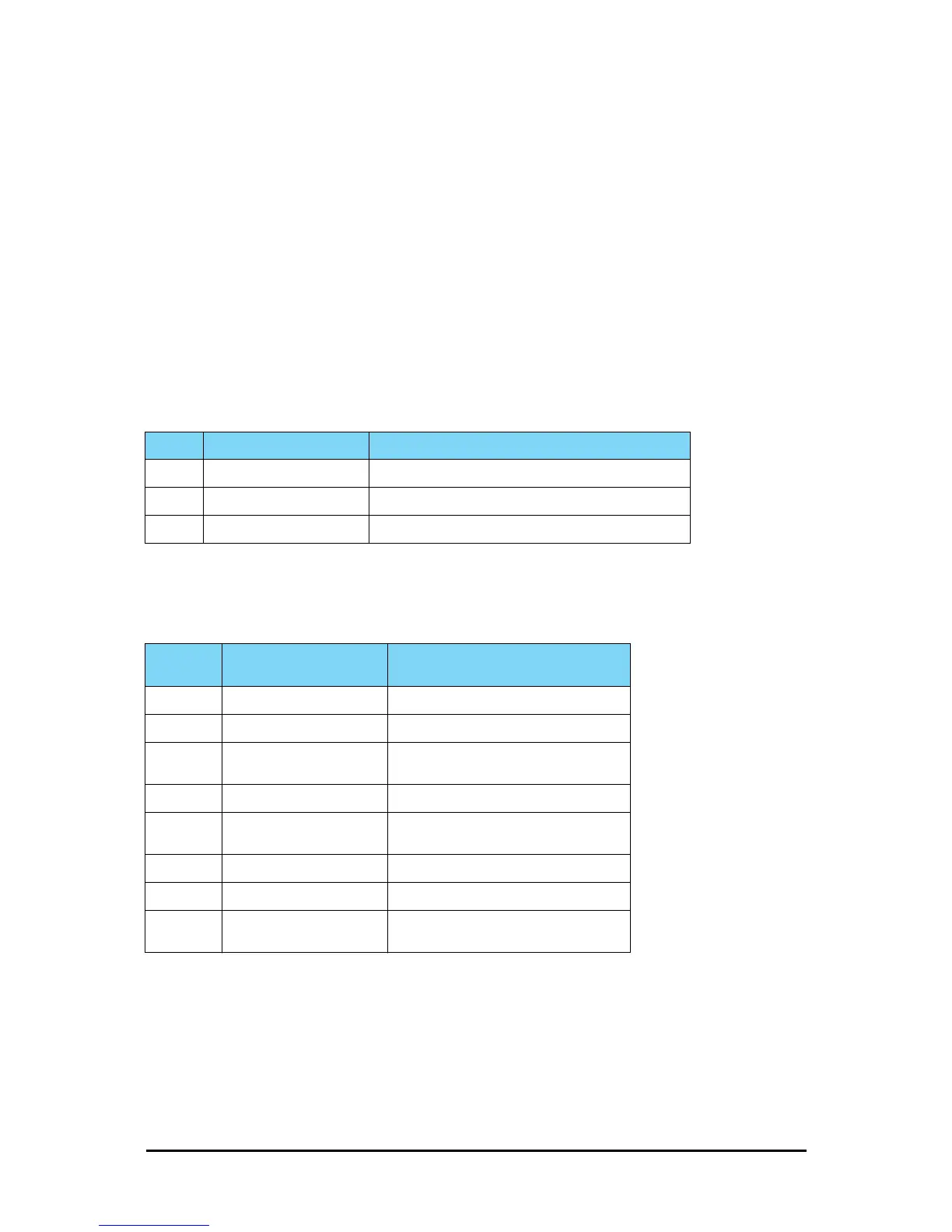
required to set up a FA4800. The division is shown in the following table:
The Basic Installation section is divided into functionally distinct chapters reflecting the activi-
ties required to set up a FA4800. The division is shown in the following table:
A Little Terminology
In the field, a link typically has a local or headquarters site as for example in Figure 1-1
above. Here the service provider is the local or headquarters site. The service recipient is the
remote site.
Table 1-3: User Manual - General layout
Section General Content Purpose
1 Basic Installation Core information to install and operate a link
2 Advanced Installation Specialized installation techniques
3 Technical Information Background for advanced use
Table 1-4: User Manual layout
Chapter/
Appendix
Subject Audience
2 Site Preparation Site survey team
3 Hardware Installation Field technician
4
Getting Started with the
FibeAir2000 Manager
Installation technician
5 Installing the Link Installation technician
6
The FibeAir2000 Man-
ager: Main Window
Installation technician, System manager
7 Configuring the Link Installation technician, System manager
8 Site Configuration Installation technician, System manager
9
Monitoring and Diagnos-
tics
Installation technician, System manager



 To Next Page