TDM Loopbacks Chapter 9
FA4800 User Manual Release 1.9.40 9-4
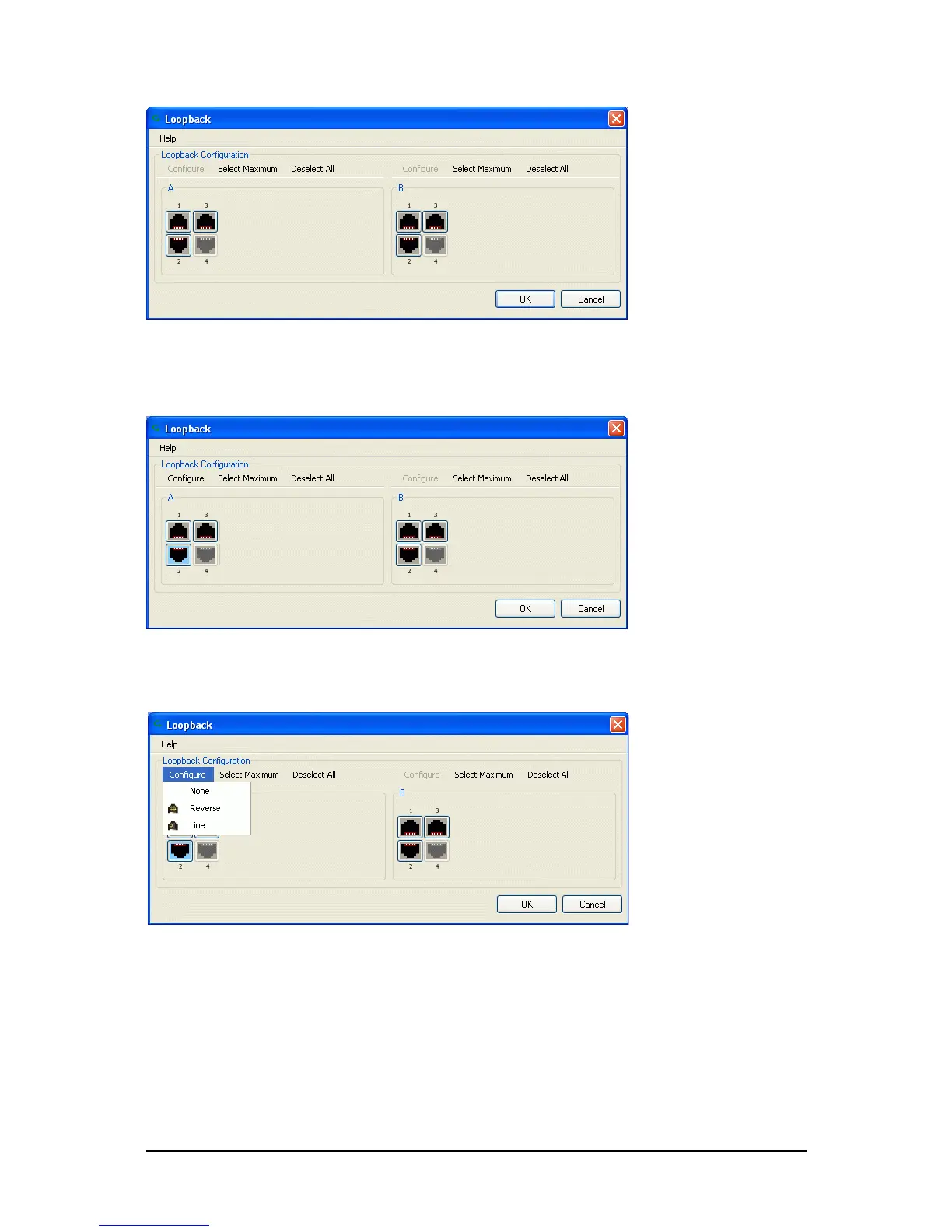
Figure 9-2: Loopback configuration box
2. From the active ports, click those required for loopback activation. The selected port
icons change color to light blue as in the following example:
Figure 9-3: Loopback configuration box with one Site A port selected
3. Click configure to choose a loopback mode:
Figure 9-4: Loopback options
4. Click the required loopback mode.



 To Next Page