Installation Chapter 26
FA4800 User Manual Release 1.9.40 26-2
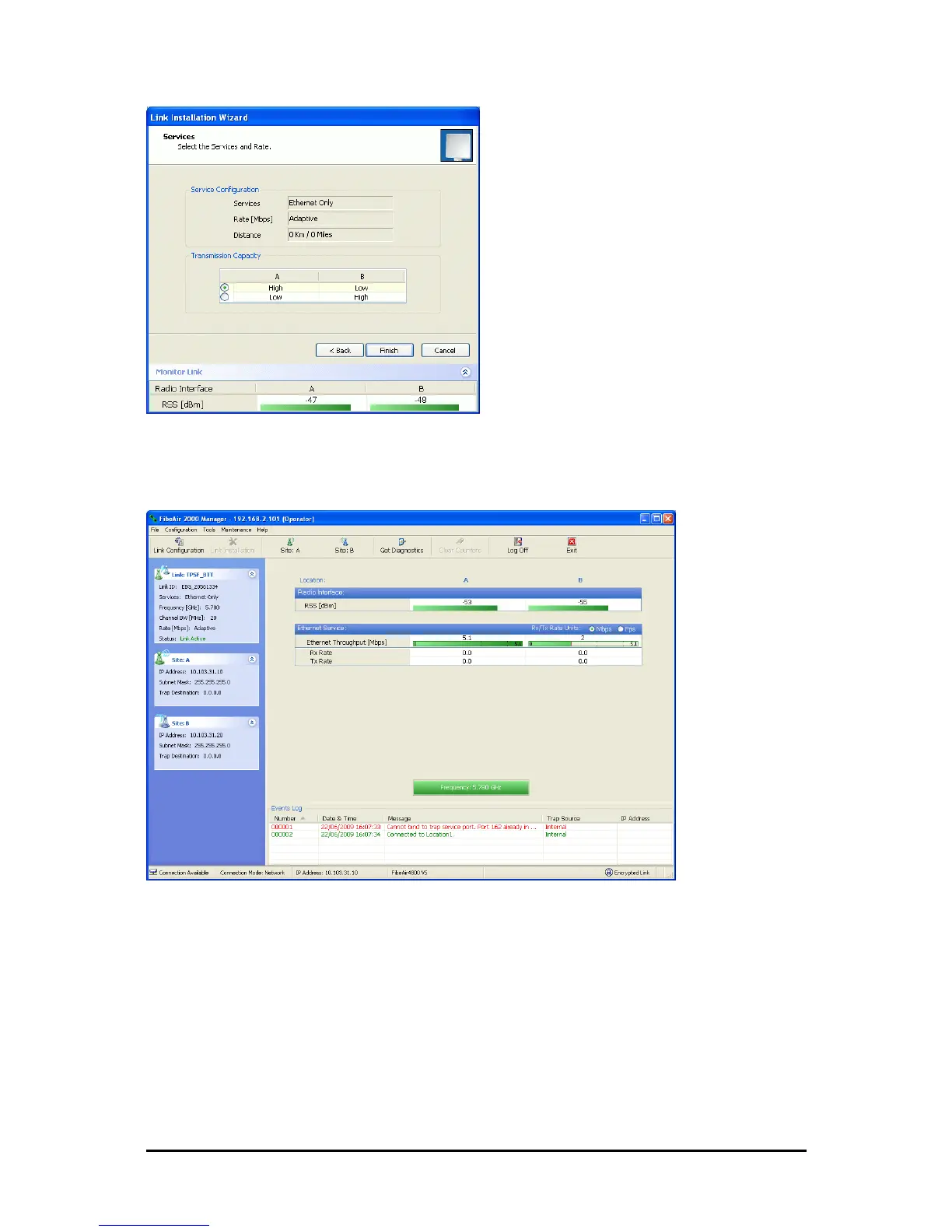
Figure 26-2: VS Services window for VS
On completion of the installation, the FibeAir2000 Manager main window should look similar
to this:
Figure 26-3: FibeAir2000 Manager window for VS showing asymmetric throughput
The Configuration wizard is similar to the Installation wizard; Site configuration is also stan-
dard.



 To Next Page