FCC/IC 5.4/5.3 GHz Link Configuration Chapter 16
FA4800 User Manual Release 1.9.40 16-5
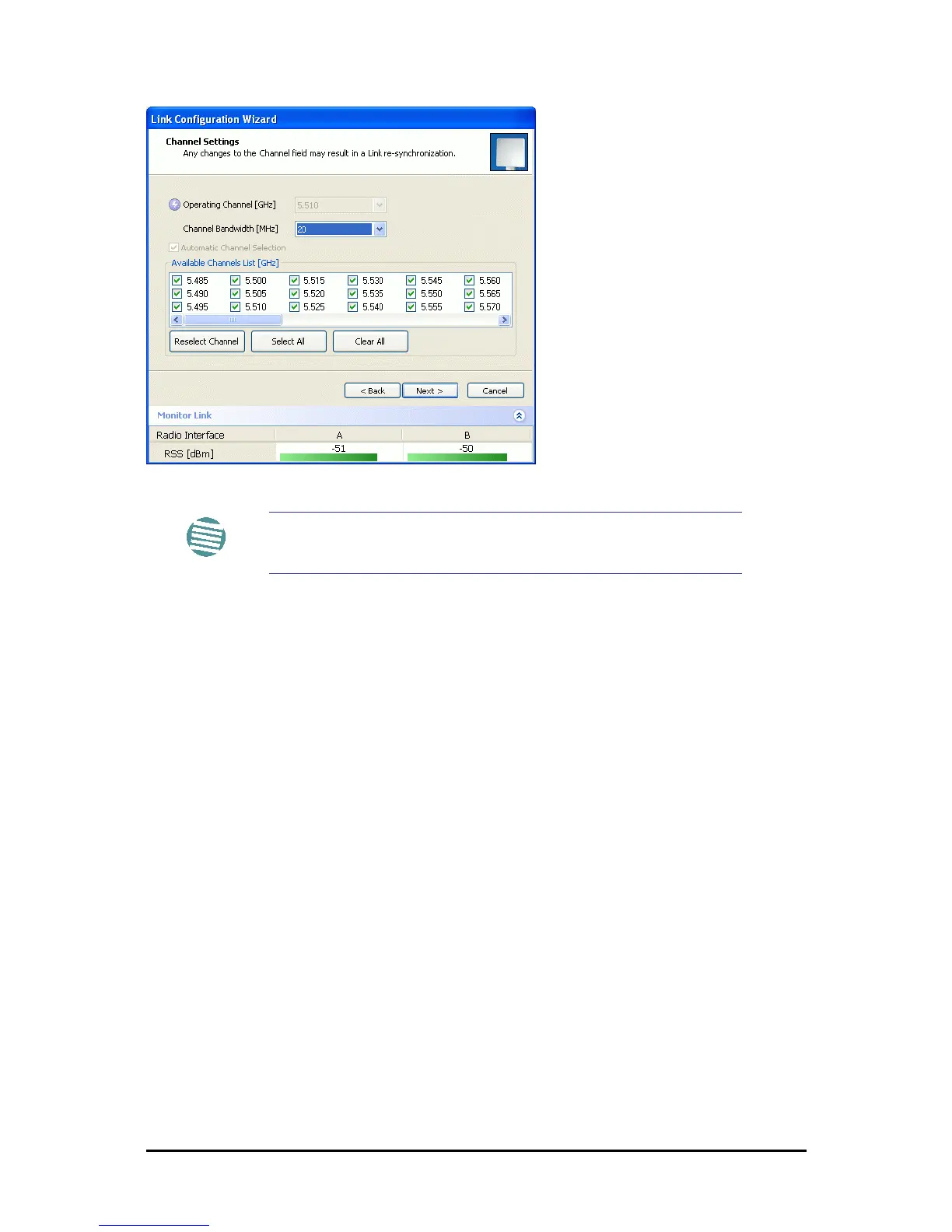
Figure 16-5: Channel Select dialog box - ACS permanently enabled
Upon completion of the wizard, the Site configuration dialogs can be used in the usual way.
Once operational, the FibeAir2000 Manager window is the same as for other radio equipment
models.
Here is the FibeAir2000 Manager main window upon completion of the wizard:
Note
ACS cannot be disabled.



 To Next Page