Getting Started with the FibeAir2000 Manager Chapter 4
FA4800 User Manual Release 1.9.40 4-2
Getting Started with the FibeAir2000 Manager
If your links are within easy reach, you can configure them using the procedure described
below. If however, your links are to be geographically scattered, it may be convenient to pre-
load each ODU with its network address prior to physical installation. The procedure is quite
straight forward, and set out in Chapter 19.
To start the FibeAir2000 Manager:
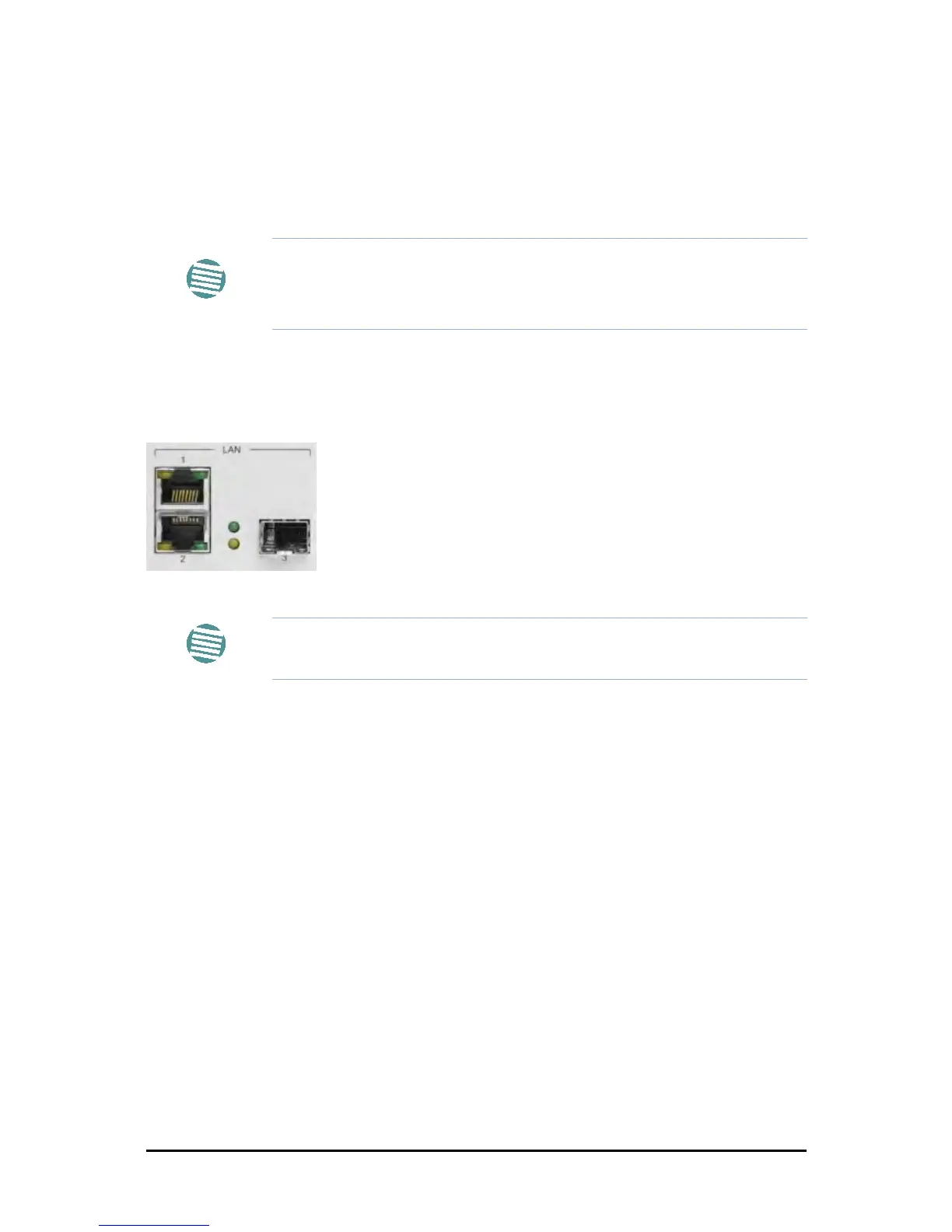
1. Connect the managing computer to one of the two LAN ports as shown in Figure 4-
1 below:
Figure 4-1: LAN ports on the front panel of the IDU-C
If you are not using a direct connection as above, ensure that you have IDU to man-
aging computer connectivity (e.g. through a LAN).
2. Check that you have connectivity to the ODU. You can do this by opening up a com-
mand line session (Start|Run and then type, cmd). At the command prompt, type
ping 10.0.0.120
You should see something like this:
Note
Each ODU requires a static IP address, since part of the link definition is the
IP address pair of both ODUs. Network Managers should ensure that these
addresses are outside of the automatic allocation ranges used by their
network DHCP server.
Note
For IDU-E users: The LAN ports are located on the rear panel on the unit.



 To Next Page