Installation Chapter 5
FA4800 User Manual Release 1.9.40 5-15
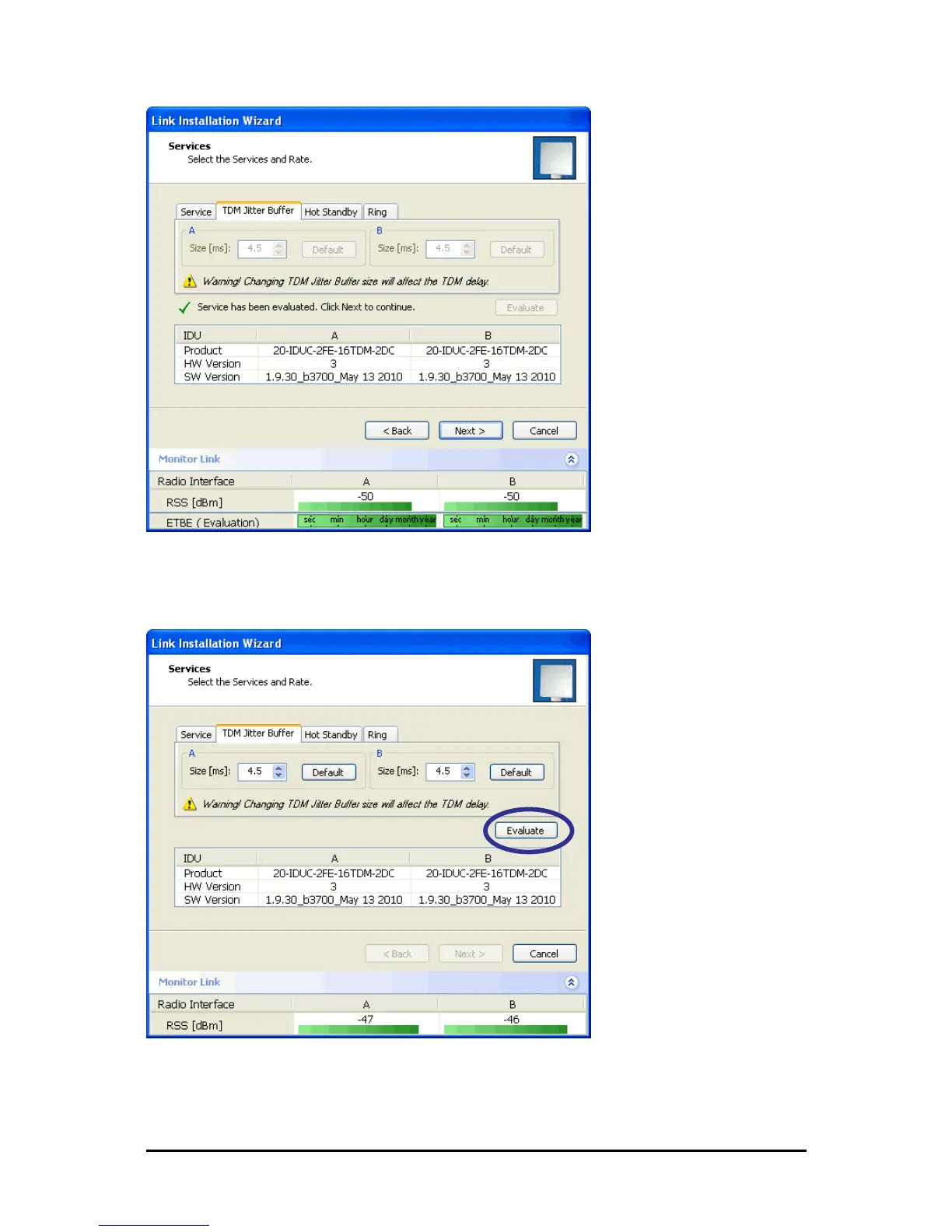
Figure 5-17: TDM Jitter Buffer Configuration - ETBE evaluation bar
2. After setting the jitter buffer size, if grayed out, the Evaluate button is enabled while
both Back and Next are disabled as shown in the next figure:
Figure 5-18: Services and TDM delay set - link ready for evaluation
3. You may make any further changes to the Service Configuration or the Jitter
buffer. When you are satisfied, click the Evaluate.



 To Next Page