Log-on Errors and Cautions Chapter 4
FA4800 User Manual Release 1.9.40 4-6
8. If you are a user with Read-Write permission, click Options to enter the Community
options if required
9. For initial log on:
• Leave the default Community passwords, netman for read-write, and public for
read-only.
• If Community values were previously defined, enter them under Community in the
Read-Only or Read-Write boxes.
• If you are a user with read-only permission, then you may only log on as Observer.
The FibeAir2000 Manager main window is displayed (see Figure 4-9).
Log-on Errors and Cautions
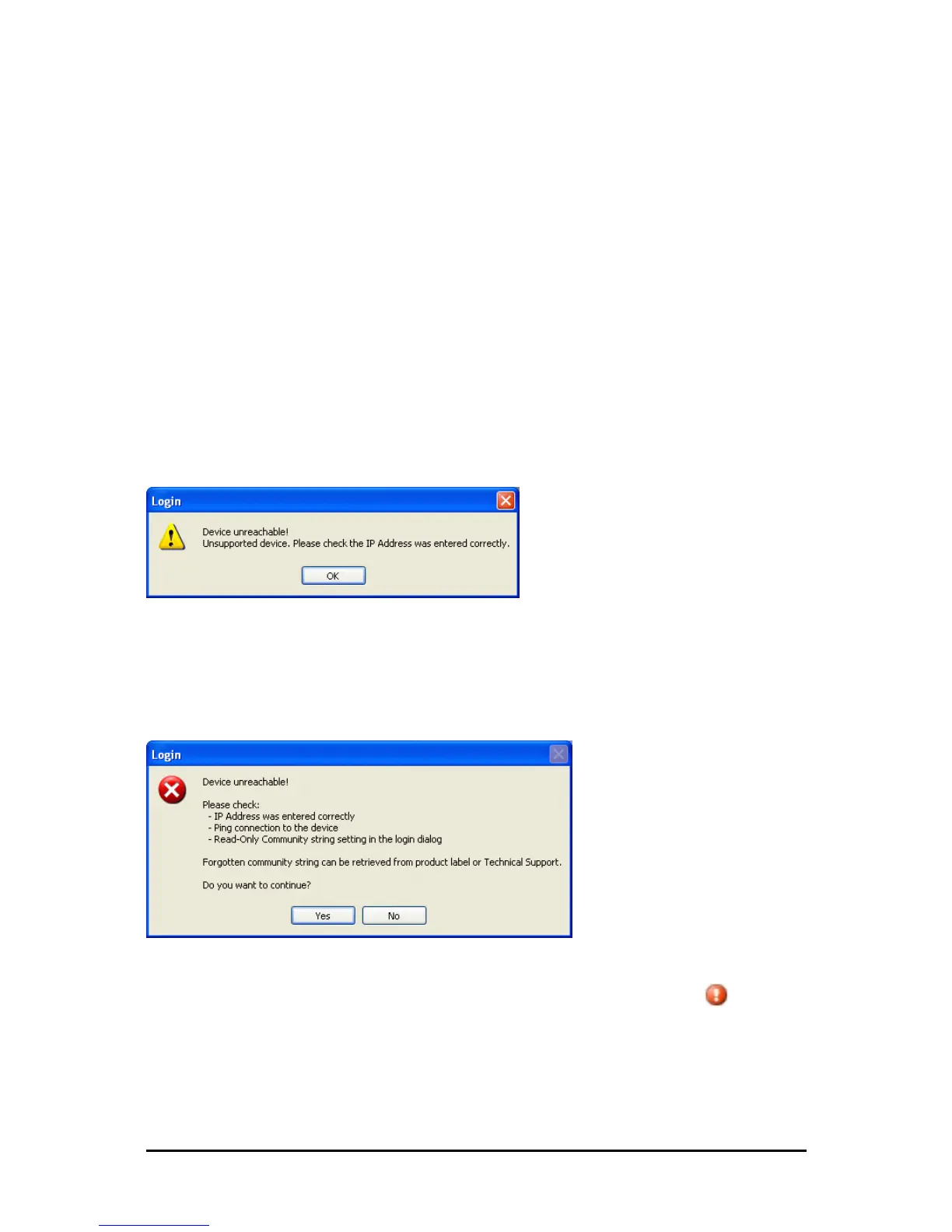
Unsupported Device
Attempting to connect to an unsupported device on an otherwise valid IP address (for exam-
ple, a LAN printer) will result in the following error message:
Figure 4-5: Unsupported device message
Incorrect IP Address
If the IP address chosen is invalid or the link is unreachable, the following error message will
be displayed:
Figure 4-6: Unreachable device message
In both of the above situations, if you click No, you will see a warning graphic alongside
the IP Address field.



 To Next Page