Installation Chapter 5
FA4800 User Manual Release 1.9.40 5-5
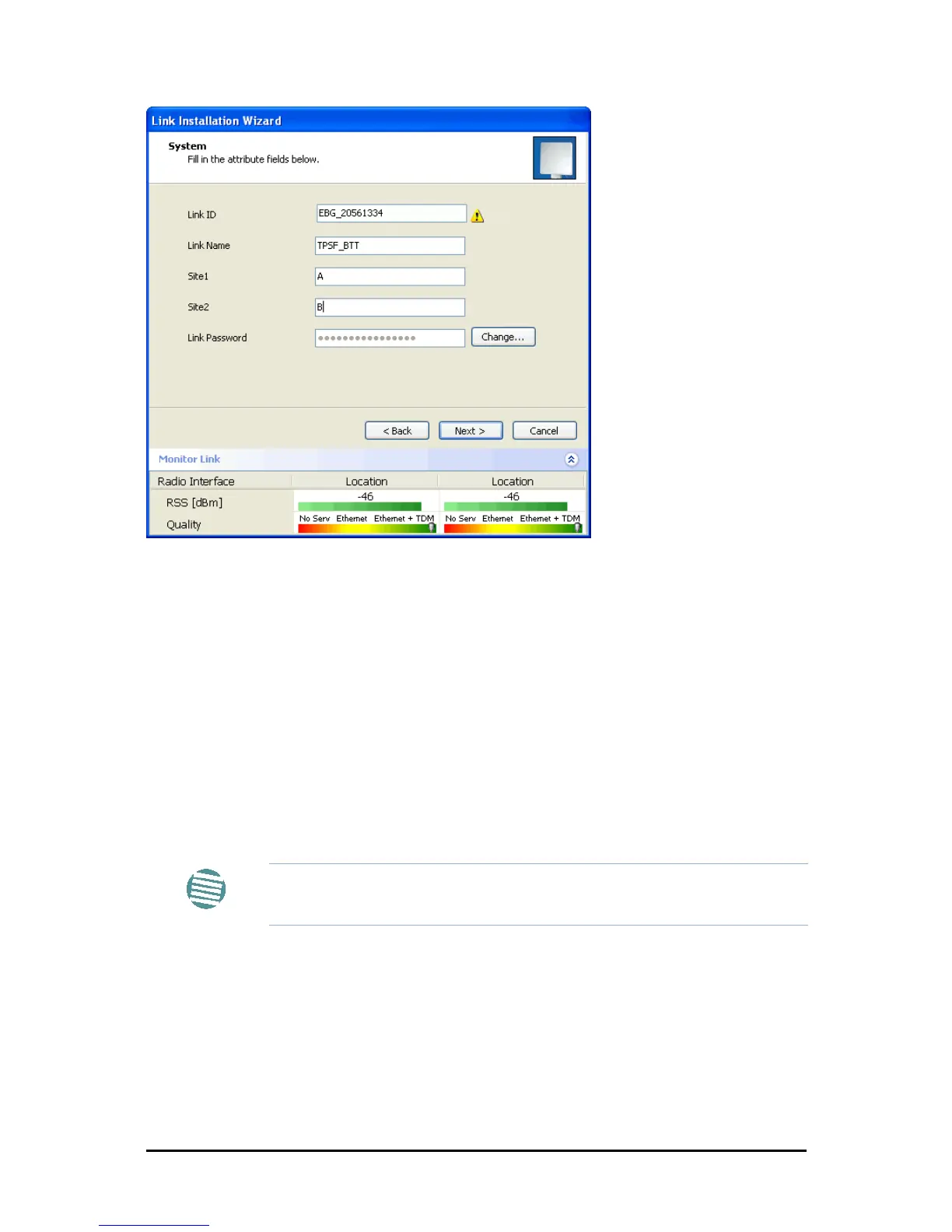
Figure 5-3: Installation Wizard, System dialog box filled out
5. Click Next.
The default link with a rate of 6.5 Mbps is evaluated.
The Channel Setting dialog box appears. Proceed to Channel Settings, below.
Changing the Link Password
The default password is wireless-bridge. Optionally, you can change the link password as
explained here.
To change the link password:
1. Click the Change button in the System dialog box.
The Change Link Password dialog box opens.
Note
Use the Hide characters check box for maximum security



 To Next Page