Switching back from the Secondary to the Primary Link Chapter 12
FA4800 User Manual Release 1.9.40 12-12
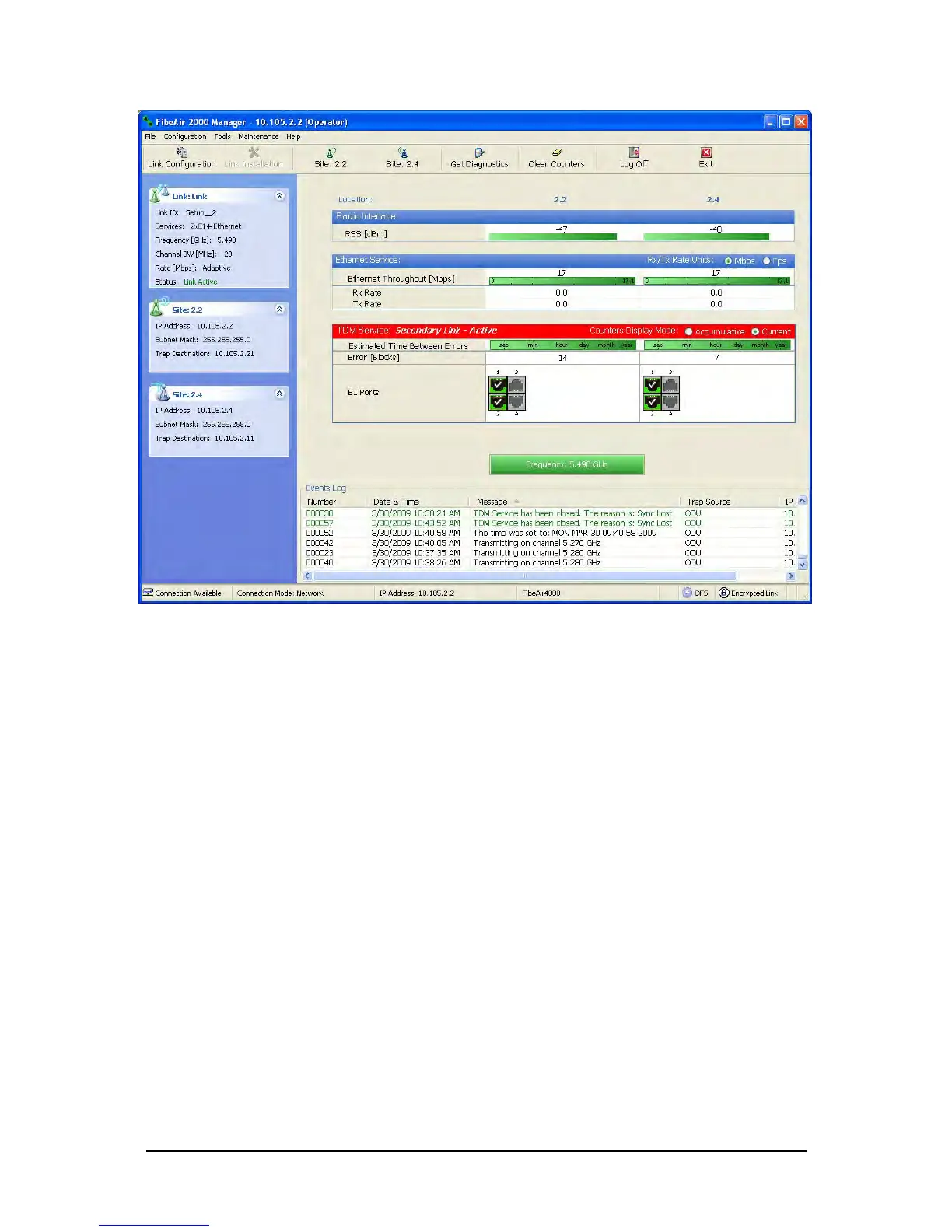
Figure 12-10: Secondary link operating after the switch over to secondary. (After a few
moments the TDM icons become green.)
Switching back from the Secondary to the Primary Link
Switching back from the secondary link to the primary link will occur after the primary link has
become and remains fully functional for a continuous period of at least one second. Following
reversion from the secondary link to the primary link, the Manager main windows should look
like this:



 To Next Page