The FibeAir2000 Manager log-on Concept Chapter 4
FA4800 User Manual Release 1.9.40 4-3
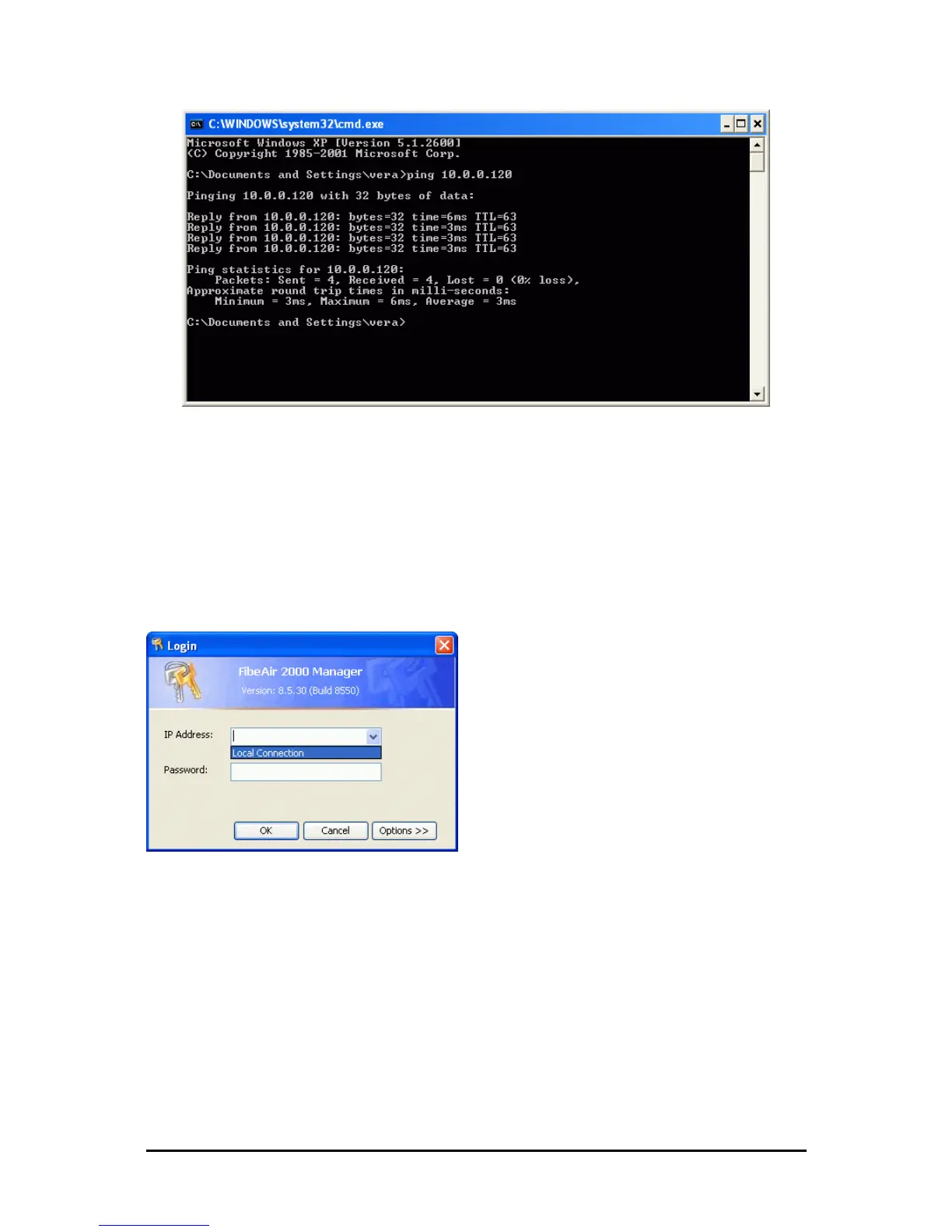
Figure 4-2: Pinging an uninstalled and unconfigured link
Any other response from ping means that the ODU is not responding. Check your
Ethernet connection and that both the IDU and ODU are switched on and then try
again. If you do not succeed, seek assistance from Ceragon Customer Support.
3. Dismiss the command line session.
4. Double-click the FibeAir2000 Manager icon on the desktop, or click Start|Pro-
grams|FibeAir2000 Manager|FibeAir2000 Manager.
The Log-on dialog box appears.
Figure 4-3: First time log-on window
The FibeAir2000 Manager log-on Concept
The FibeAir2000 Manager provides three levels of access in one of two entry modes. To see
them, click Options at any time in the Log on window (Figure 4-3 above). You are offered
an extended log-on window:



 To Next Page