BRS Link Activation Chapter 25
FA4800 User Manual Release 1.9.40 25-2
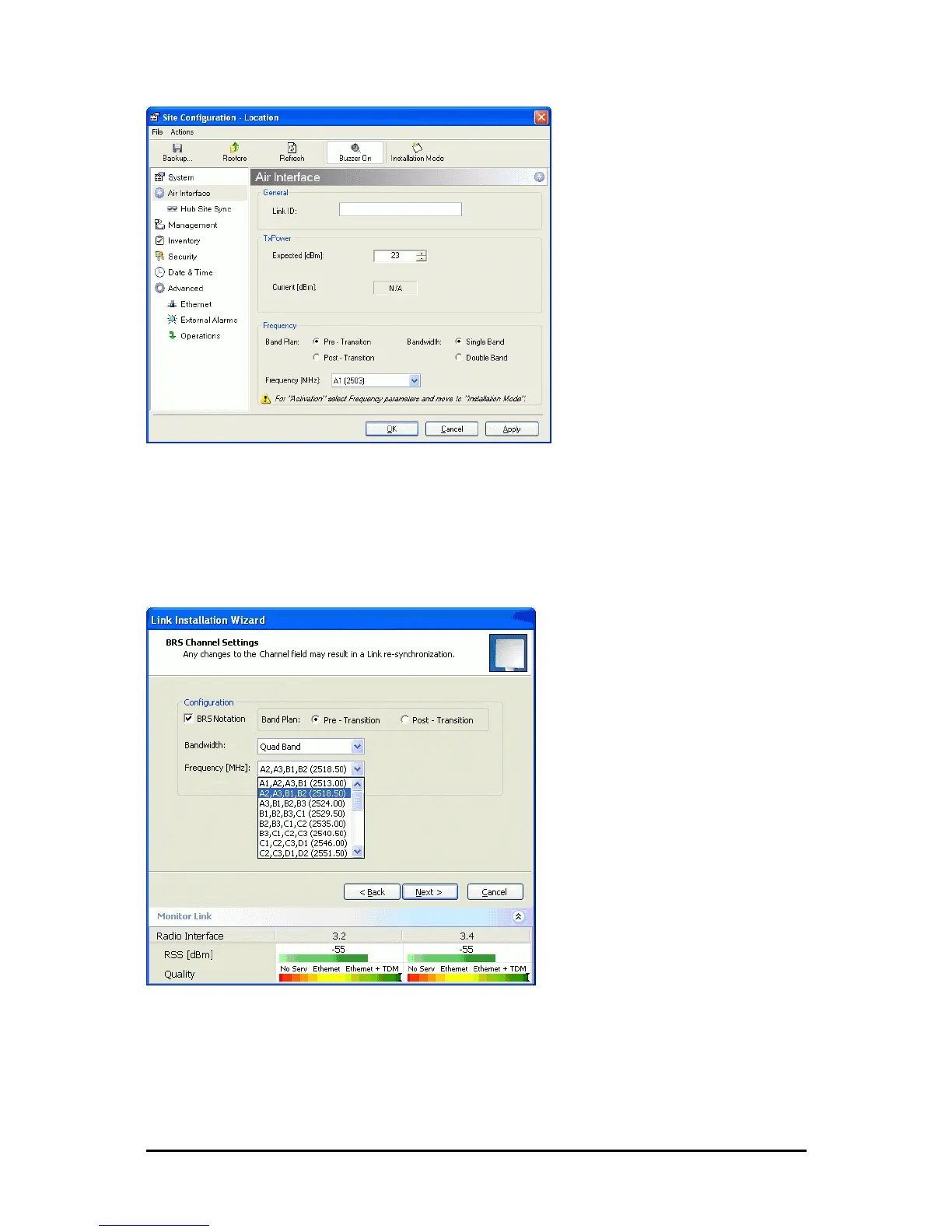
Figure 25-2: BRS Air Interface dialog box
4. Set the appropriate Frequency Band Plan and Bandwidth.
5. Select the required frequency band, and click Apply.
6. Click Installation Mode
7. Repeat for the remote ODU.
Figure 25-3: BRS Channel Settings Pre-Transition
8. Perform the remainder of the Installation procedure as defined in the Installation
section.



 To Next Page