Installation Chapter 5
FA4800 User Manual Release 1.9.40 5-11
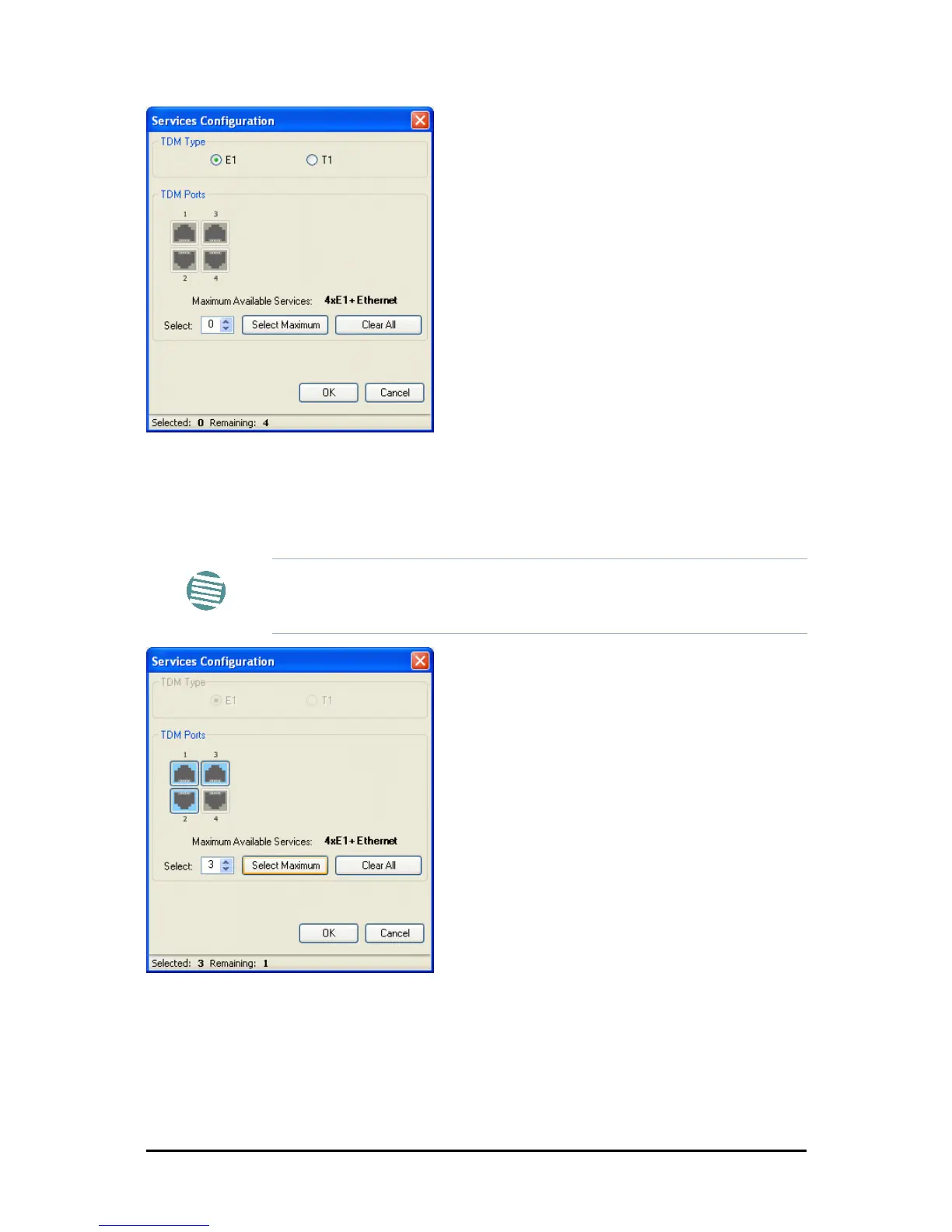
Figure 5-11: TDM service port selection
3. Use the spin button to choose consecutive service ports, the Select Maximum but-
ton to choose all available ports.
Figure 5-12: TDM Service port selection - seven services selected
4. Click OK. You are returned to the Services and rates dialog of Figure 5-14.
It is updated to reflect your choice.
Note
• Ethernet is always selected.
• The maximum available services will be reduced in accordance with
actual air interface capacity.



 To Next Page