Configuration with the web interface
98-150471-A02 Chapter 6: Configuration 6-37
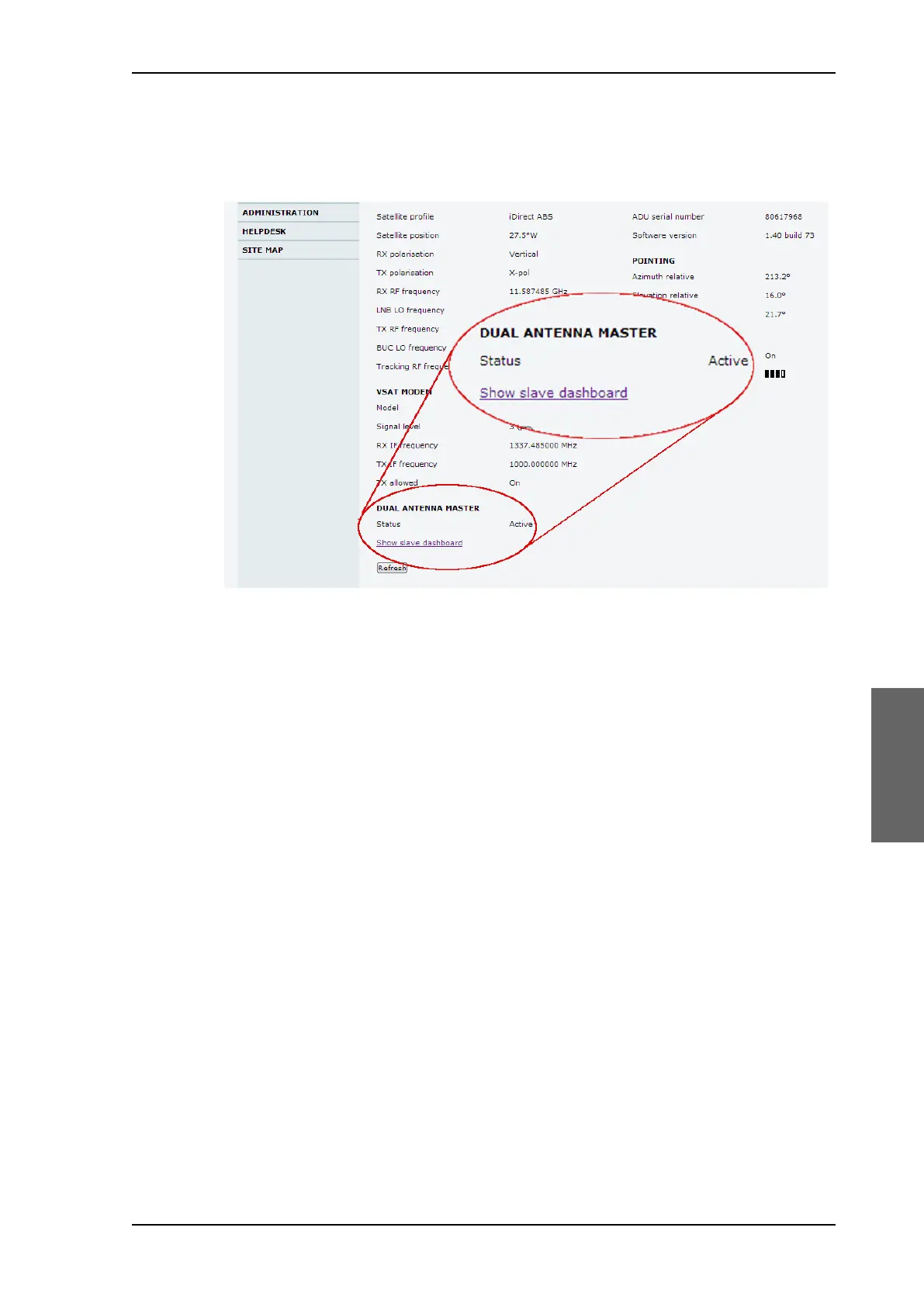
At the bottom of the DASHBOARD of the web interface there is a section where you can
switch over to the other ACU dashboard. Next to Status you can see whether the current
ACU is active or not.
The dual-antenna system switches between the 2 antennas in the following scenarios:
• When in a programmed blocking zone.
• When the signal is blocked for more than 2 minutes.
• ADU is malfunctioning.
In the statistics report you can get more detailed information on the dual-antenna mode,
see also Table 6-6-16 on page 6-34.
To configure the Master ACU
The Master ACU is configured exactly the same way as a stand-alone SAILOR 900 VSAT
High Power system with satellite profiles and VSAT modem profiles. Do as follows:
1. Go to SETTINGS > Dual antenna.
Figure 6-27: Dual-antenna mode, link on DASHBOARD
SAILOR900HP.book Page 37 Monday, July 18, 2016 12:44 PM










 To Next Page