Configuration with the web interface
98-150471-A02 Chapter 6: Configuration 6-45
To reset to factory default
When resetting SAILOR 900 VSAT High Power to factory default, the following settings are
deleted:
• All satellite profiles
• All modem profiles
• Blocking zones
•Heading settings
•Network setup
• User permissions
• ACU display: brightness setting
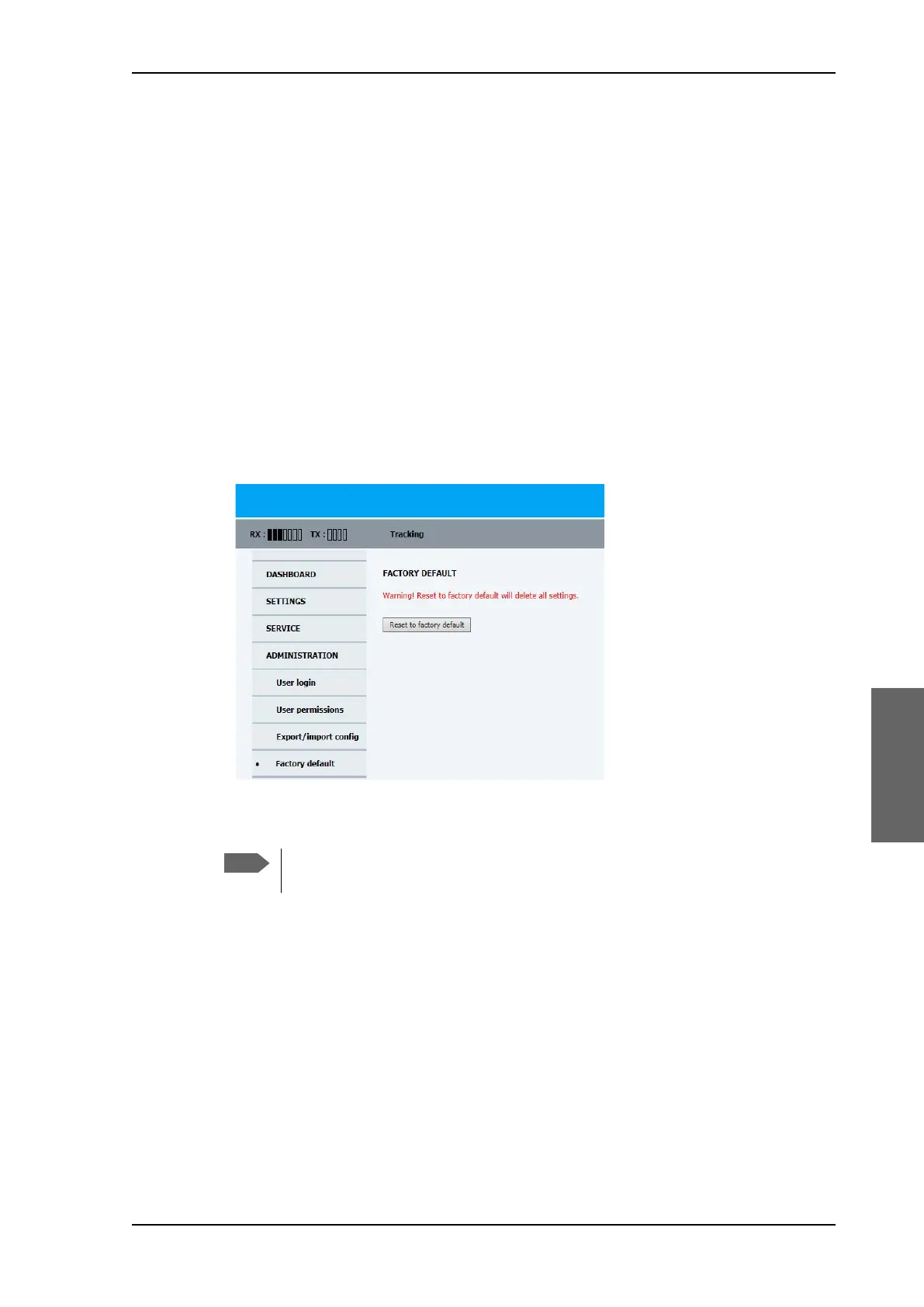
To reset to factory default settings, do as follows:
1. From the left navigation pane, select ADMINISTRATION > Factory default.
2. Click Reset to factory default.
Figure 6-38: Web interface: ADMINISTRATION, Factory default
Calibration data for azimuth and cable calibration are not reset during factory
default.
SAILOR900HP.book Page 45 Monday, July 18, 2016 12:44 PM










 To Next Page