98-150471-A02 8-1
Chapter 8
Service 8
This chapter is organised in the following sections:
• Getting support: Helpdesk
• Software update
• Status signalling with LEDs and status messages
• Removal and replacement of the ACU
• Removal and replacement of ADU modules
• Troubleshooting
8.1 Getting support: Helpdesk
If this manual does not provide the remedies to solve your problem, contact your service
provider.
8.1.1 Help desk and diagnostic report
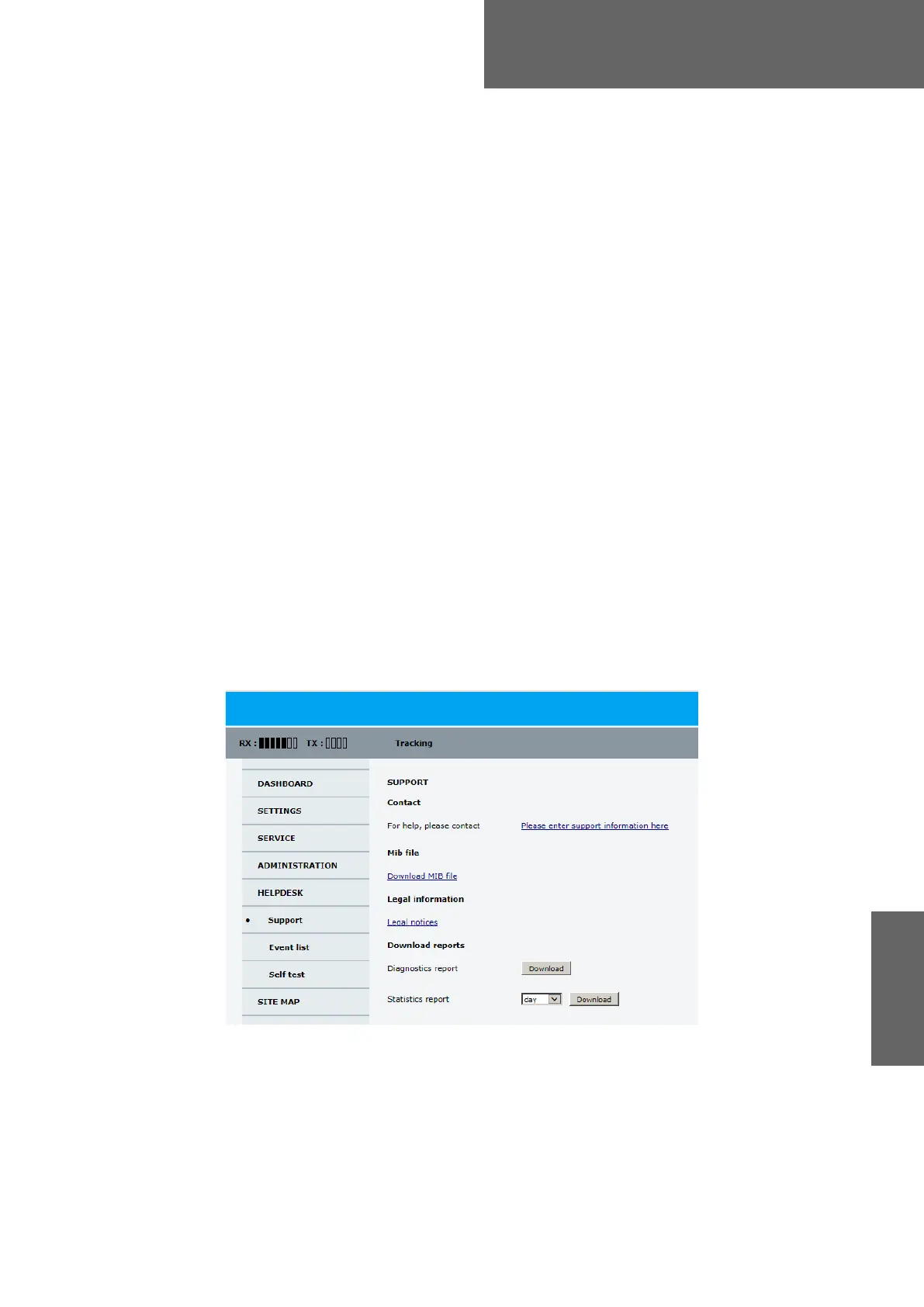
During the installation you can enter the support contact for this installation.
To access the Help desk, select HELPDESK from the left navigation pane.
Click the link, enter support contact information and click Apply.
You can download the MIB file.
Figure 8-1: Web interface: HELPDESK
SAILOR900HP.book Page 1 Monday, July 18, 2016 12:44 PM










 To Next Page