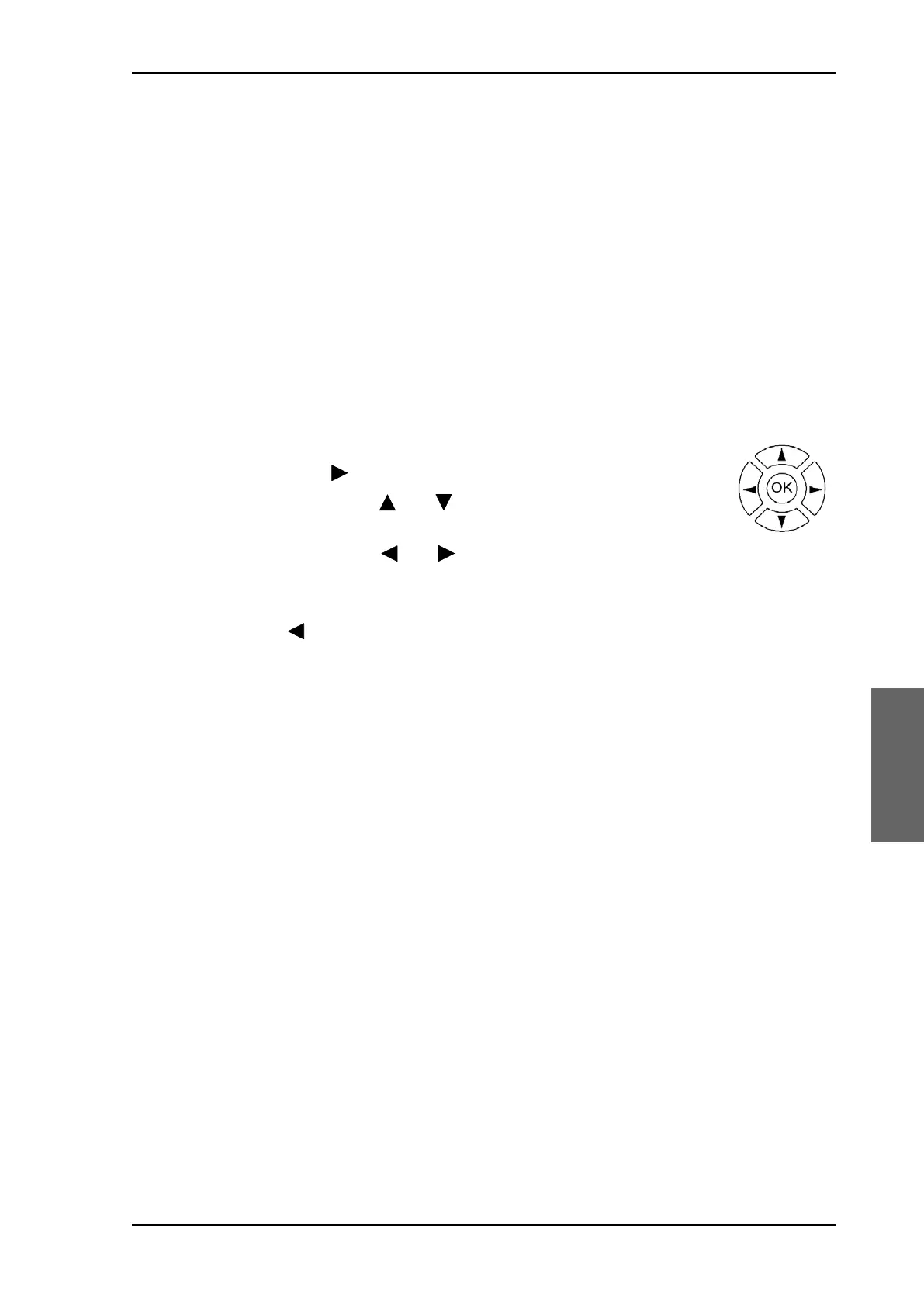
Keypad and menus of the ACU
98-150471-A02 Chapter 6: Configuration 6-47
5. HDG: Ship heading data received from the ship’s gyro, OK or —.
6. LAN: LAN connectors used, 1, 2, 3, 4, —.
7. SAT: Satellite position of currently active satellite profile.
8. RX: RX polarisation of currently active satellite profile. H (horizontal), V (vertical), L (left-
hand) R (right-hand).
9. RF tracking frequency in GHz and LNB LO Frequency.
10.TX:X TX polarisation of currently active satellite profile. X (Cross polarisation) or Co
(Co-pol).
After 1 hour the display is dimmed to lowest intensity. Press any key to light up the display.
6.4.2 Navigating the menus
Use the keypad to navigate the menus.
•Press OK or to select a menu item.
• Use the arrow keys and to go through the menu items or enter
a number, digit by digit.
• Use the arrow keys and to go through the settings and move
from one digit to the next.
•Press OK to select a setting.
• Press again to move one level up. If applicable, confirm to store the new setting by
pressing OK.
SAILOR900HP.book Page 47 Monday, July 18, 2016 12:44 PM










 To Next Page